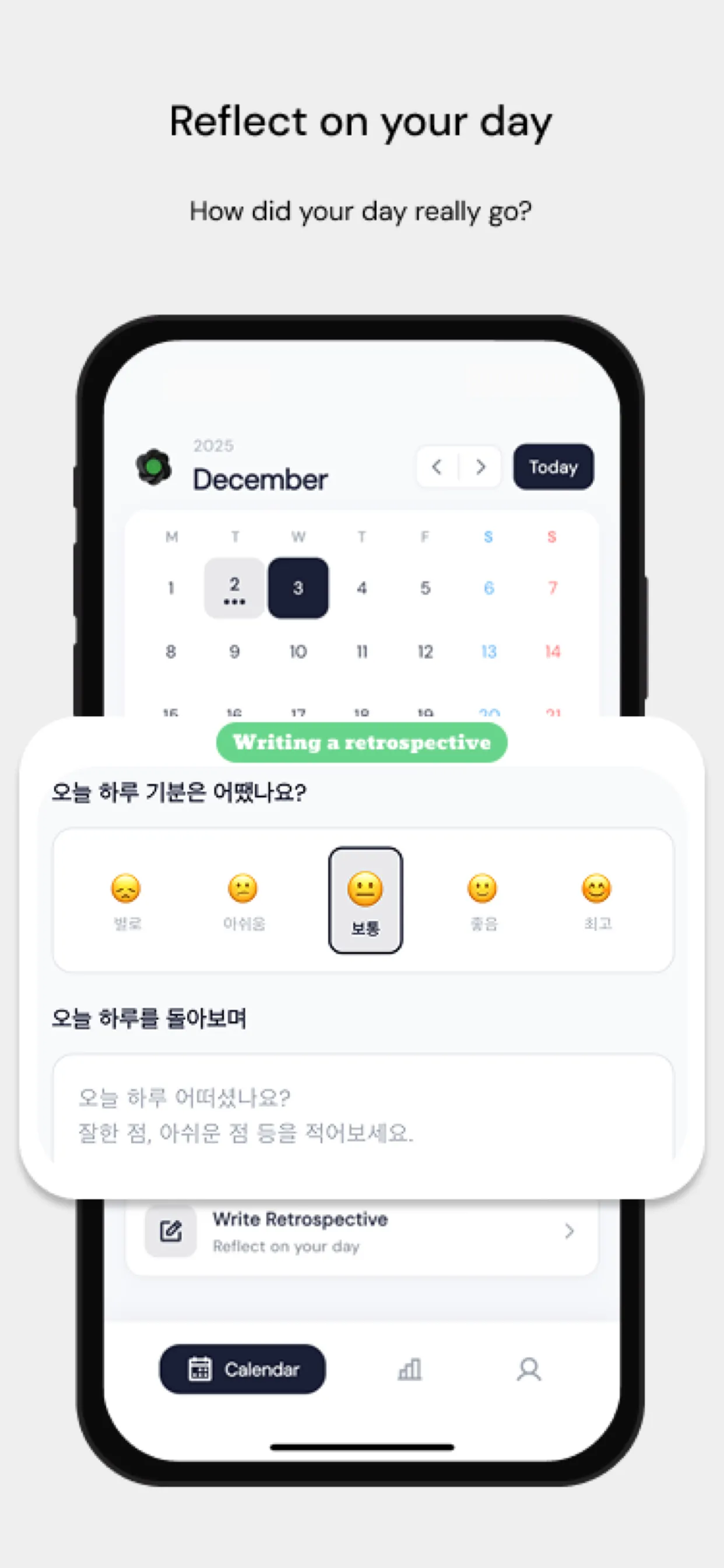
A to-do list gets done when every item on it has a start time and a length. A plain list tells you what to do, but it never tells you whether those things fit into the hours you actually have. So the big items drift toward the evening, the small ones get done first because they are easy, and whatever is left rolls into tomorrow. Giving each task a time turns the list into a plan you can check at 9 a.m. instead of discovering the problem at 6 p.m. In Chrobox usage data, tasks with a start time and a length were completed 48.1% of the time; tasks left on a list without a time were completed 17.6% of the time. This week is a good test. For many people in the US, Thanksgiving on Thursday, November 26 shrinks the work week to three days, and a list written for five days will not fit into three.
Why a plain to-do list doesn't finish
A list has three blind spots.
- It has no sense of size. "Draft the budget summary" and "book flights" each take one line. One takes an hour and a half, the other twenty minutes. On a list they look identical, and the easy one usually wins.
- It has no sense of capacity. Writing twelve items takes a minute. Nothing on the page tells you that after meetings, lunch and the commute, you have three and a half open hours today.
- It makes you decide over and over. Every time you finish something, you go back to the list and choose again. Each choice is a chance to check messages first.
Here is what that looks like on a real Monday. Put a rough estimate next to each item and add them up:
| Item | Estimate |
|---|---|
| Draft Q4 budget summary | 90 min |
| Reply to six client emails | 30 min |
| Review a colleague's slides | 45 min |
| Read the vendor proposal | 60 min |
| Prepare notes for Wednesday's one-on-one | 30 min |
| Book December flights | 20 min |
| Fix last month's expense report | 15 min |
| Order groceries for Thursday | 15 min |
| Total | 5 h 05 min |
If meetings leave 3 hours 30 minutes open, about an hour and a half of this list was never going to happen today. A plain list hides that until evening. A timed list shows it before you start.
How to give every task a time
It takes about fifteen minutes, first thing in the morning or the evening before.
- Estimate every item in 15- or 30-minute units. Your guesses will be off at first. That is fine; the point is to have a number you can correct later.
- Put fixed events on the day first. Meetings, classes, the commute, school pickup, lunch. Whatever is left between them is your real working time.
- Place the most important task in the earliest open stretch of an hour or more. Mark it as today's priority. Only one.
- Fill the remaining gaps with the other tasks. Batch anything under 15 minutes into a single admin block, so five tiny items take one slot instead of five.
- Give everything that doesn't fit a new day and time, or drop it. Write "Mon 10:00", not "later". An item without a time will be back on tomorrow's list in exactly the same state.
- Leave one empty 30-minute buffer after lunch. When the morning runs over, the overflow goes there instead of pushing the whole afternoon back.
Step 5 is the one that feels uncomfortable, and it is the one that makes the rest work. Moving a task on purpose in the morning feels very different from failing to get to it at night.
A timed to-do list for a short Thanksgiving week
Here is the Monday list above, spread across a three-day week with Thursday off. The star marks each day's priority.
| Day | Time | Task |
|---|---|---|
| Mon | 09:00–09:30 | Plan the three days: estimate, place, cut |
| Mon | 09:30–11:00 | ★ Draft Q4 budget summary |
| Mon | 13:30–14:15 | Review a colleague's slides |
| Mon | 16:00–16:30 | Admin block: expense report, December flights |
| Tue | 09:00–10:00 | ★ Read the vendor proposal and write three questions |
| Tue | 10:00–10:30 | Reply to client emails |
| Tue | 14:00–14:30 | Buffer |
| Wed | 09:00–10:30 | ★ Finish the budget summary and send it |
| Wed | 11:00–11:30 | One-on-one notes |
| Wed | 14:30–15:00 | Hand-off note: what waits until next Monday, and who to ask |
| Wed | 15:00–15:15 | Order groceries for Thursday |
Two things are worth copying. First, the biggest task is split into two morning blocks on different days, so a bad Monday does not sink it. Second, Wednesday afternoon has a hand-off block. The last afternoon before a long weekend is when unfinished work quietly turns into Monday-morning stress; writing down what waits, and where it stands, closes the loop. Our Thanksgiving week schedule lays out the holiday days themselves.
What the completion numbers show
Our numbers come from 5,077 tasks planned by 250 people in Chrobox between December 2025 and September 2026. Tasks given a start time and a length were completed 48.1% of the time, compared with 17.6% for tasks left unscheduled.
A fair objection is that people who time-block may simply be more organized. So the same data also compared people with themselves. Among the 41 people who planned at least five tasks of each kind, 35 completed more of their timed tasks than their untimed ones.
The same data says something about where to put things. Tasks starting between 05:00 and 08:59 were completed 62.3% of the time, against 33.2% for tasks starting between 21:00 and 23:59. Tasks marked as a priority were completed 44.5% of the time, against 28.9% for unmarked ones. And the median planned day had 5 tasks, which is a useful ceiling for timed items. The full breakdown is in our timeboxing completion data.
None of this is a controlled experiment. Still, the pattern points the same way as the method above: give tasks a time, put the important one early, mark it, and keep the timed list short.
When the timed list slips
It will, especially in the first week. Fix the plan instead of going back to a plain list.
- Re-plan once at lunch, not every hour. Look at what is left, move or drop the least important block, and keep your end-of-day time fixed.
- Resize anything that overruns three times. If a 60-minute task keeps taking 90, that is an estimate problem, not a discipline problem. Book 90 next time, or split it.
- Rename tasks as finished states. "Budget summary: fill in the revenue table" ends; "work on budget" never does.
- Move evening tasks to the morning. Late blocks lose to fatigue and to everything the day pushed back.
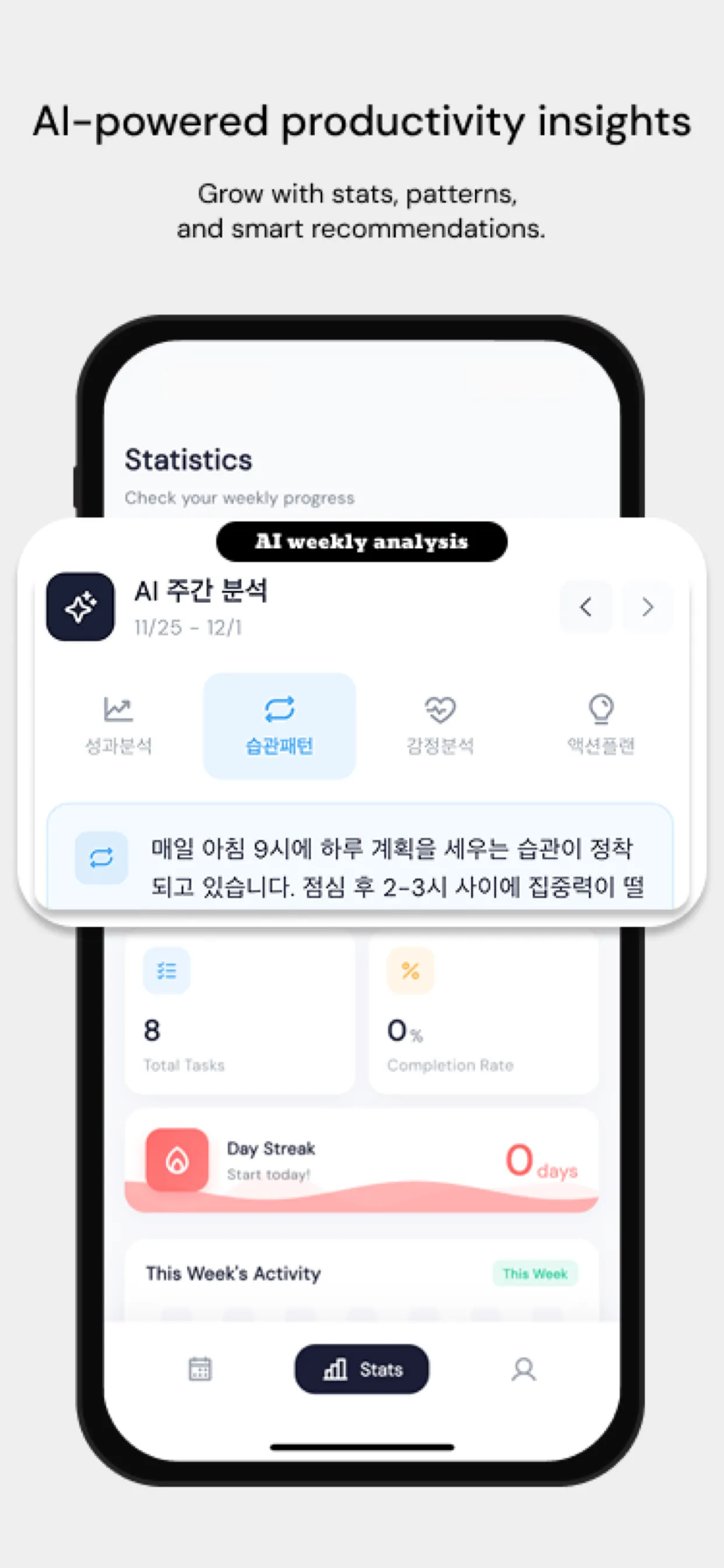
- Count at the end of the day. Two numbers, blocks finished and blocks moved, are enough. After a week you will see which kinds of tasks you always underestimate. A short format for that is in our daily reflection template, and the grid itself is covered in how to time block your day.
Running a timed to-do list in Chrobox
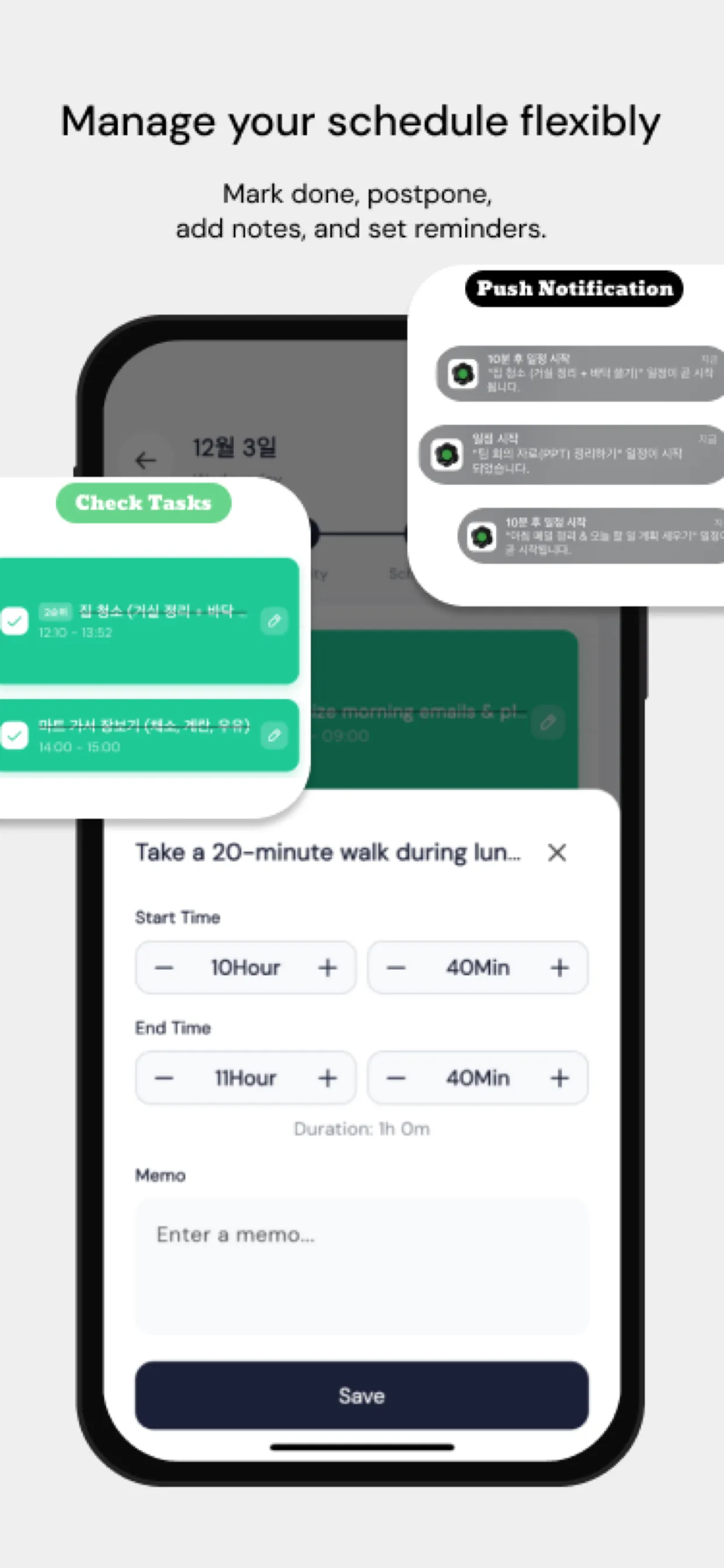
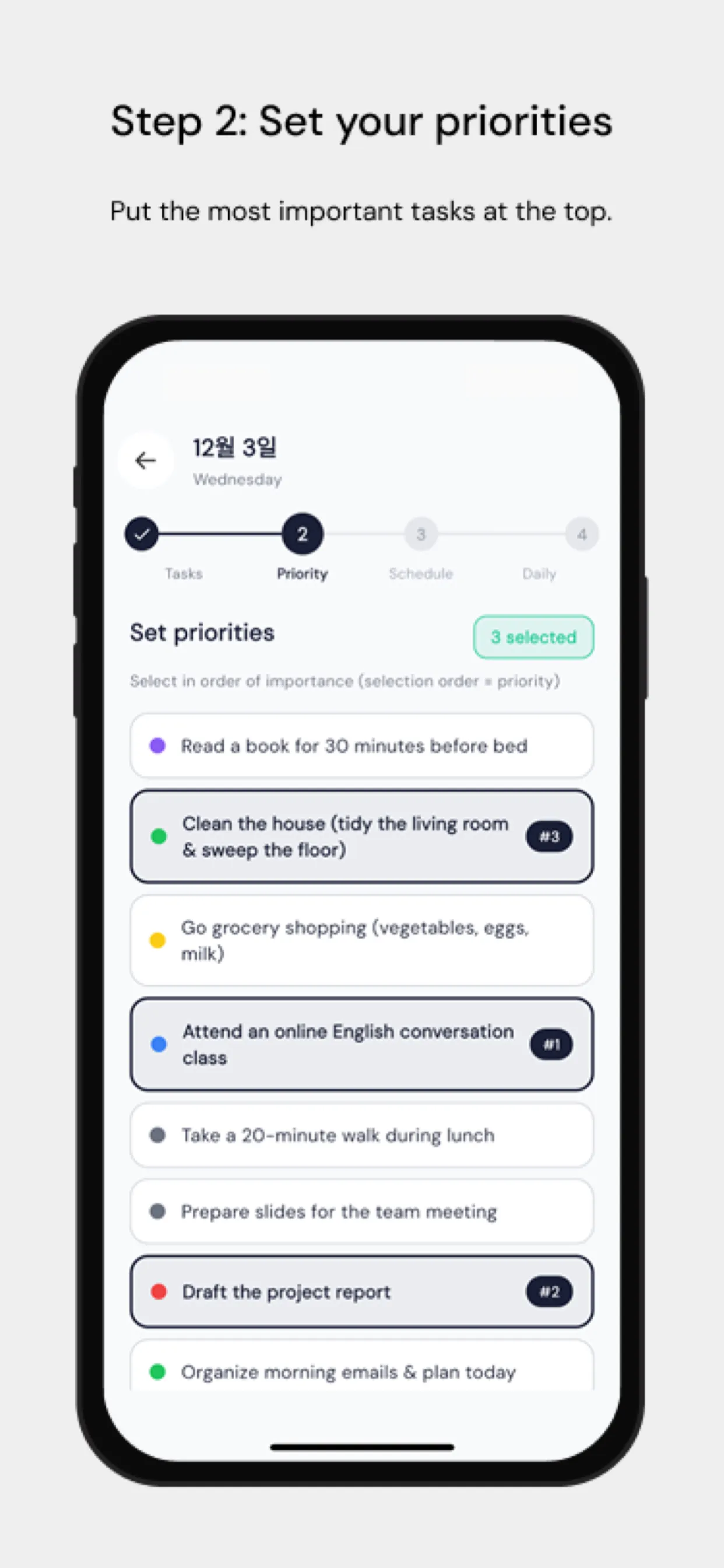
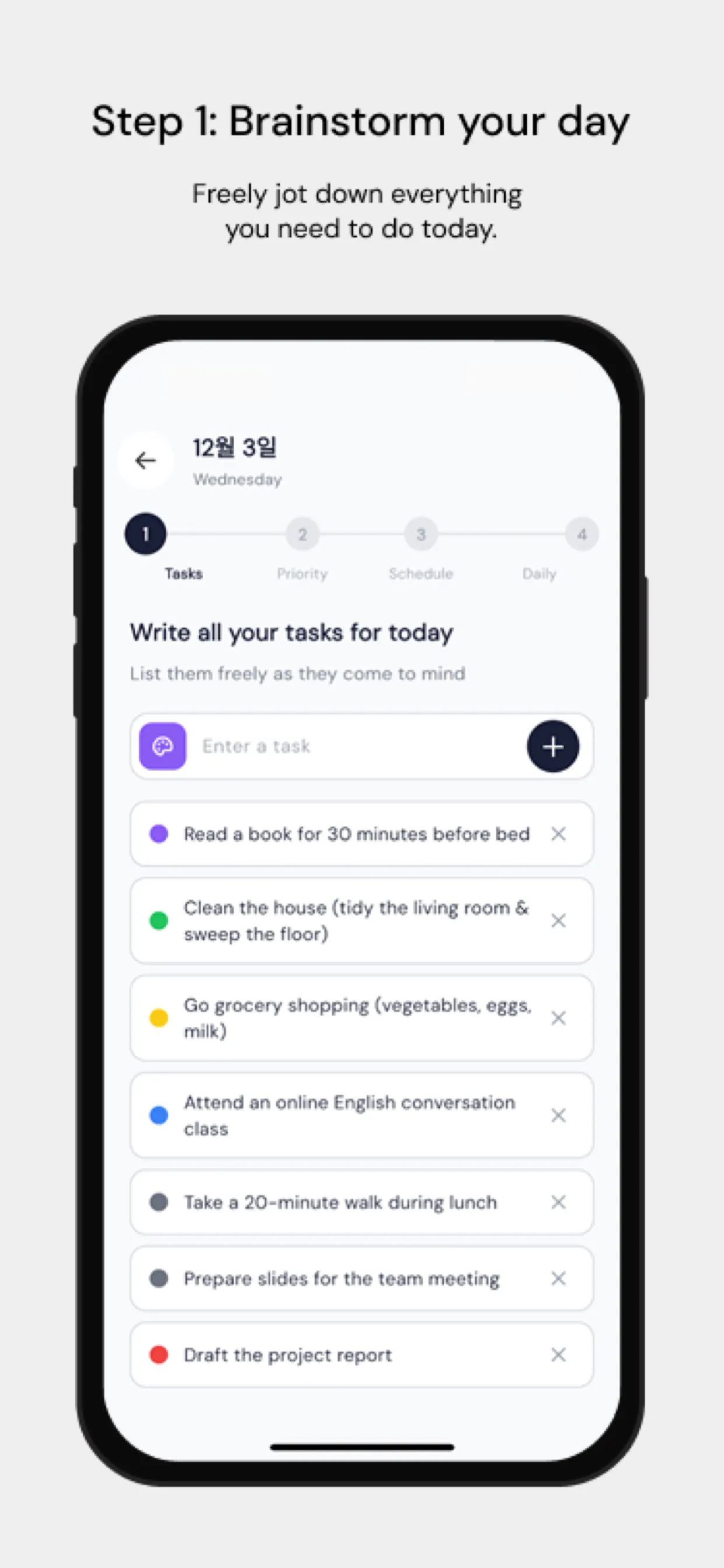
In Chrobox, you write your tasks, mark the priority, and place each one on the day's timeline with a start time and a length, which gives you the timed list above without a separate grid. Events from your phone calendar show up on the same timeline, so meetings and pickups are already there when you fill the gaps. Each block sends an alert when it starts, and the focus timer, once you start it, counts down once for the block's length. At the end of the day, the daily reflection is where you note what moved and why, and all of these are free features.