A habit tracker sticks when every habit on it has a time, not just a row of empty boxes. A checkbox records whether something happened; it does nothing to make it happen. The fix is to give each habit a short, fixed block in your day, such as "07:10–07:25 stretch" or "21:30–21:45 read", and use the tracker to mark how each block went. That turns a vague "every day" into a specific moment, and it gives you something more useful than a broken streak to look at when a day goes wrong. Below: why plain trackers fade, what the research on if-then plans says, how to turn a habit into a block, a weekly tracker you can copy, and how to read it on Sunday.
Why checkbox habit trackers fade
Most habit trackers are a grid: habits down the side, days across the top, a box to fill in. In the first week the grid works because the idea is fresh. By the third week, a few things usually go wrong.
- "Every day" has no time attached. A habit that can happen at any hour competes with everything else at every hour, and it usually loses to whatever feels urgent. By evening the box is still empty and you are tired.
- The tracker only looks backward. It tells you on Thursday night that Wednesday was missed. It never tells you, at 07:10 on Thursday morning, that now is the moment.
- A missed box feels like failure. Long chains of filled boxes are satisfying, so one gap can make the whole grid feel ruined. Many people stop tracking at exactly that point.
- Habits get added faster than time. Water, steps, reading, journaling, language practice, stretching: each takes "only a few minutes", but together they need an hour you never planned for.
None of these are willpower problems. They are scheduling problems, and scheduling is something you can fix on paper.
What the research on if-then plans says
Psychologists call a plan that specifies when, where and how you will act an implementation intention. It usually takes the form "If situation X happens, then I will do Y." A 2006 meta-analysis by Peter Gollwitzer and Paschal Sheeran pooled 94 independent tests and found a medium-to-large effect of these plans on goal attainment (d = .65).
A larger meta-analysis by Sheeran, Listrom and Gollwitzer, published in 2025, covered 642 independent tests. Forming implementation intentions helped across cognitive, affective and behavioural outcomes, with effect sizes between d = .27 and d = .66. The effects were larger when plans used a contingent if-then format, when people were highly motivated to reach the goal, and when they rehearsed the plan.
A time block is an if-then plan with the clock as the "if": "If it is 07:10, then I stretch for 15 minutes." Writing the habit as a block gives it the format the research favors, and seeing the block every time you check your day works as a small rehearsal.
Our own app data points the same way. In Chrobox usage data, tasks given a start time and a length were completed 48.1% of the time, against 17.6% for tasks left on a list without a time (5,077 tasks from 250 people, December 2025 to September 2026). Habits are not the same as one-off tasks, and this is observational data rather than an experiment, but the move is the same: deciding when. The full numbers are in our timeboxing completion data.
How to turn a habit into a time block
Take each habit through five steps.
- Shrink it to the version you could do on a bad day. "Exercise" becomes "15-minute walk". "Read more" becomes "10 pages". You can do more on good days; the block protects the minimum.
- Pick a time next to something that already happens. Right after waking, after lunch, when you get home, after you brush your teeth at night. A fixed event just before the block makes the clock time easier to keep.
- Give it a length. Most habit blocks are 10 to 30 minutes. If a habit needs more than 45 minutes, it is closer to a project and deserves its own planning.
- Write the if-then line. "When it is 21:30 and I am in bed, I read 10 pages." One sentence, specific enough that there is nothing left to decide in the moment.
- Decide what happens when the slot is lost. Pick a single backup time, such as "if I miss 07:10, I walk at 12:30", so a missed slot does not have to mean a missed day.
| Habit | If-then line | Block | Minimum version | Backup slot |
|---|---|---|---|---|
| Stretching | When I finish my first glass of water, I stretch | 07:10–07:25 | 5 minutes | 18:30 |
| Walking | When lunch is over, I walk outside | 12:30–12:50 | Once around the block | 17:45 |
| Language practice | When I sit down on the train home, I do one lesson | 18:05–18:20 | 5 flashcards | 21:00 |
| Reading | When I get into bed, I read | 21:30–21:45 | 2 pages | None |
Start with one to three habits. Every habit you add needs its own block, and if the blocks do not fit on an ordinary weekday, the tracker will fill with gaps no matter how motivated you are.
A weekly habit tracker you can copy
Track the block, not just the habit. Use three marks instead of a single checkmark: ✓ for done in its slot, → for done in the backup slot or as the minimum version, and ✗ for missed.
| Time | Habit | Mon | Tue | Wed | Thu | Fri | Sat | Sun |
|---|---|---|---|---|---|---|---|---|
| 07:10–07:25 | Stretching | ✓ | ✓ | → | ✓ | ✗ | ✓ | ✓ |
| 12:30–12:50 | Walking | ✓ | ✗ | ✓ | ✓ | → | ✓ | ✓ |
| 18:05–18:20 | Language practice | ✓ | ✓ | ✗ | ✗ | ✗ | → | ✓ |
| 21:30–21:45 | Reading | ✓ | ✓ | ✓ | → | ✓ | ✓ | ✓ |
The arrow is the important mark. A day done in the backup slot or at the minimum still keeps the habit alive, and a column of arrows shows you exactly where the plan needs a second option. Weekends often run on a different clock. If your Saturday wake-up is two hours later, write the weekend times in a separate row rather than pretending the weekday slot still applies.
Reading the tracker on Sunday
Spend five minutes at the end of the week looking for patterns, not scores.
- A habit with many arrows is alive but sitting in the wrong slot. Move the main block to where the backup slot is.
- A habit with several ✗ marks in a row usually has a slot that collides with something, like the language lesson above on days the commute changed. Find the collision before you blame motivation.
- Habits that keep failing at night may simply need an earlier block. Evenings tend to fill up with whatever the day pushed back, so try the same habit in the morning for a week before deciding it does not suit you.
- When everything is ✓ for two weeks, you can lengthen one block or add one habit. Not both at once.
If you miss a day, do not schedule a double session to catch up. Put the next block where it belongs and use the minimum version. Doubling up turns a short habit into a long one and makes the next miss more likely. For fitting these blocks into a full day, see how to time block your day; for a morning built around them, see building a morning routine with time-boxing.
Using Chrobox as a time-blocked habit tracker
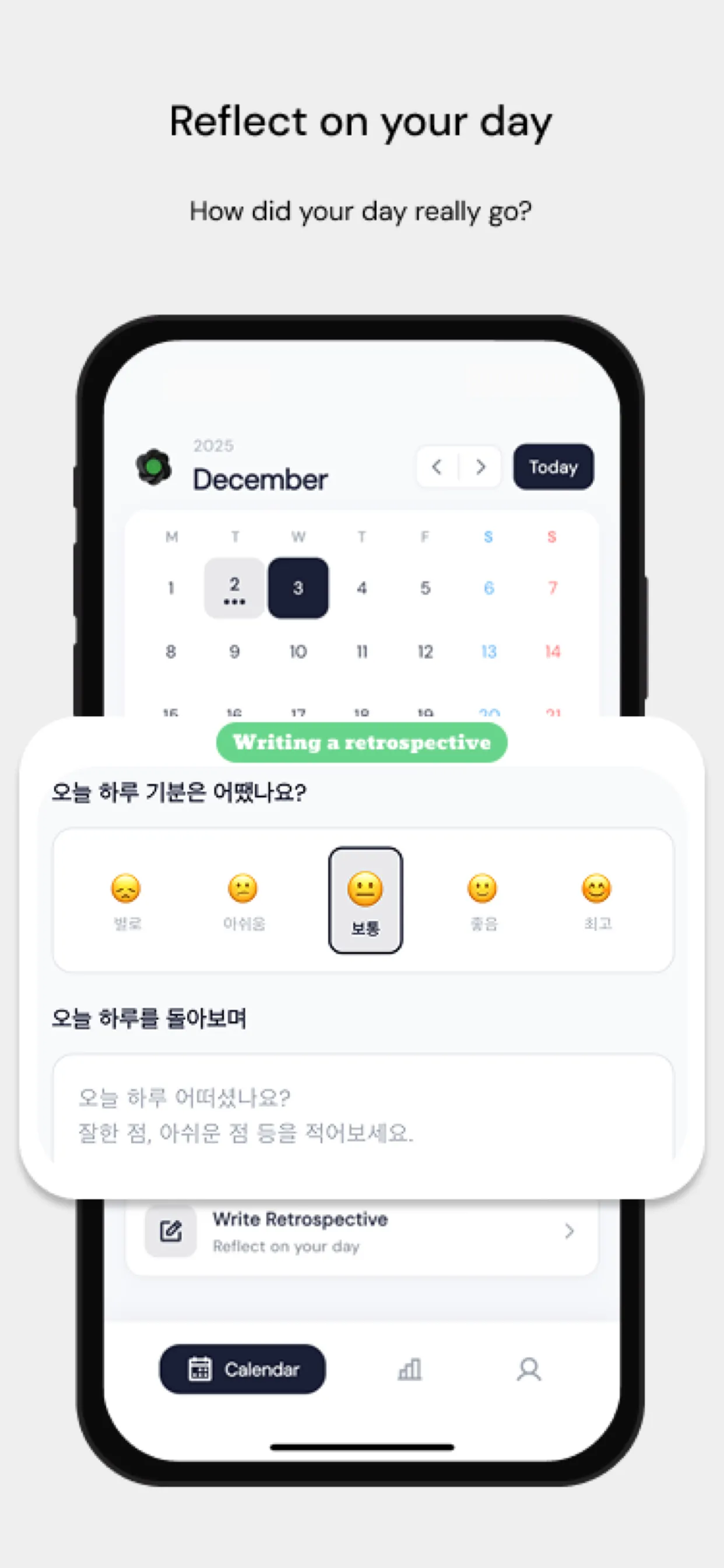
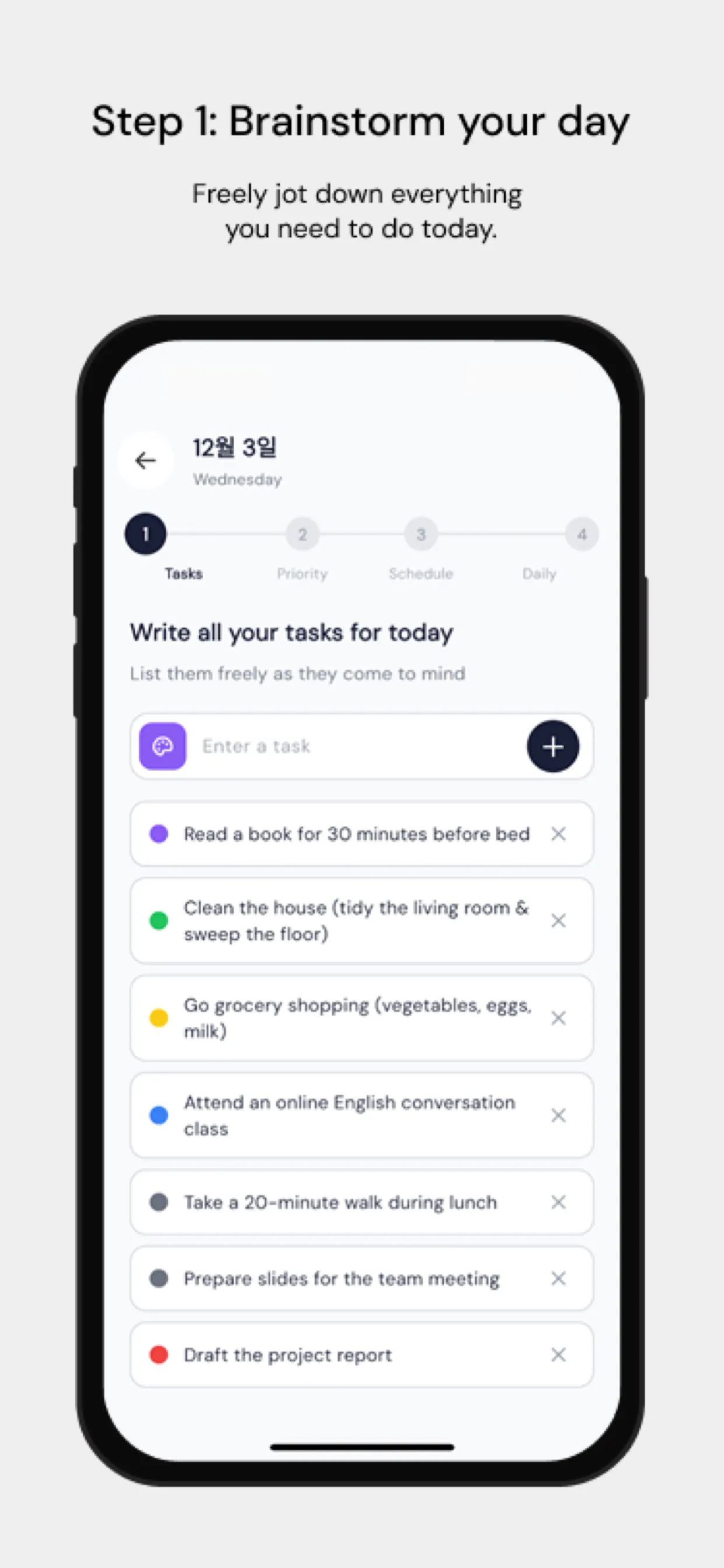
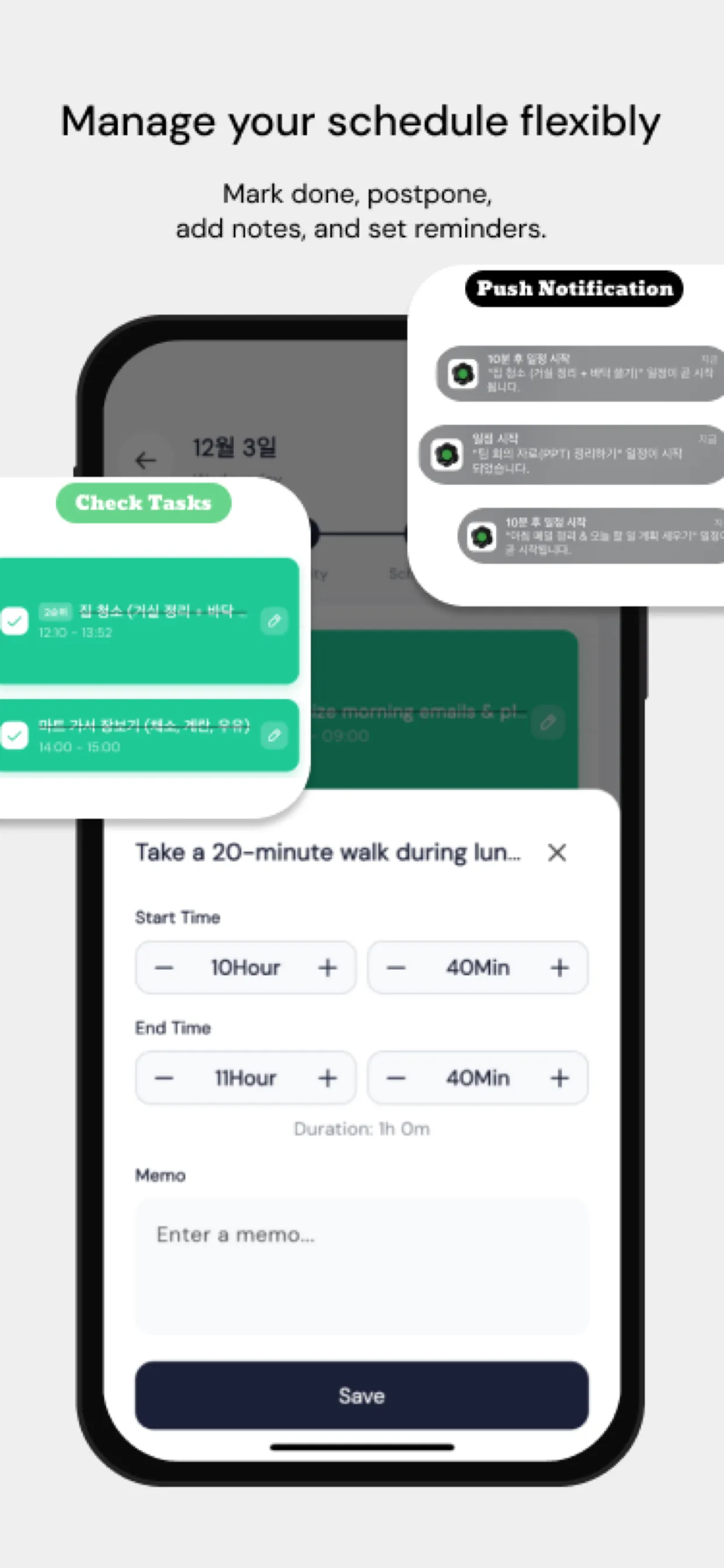
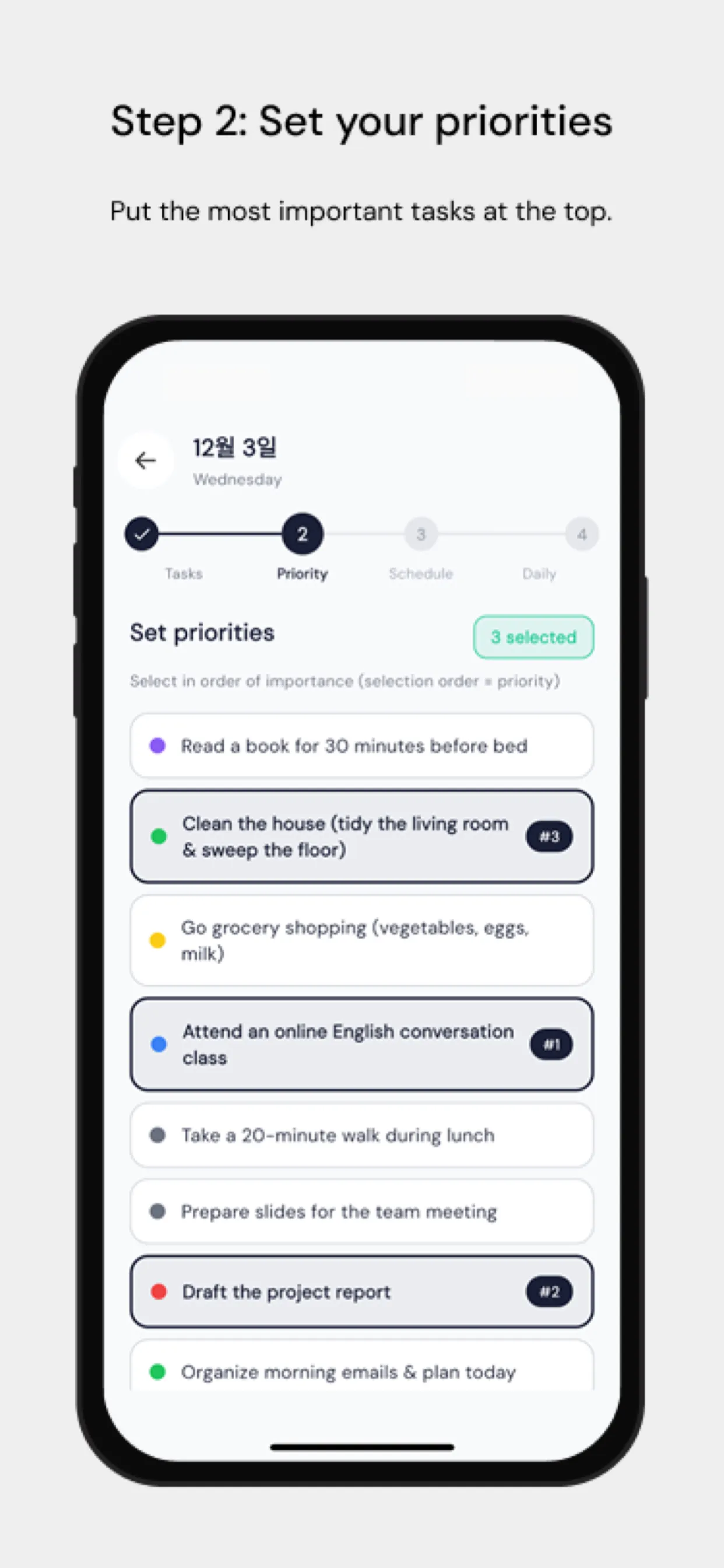
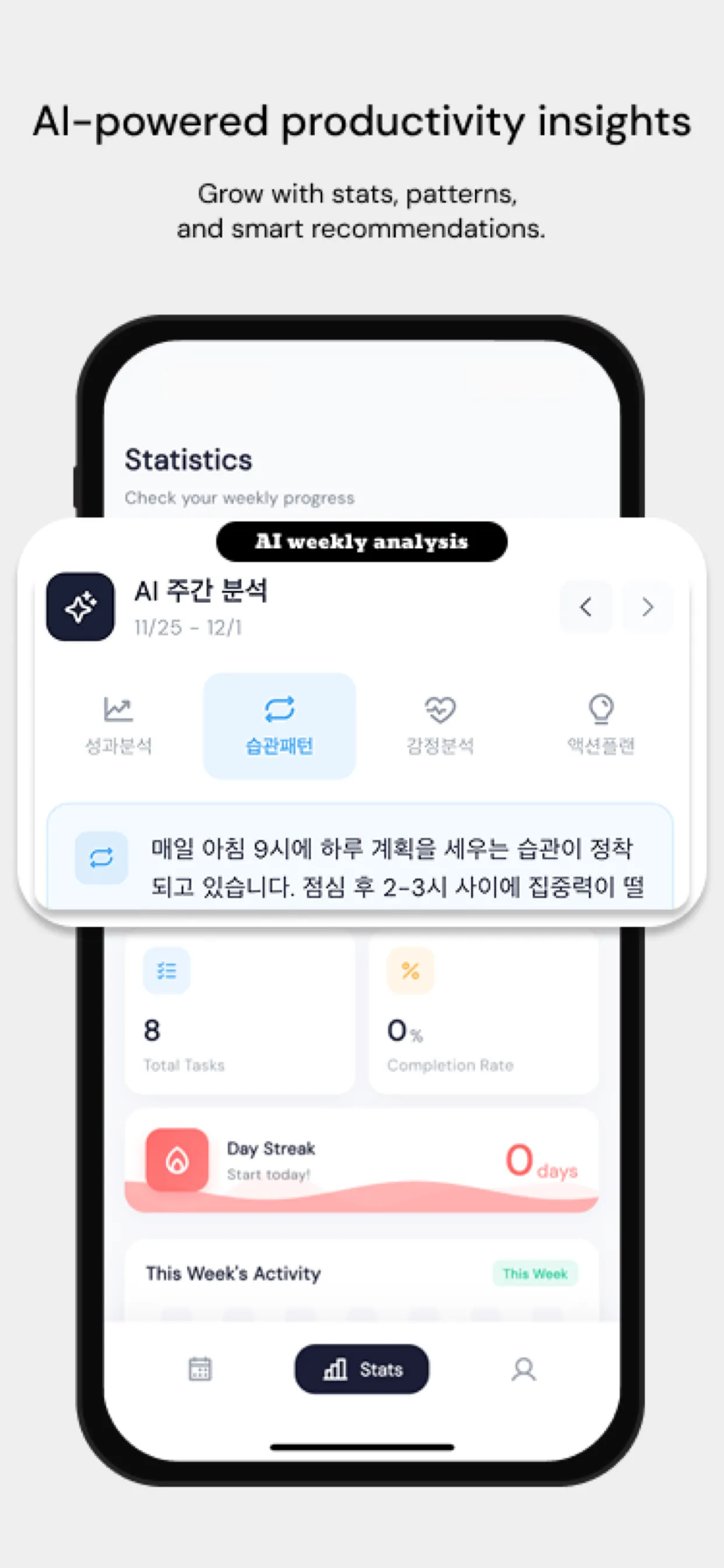
In Chrobox, each habit can be a routine, so the same block appears on your daily timeline at its set time and length without re-entering it. You get an alert when the block starts, and if you start the focus timer it counts down once for the block's length, so a 15-minute habit ends when the timer does. At the end of the day, the daily reflection is the place to note which blocks slipped and why, which is exactly what the Sunday review needs. Routines, alerts, the timer and the reflection are in the free plan; home and lock screen widgets are part of Pro.