The most useful daily routine template is built backward from the time you wake up. Fix your wake-up time first, count back at least seven hours of sleep to find your bedtime, place the fixed blocks of work or school, and then add one personal block in a part of the day you actually control. Everything else, from meals to email, fills the space around those anchors. Below are the steps, three complete templates for a 05:30, 07:00 and 09:00 wake-up, where to put the personal block, and how to adjust the routine after a week.
Build the routine backward from wake-up time
Most routines fail at the edges of the day: a 05:00 alarm paired with a midnight bedtime, or an evening plan that collides with dinner. Starting from the wake-up time prevents both. Work through it in this order:
- Wake-up time. Choose a time you can hold on weekdays, set by your first fixed commitment and how long you need to get ready. Keep weekends within about an hour of it.
- Bedtime. Count back your sleep. The CDC recommends 7 or more hours for adults aged 18 to 60, 7 to 9 hours for ages 61 to 64, and 8 to 10 hours for teens aged 13 to 17. Then add 30 minutes of winding down before that.
- Fixed blocks. Work, classes, commute, school runs. For a sense of scale, full-time employed Americans worked an average of 8.5 hours on the weekdays they worked in 2025, according to the Bureau of Labor Statistics' American Time Use Survey.
- One personal block. Exercise, study, a side project, reading. One block of 30 to 60 minutes, not five habits squeezed between other things.
- Meals, chores and buffers. Fill what is left, and leave at least one empty 30-minute slot so a late meeting does not knock out the rest of the evening.
| Wake-up | Latest bedtime (7 hours) | Start winding down |
|---|---|---|
| 05:30 | 22:30 | 22:00 |
| 06:30 | 23:30 | 23:00 |
| 07:00 | 00:00 | 23:30 |
| 08:00 | 01:00 | 00:30 |
| 09:00 | 02:00 | 01:30 |
Seven hours is the bottom of the CDC range for adults aged 18 to 60, not a target. If you regularly feel short on sleep, move the bedtime earlier before you touch the wake-up time.
Template 1: 05:30 wake-up (early start, work 07:30–16:00)
For early shifts, early commutes, and people who want their personal block done before anyone else is awake.
| Time | Block |
|---|---|
| 05:30–05:45 | Wake up, water, get dressed |
| 05:45–06:30 | Personal block: workout or study |
| 06:30–07:00 | Shower, breakfast |
| 07:00–07:30 | Commute |
| 07:30–12:00 | Work: hardest task first |
| 12:00–12:30 | Lunch |
| 12:30–16:00 | Work: meetings, messages, admin |
| 16:00–16:30 | Commute |
| 16:30–18:00 | Errands, family, free time |
| 18:00–19:00 | Dinner |
| 19:00–21:30 | Free time, chores, one empty buffer slot |
| 21:30–22:00 | Plan tomorrow's blocks, pack your bag |
| 22:00–22:30 | Wind down, screens off |
| 22:30 | Sleep |
The trade-off is a fixed early evening. If a 22:30 bedtime is not realistic on most nights, this template will steadily cut into sleep, and the 07:00 version below will serve you better.
Template 2: 07:00 wake-up (standard 09:00–17:30 workday)
The most common pattern, with the personal block placed right after work, before the evening dissolves into chores and screens.
| Time | Block |
|---|---|
| 07:00–07:30 | Wake up, shower, get dressed |
| 07:30–08:00 | Breakfast, plan the day's blocks |
| 08:00–09:00 | Commute, or a reading block if working from home |
| 09:00–11:00 | Deep work block |
| 11:00–12:30 | Meetings and messages |
| 12:30–13:30 | Lunch and a short walk |
| 13:30–17:30 | Work: meetings, shared projects, admin |
| 17:30–18:15 | Commute |
| 18:15–19:00 | Personal block: gym, run, or class |
| 19:00–20:00 | Dinner |
| 20:00–22:30 | Free time, chores, one empty buffer slot |
| 22:30–23:30 | Wind down, plan tomorrow |
| 23:30 | Sleep |
If late work keeps cancelling the 18:15 block, there are two ways out: use the lunch hour, or move the block before work by waking and sleeping 45 minutes earlier.
Template 3: 09:00 wake-up (late start, work 11:00–19:30)
For late shifts, remote workers keeping another time zone's hours, and people who simply run later. The personal block goes first, because the end of this day is already late.
| Time | Block |
|---|---|
| 09:00–09:30 | Wake up, water, get dressed |
| 09:30–10:15 | Personal block: workout, study, or creative work |
| 10:15–11:00 | Shower, breakfast, plan the day |
| 11:00–13:00 | Work: hardest task first |
| 13:00–14:00 | Lunch |
| 14:00–19:30 | Work |
| 19:30–20:30 | Dinner |
| 20:30–00:30 | Free time, chores, one empty buffer slot |
| 00:30–01:30 | Wind down, plan tomorrow, screens off |
| 01:30 | Sleep |
A late routine is still a routine as long as the times stay put. The risk is drift: a 01:30 bedtime easily becomes 02:30 on weekends. Keep the wake-up time fixed and the rest tends to follow.
Where the personal block should go
Every template above has exactly one personal block, and in two of the three it sits early in the day. There is a reason for that. In Chrobox usage data, time boxes started between 05:00 and 08:59 were completed 62.3% of the time, compared with 33.2% for boxes started between 21:00 and 23:59. It is observational data, not a controlled experiment, but the pattern matches what most people notice: evenings absorb whatever the day pushed back. The full breakdown is in our timeboxing completion data.
The other source of time is leisure you are not choosing on purpose. In the 2025 American Time Use Survey, watching TV took an average of 2.6 hours a day, half of all leisure time (5.2 hours). You rarely need to give up sleep or family time to fit a 45-minute personal block; borrowing it from screen time usually leaves plenty.
Keep the personal block small enough to survive a bad day. A 45-minute workout block with a 15-minute minimum version will outlast a 90-minute block that only happens when everything goes right. For a morning built around this block, see building a morning routine with time-boxing.
Adjust the template after one week
Run the template for a week without changing it, and note next to each block what actually happened. Then make one or two changes:
- A block that ran over every day needs more time, not more discipline. Lengthen it and shorten something else.
- A block that never happened is in the wrong place. Move it earlier, or attach it to something fixed, like the end of the commute.
- Weekend drift shows up as a hard Monday morning. If you slept in two hours or more on Saturday and Sunday, pull the weekend wake-up closer to the weekday one.
- Too many blocks make a routine you stop reading. Most people only need to plan the anchors. In the same data, the median planned day had 5 tasks; a routine with fifteen named blocks is a timetable, not a routine.
For laying out a full workday inside these templates, see how to time block your day. If you work from home, compare with the remote worker schedule template.
Running your routine in Chrobox
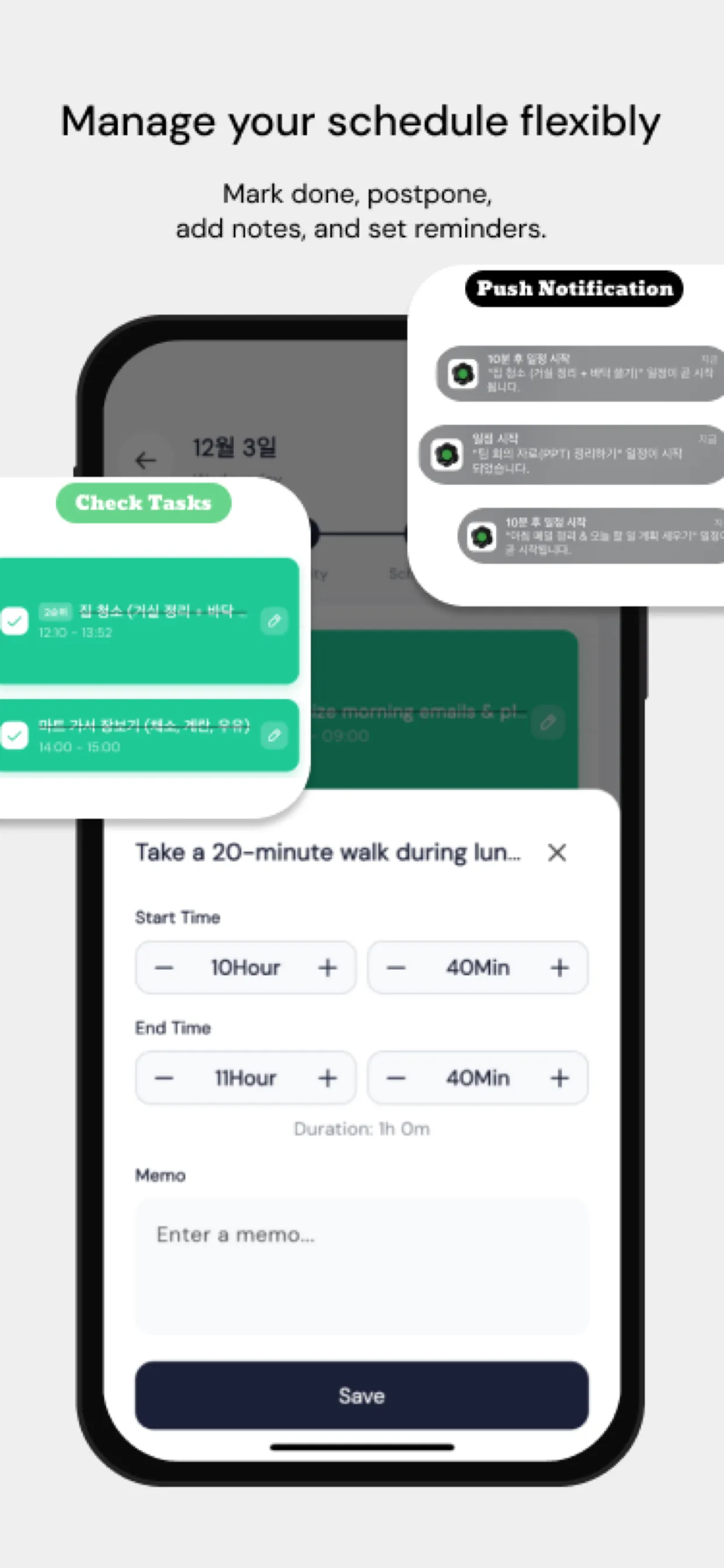
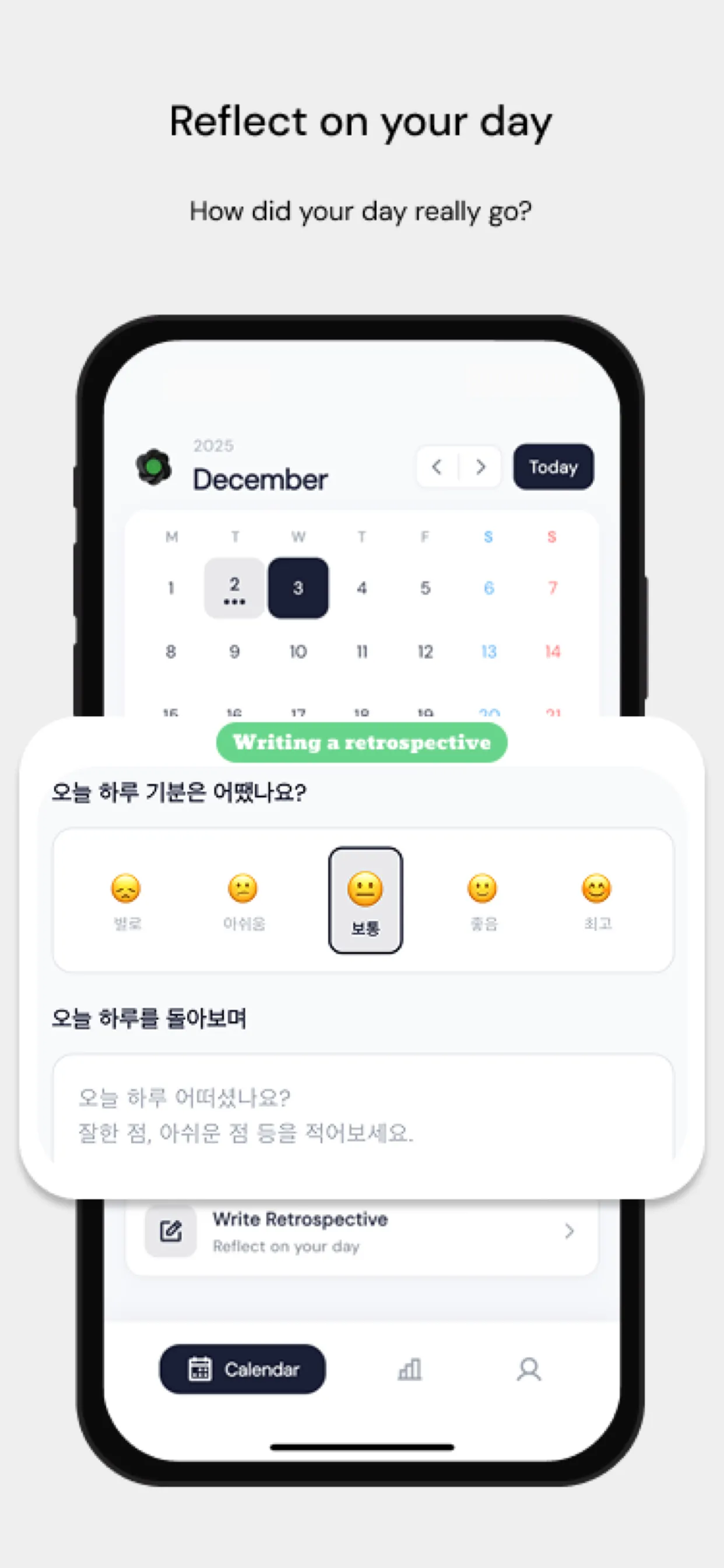
In Chrobox, the fixed parts of a template can be saved as routines, so each block lands on your daily timeline at the same time and length every day. Events from your phone's calendar appear on the same timeline, which makes it easy to see when a meeting overlaps your personal block. Each block sends an alert when it starts, the focus timer counts down once for its length, and the daily reflection is where you note what slipped, all in the free plan.