
A useful weekly review takes 30 minutes and ends with next week already on your calendar. Spend the first 10 minutes scoring last week's time blocks: what was planned, what got done, what moved, and what was dropped. Spend the next 10 choosing up to three outcomes for the coming week. Spend the last 10 placing blocks for those outcomes on specific days and times, starting with the most important one. A review that stops at reflection produces a thoughtful note and then the same week again. The point of this one is the handoff from what happened to what is scheduled. Below are the agenda, a scoring sheet, how to pick and block outcomes, a worked example, and a template to copy.
The 30-minute agenda
| Minutes | Step | What you have at the end |
|---|---|---|
| First 10 | Score last week | Four counts and one pattern |
| Next 10 | Pick next week's outcomes | Up to three outcomes, one marked as the priority |
| Last 10 | Block next week | Each outcome has dated, timed blocks; fixed events are in place |
Pick a fixed slot for the review and keep it. Sunday evening suits people who like to start Monday knowing the plan; Friday afternoon suits people who want the weekend free of work thoughts. Either way, put it on the calendar as a 30-minute block, not as an item on a to-do list. A review that lives on a list gets pushed every week by something that feels more urgent.
Step 1: Score last week in 10 minutes
Open last week's calendar or planner and count, without judging:
| Count | What it means | Example |
|---|---|---|
| Planned | Every time block you placed on the week | 22 |
| Done | Blocks finished in or close to their slot | 13 |
| Moved | Blocks you rescheduled to another time | 5 |
| Dropped | Blocks that never happened and were not moved | 4 |
Then answer three questions, one line each:
- Which kind of block moved or dropped most often? Usually one category carries most of the misses, for example "writing blocks after 15:00" or "anything scheduled right after a meeting".
- Which day went closest to plan, and what was different about it? Fewer meetings, an earlier start, a day at home?
- What took longer than planned, and by how much? Write the real time next to the planned time.
Done divided by planned is the share of the week that went to plan; 13 of 22 is 59%. Do not aim for 100%. A week where every block was finished usually means the plan was too small, or that only easy work was scheduled. What you are looking for is the pattern behind the moved and dropped blocks, because that pattern is the thing you change next week. The counts are just a fast way to find it.
Step 2: Choose up to three outcomes
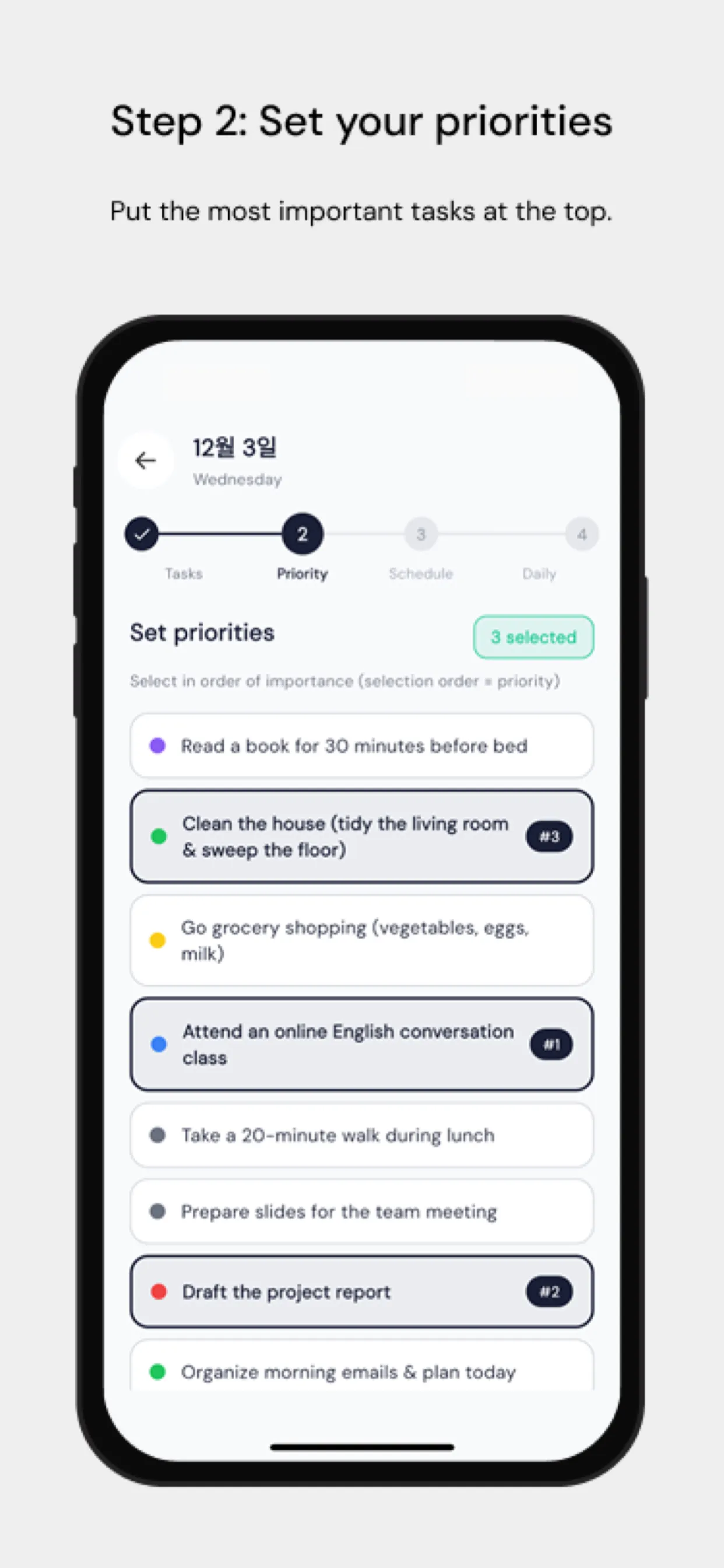
Write each outcome for the coming week as a result, not an activity: "send the proposal draft to the client" rather than "work on the proposal". A result tells you when you are done; an activity can absorb any amount of time. Then mark one outcome as the priority, the one you would protect if the week fell apart on Tuesday.
Marking that one matters more than it looks. In Chrobox usage data, tasks marked as a priority were completed 44.5% of the time, compared with 28.9% for tasks without the mark. The mark itself does nothing; deciding in advance which task wins when time runs short does.
Three is a ceiling, not a target. If the score from step 1 showed a lot of dropped blocks, choose two and see whether next week's count improves.
Step 3: Block next week in 10 minutes
Now turn each outcome into blocks on specific days and times:
- Fixed events first. Meetings, classes, appointments, and travel go on the week before anything else.
- Priority in the earliest long gap. Put the first block for the priority outcome in the first open stretch of an hour or more, ideally Monday or Tuesday morning, so a bad Thursday cannot sink it.
- Blocks of about an hour. The median time box in Chrobox data was 60 minutes. An hour is long enough to finish a real piece of work and short enough to fit between meetings.
- Spread the outcomes. No day should end up with much more than five planned tasks; the median planned day in the same data had 5.
- One empty block a day. Leave one block unassigned each day. It absorbs overruns so they do not push everything else later.
With a priority that needs about four hours and two smaller outcomes, the result might look like this:
| Day | Morning block (09:00–10:00) | Afternoon block (14:00–15:00) | Buffer |
|---|---|---|---|
| Monday | Priority: outline the proposal | Outcome 2: budget numbers | 16:00–17:00 |
| Tuesday | Priority: write the proposal | Outcome 3: review candidates | 16:00–17:00 |
| Wednesday | Priority: revise the proposal | Outcome 2: budget review with team | 16:00–17:00 |
| Thursday | Priority: final pass and send | Outcome 3: interview prep | 16:00–17:00 |
| Friday | Catch-up for anything moved | Weekly review (30 minutes) | — |
Notice that Friday morning is a catch-up block, not new work. Blocks that move during the week need somewhere to go, and Friday morning is where they land instead of spilling into the weekend.
A worked example
Here is how one review changes the following week. Last week: 22 planned blocks, 13 done, 5 moved, 4 dropped. Looking at which blocks missed, a pattern shows up quickly: all four dropped blocks were writing blocks placed after 15:00, and three of the five moved blocks were email that ran over into the next slot. Monday went best, and it was the only day without meetings before noon.
| Change for next week | Reason from last week |
|---|---|
| Writing blocks move to 09:00–10:00 | All four dropped blocks were writing after 15:00 |
| Email gets two fixed 30-minute blocks, 11:30 and 16:30 | Email ran over into the next block three times |
| Two outcomes instead of three | 9 of 22 blocks moved or dropped |
| Monday morning stays free of meetings | The best day had no morning meetings |
None of these changes require more discipline. They move work to the slots where it actually happened last week, which is why a review with numbers beats a review with good intentions.
The template
Copy this into a note or a planner page and fill it in each week:
| Section | Prompt | Your answer |
|---|---|---|
| Score | Planned / done / moved / dropped | |
| Pattern | The kind of block that slipped most | |
| Best day | What was different about it | |
| Took longer | Task, planned time, real time | |
| Outcomes | 1 (priority), 2, 3 | |
| Blocks | Day and time for each outcome block | |
| Buffer | One empty block per day |
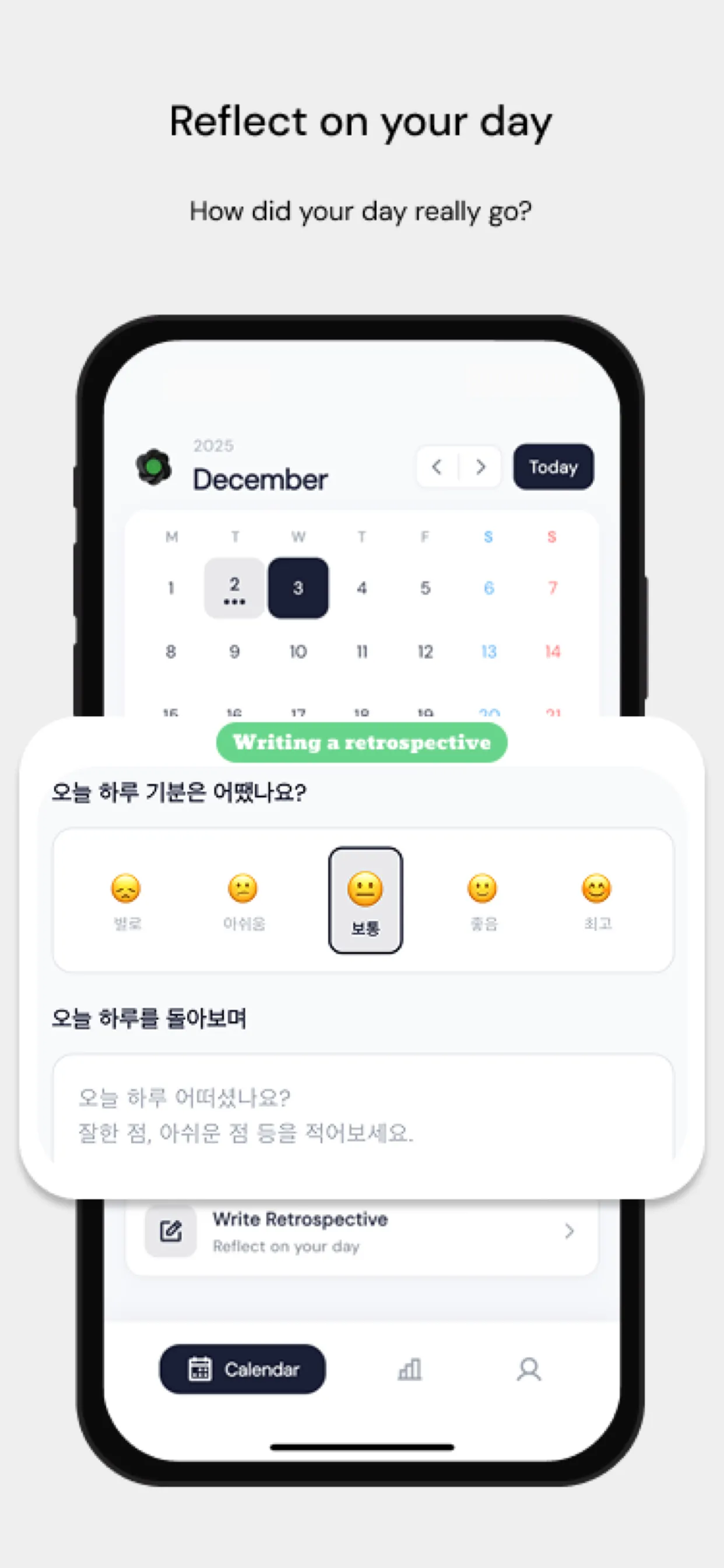
If you also write a short note at the end of each day, the score gets easier, because you add up five notes instead of trying to remember the week. A daily review ritual of a few minutes is enough. If you are starting from a blank calendar rather than reviewing an existing plan, the weekly planning guide covers how to lay out a whole week, and Does timeboxing work? has the full completion figures behind the numbers above.
Running the review in Chrobox
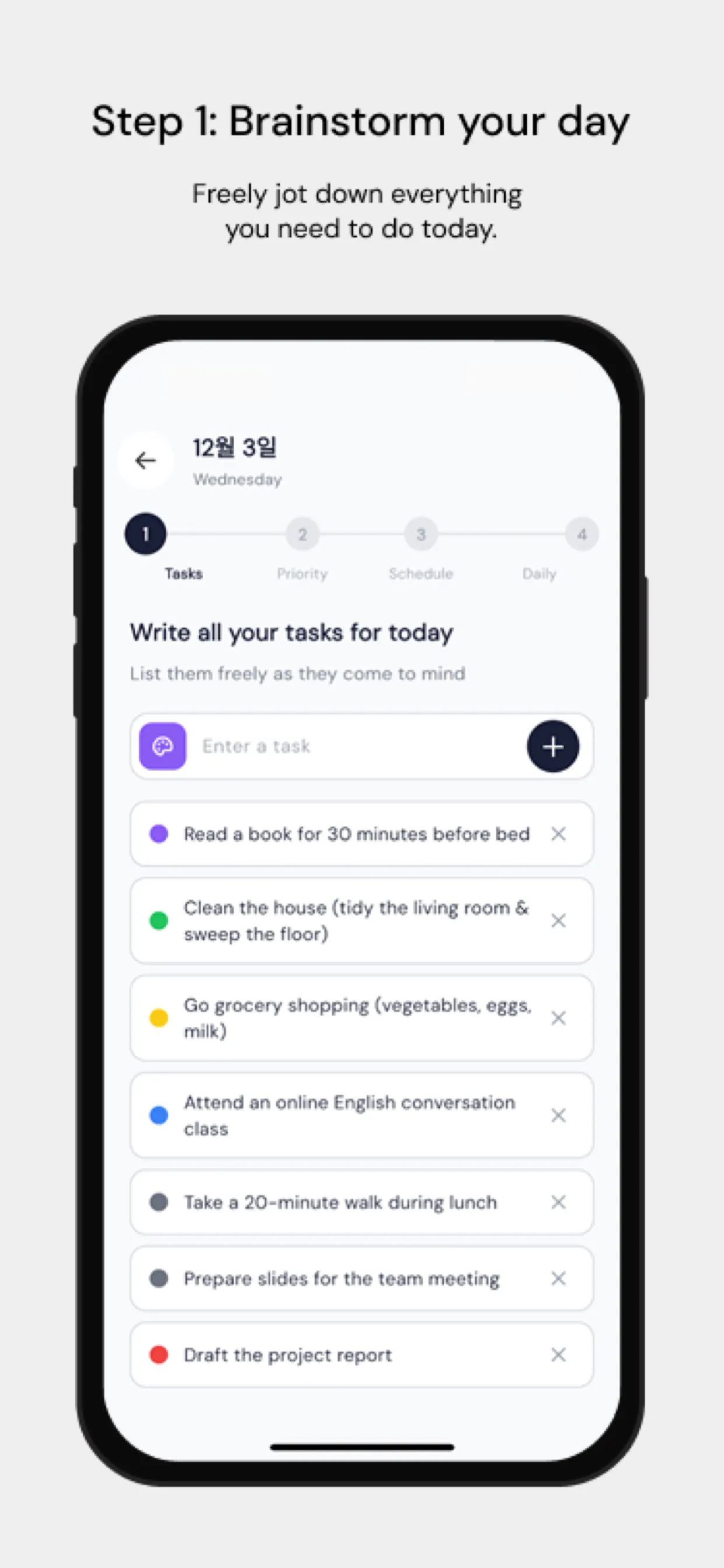
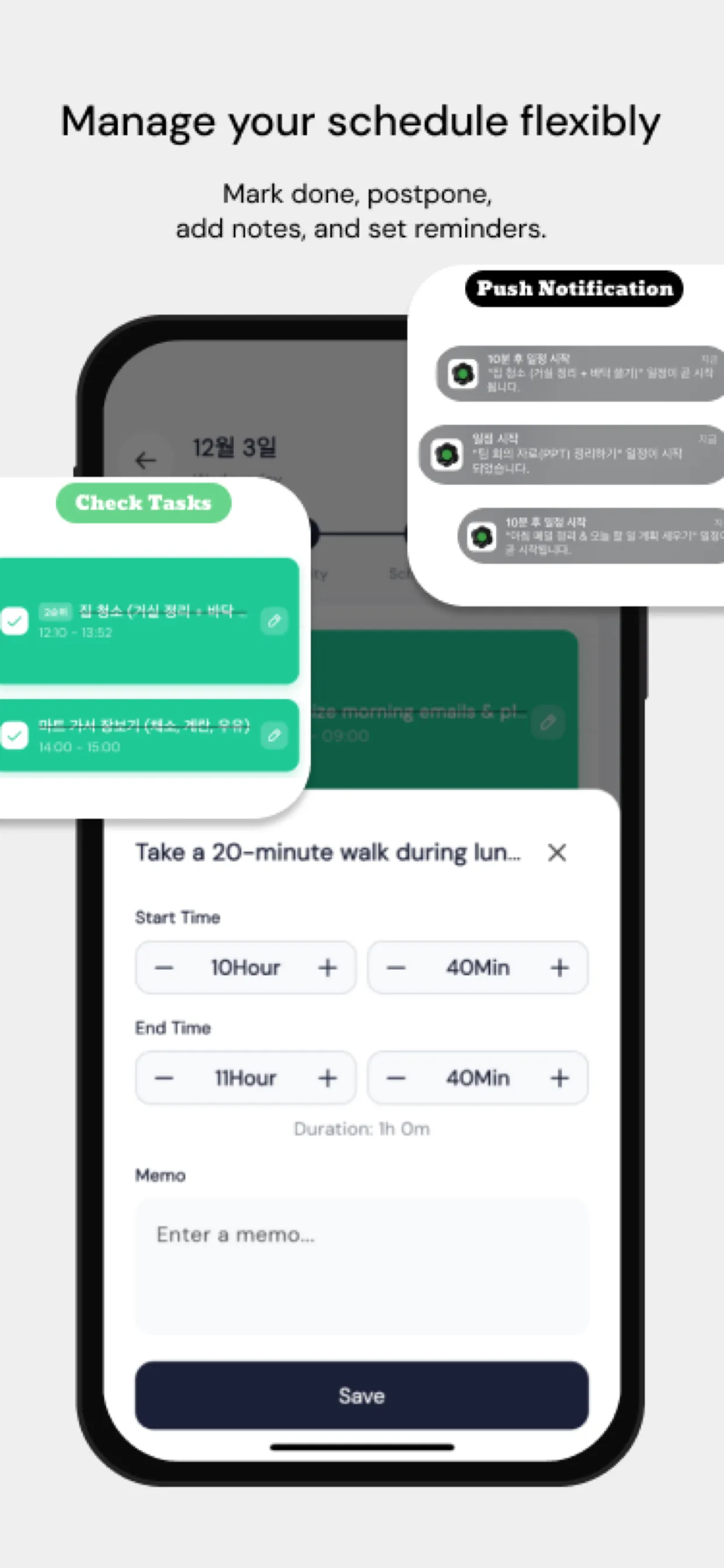
In Chrobox, add the review itself as a 30-minute task on Sunday's timeline so it sends an alert like any other block. If you wrote a daily reflection each evening, those notes give you the week's story when you sit down to score it. Next week's outcome blocks go onto each day's timeline with a start time and a length, and the most important outcome gets the priority mark. Tasks, priorities, timeline blocks, alerts, and daily reflections are free; detailed statistics are part of Pro.