
Simple Pricing
Plan for free. Try Pro — app blocking, widgets, and AI — free for 3 days
3-Day Free Trial
Cancel anytime in your App Store or Google Play settings
Monthly
$3.99
/month
App blocking
AI-powered insights
Advanced statistics
Home widget
Everything in the free plan
Yearly
$29.99
/year
$2.50/mo
App blocking
AI-powered insights
Advanced statistics
Home widget
Everything in the free plan
Lifetime
$39.99
one-time
App blocking
AI-powered insights
Advanced statistics
Home widget
Lifetime updates
Everything in the free plan
US App Store prices. Prices on Google Play and in other countries may differ.
Frequently Asked Questions
What is timeboxing?
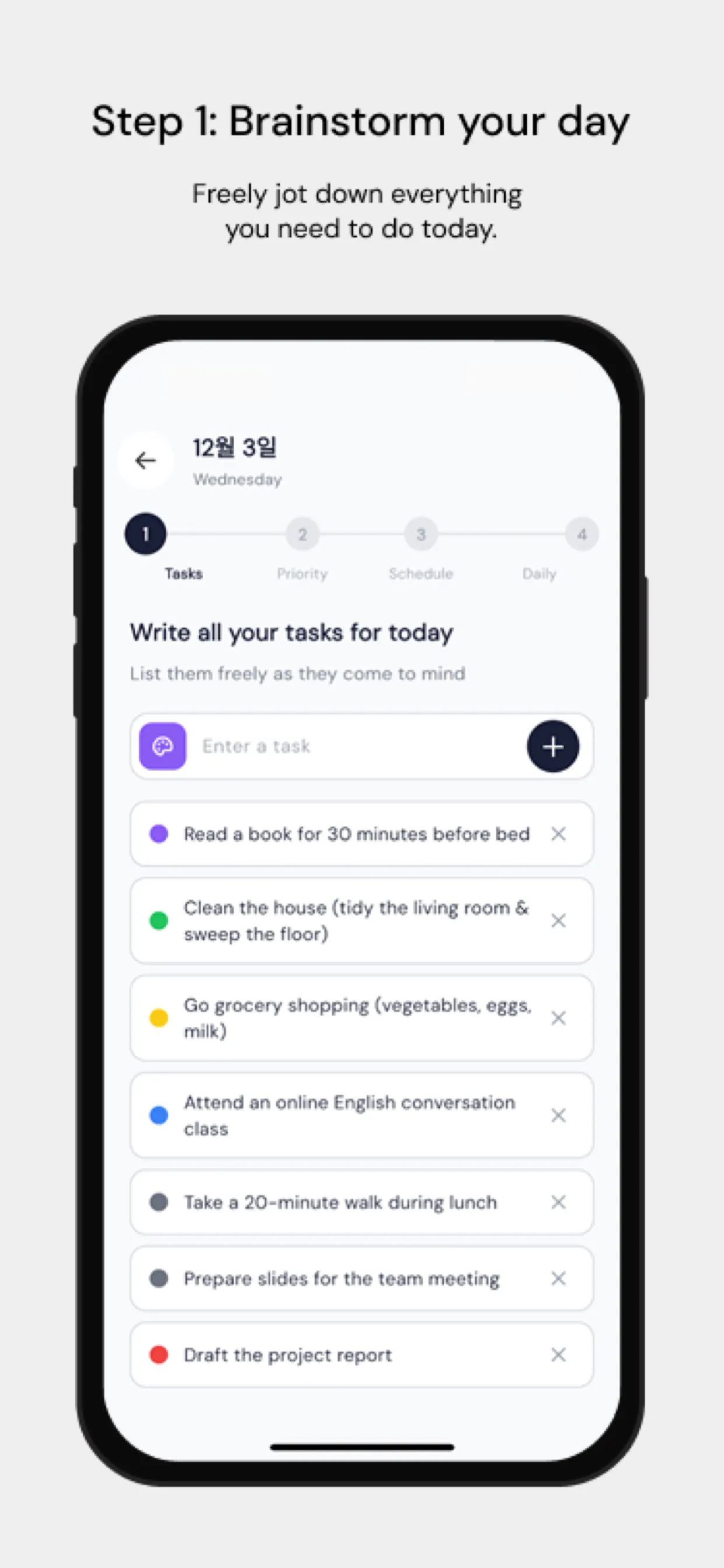
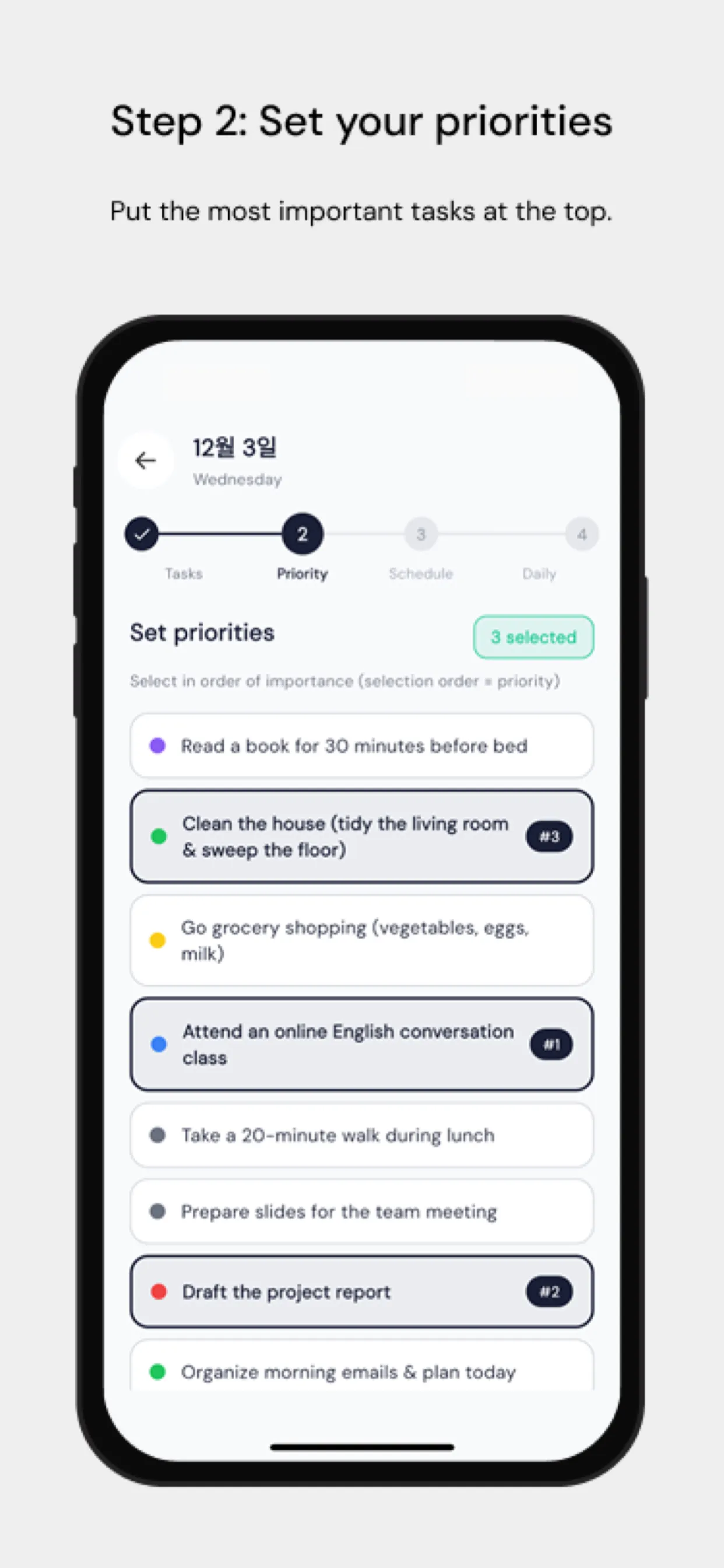
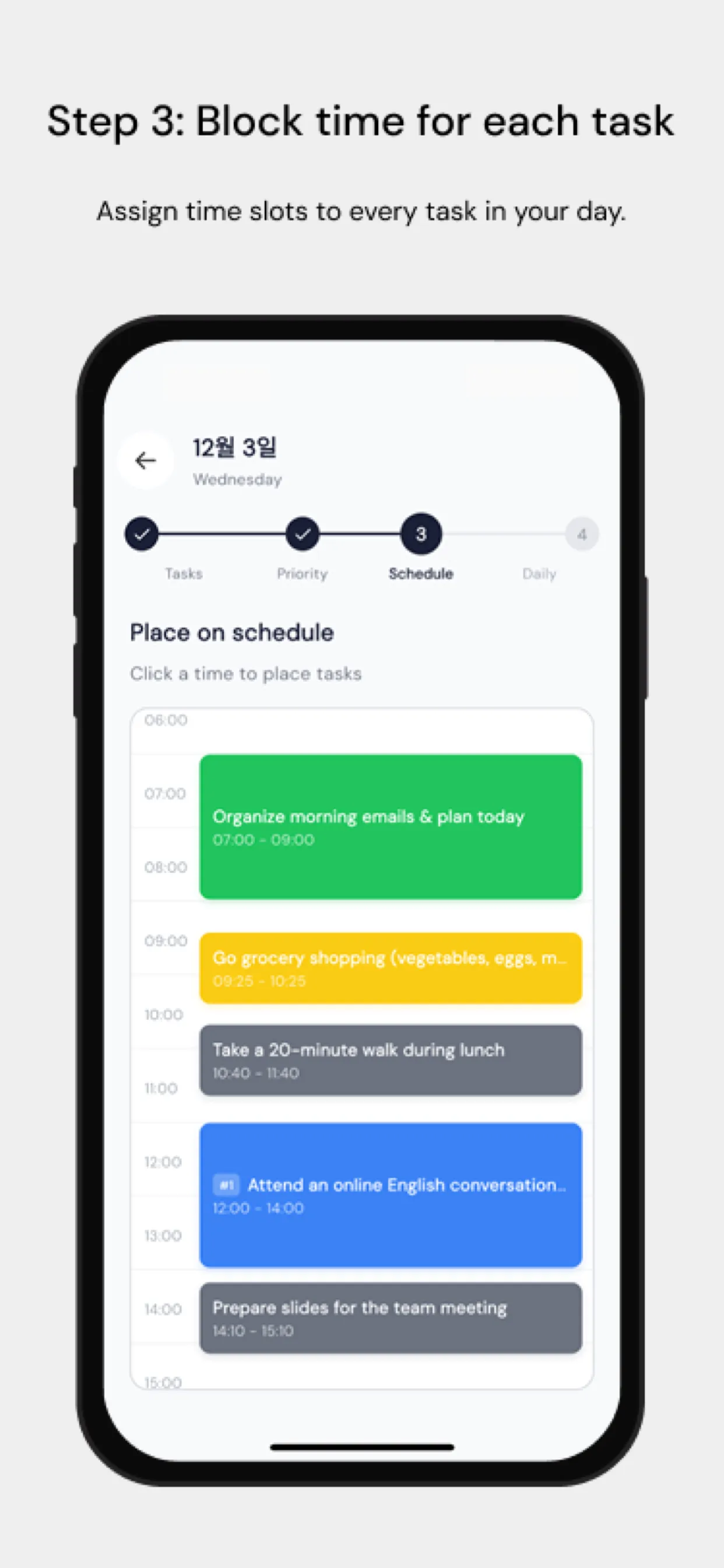
Timeboxing is a time management technique where you assign every task a fixed slot in your calendar — a "time box" — and work on only that task until the box ends. Instead of an open-ended to-do list, your day becomes a sequence of concrete appointments with yourself: 9:00–9:45 write the report, 9:45–10:00 answer email. Because each box has a hard start and end, timeboxing forces you to prioritize what actually fits in a day, prevents single tasks from swallowing whole afternoons (Parkinson's law), and makes procrastination visible the moment a box slips. Research on implementation intentions shows that deciding when and where you will do something dramatically raises the odds you actually do it. Chrobox automates this loop: brainstorm tasks, pick priorities, drop them into hourly boxes, then review your day with an AI-assisted retrospective.
What is Chrobox?
Chrobox is a timeboxing planner app for iOS and Android that combines daily planning, app blocking, routine tracking, and AI-powered retrospectives. You brainstorm tasks, pick your top priorities, assign each one a time slot on a visual hourly timeline, and finish the day with a guided review that feeds weekly AI productivity insights.
Is Chrobox free?
Yes — you can plan for free. Chrobox is free to download, and the free plan has no time limit: write tasks, set priorities, place them into time boxes on your day timeline, use the focus timer and reminders, build routines, write a daily reflection, and see your phone calendar events. Chrobox Pro adds app blocking during time boxes, home-screen and lock-screen widgets (including the iOS Live Activity), AI features, and detailed statistics. Pro costs $3.99/month, $29.99/year, or a one-time $39.99 for lifetime access (US App Store prices; Google Play and other countries may differ), and the monthly and yearly plans start with a 3-day free trial for new subscribers. After you sign in, the app offers Pro once; tap “Continue for free” to go straight in. To stop a trial, cancel in your App Store or Google Play settings before it ends.
How is timeboxing different from time blocking and Pomodoro?
Time blocking reserves calendar space for categories of work; timeboxing goes further by giving each specific task its own fixed, finite box. Pomodoro uses uniform 25-minute intervals regardless of the task. Timeboxing sizes each box to the task itself, which makes it better for planning a whole realistic day rather than just sustaining focus.
Can Chrobox block distracting apps?
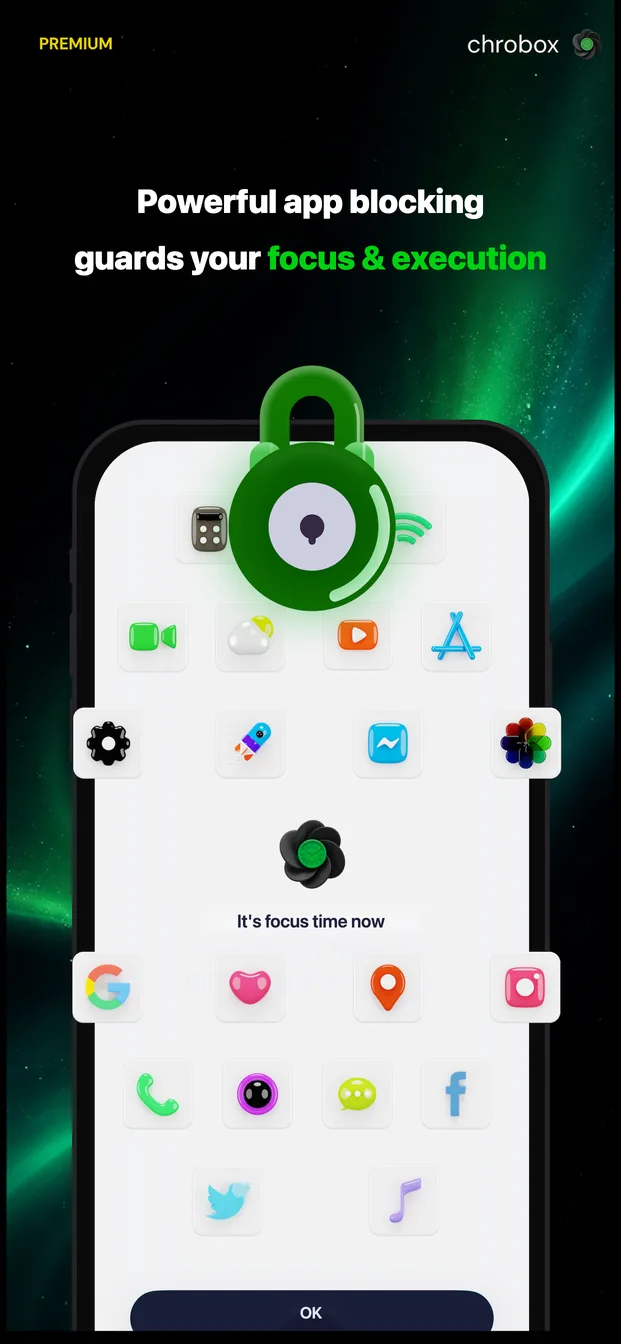
Yes. During a focus session Chrobox can block the apps you choose — social media, games, or anything else — on both iOS (via Screen Time / Family Controls) and Android. Blocking is tied to your time boxes, so distractions are locked exactly when you planned deep work, and released when the box ends.
Which platforms does Chrobox support?
Chrobox runs on iPhone and Android phones, with lock-screen and home-screen widgets plus a Live Activity timer on iOS. Your plans, routines, and statistics sync across devices with one account, and the interface is available in 54 languages including English, Korean, Japanese, German, and Spanish.