
The simplest Thanksgiving week schedule is front-loaded: finish the work that matters on Monday and Tuesday, keep Wednesday to a half day built around travel, and give Thursday to the holiday. Then decide in advance what Friday is, because unlike Thursday it is not a federal holiday, and what Sunday looks like, because it is usually the hardest day of the week to travel. Thanksgiving Day 2026 is Thursday, November 26. Below are the dates that shape the week, how busy each travel day was last year, and hour-by-hour grids for the two work days, the travel day, and the holiday itself.
The dates that shape the week
Thanksgiving Day is a federal holiday on Thursday, November 26, 2026, according to the U.S. Office of Personnel Management. The Friday after it, November 27, is not on the federal holiday list. Some employers give it off, many do not, and schools vary. Before you plan anything else, write down which of these days you actually work.
| Day | Date | Status | What to plan |
|---|---|---|---|
| Monday | Nov 23 | Regular workday | Deep work on the hardest deliverable |
| Tuesday | Nov 24 | Regular workday | Handoffs, replies, out-of-office setup |
| Wednesday | Nov 25 | Regular workday, often light | Half day, packing, travel |
| Thursday | Nov 26 | Federal holiday | Family, cooking, no work |
| Friday | Nov 27 | Not a federal holiday | Your call: work, half day, or off |
| Saturday | Nov 28 | Weekend | Rest, or travel home |
| Sunday | Nov 29 | Weekend | Travel home, 30-minute reset for next week |
Plan backwards from this table. If Friday is a work day for you, treat it like a quiet Wednesday: no meetings you can avoid, one focused block, and an early finish. If it is a day off, it belongs with the weekend, and the whole week effectively ends on Wednesday at noon.
Pick your travel day with last year's numbers
The Transportation Security Administration publishes how many people pass through its airport checkpoints every day. Here is Thanksgiving week 2025, when the holiday fell on Thursday, November 27:
| Day (2025) | Date | People screened by TSA |
|---|---|---|
| Sunday before | Nov 23 | 2,617,142 |
| Monday | Nov 24 | 2,563,877 |
| Tuesday | Nov 25 | 2,675,261 |
| Wednesday | Nov 26 | 2,753,036 |
| Thanksgiving Day | Nov 27 | 1,559,165 |
| Friday | Nov 28 | 2,392,036 |
| Saturday | Nov 29 | 2,696,816 |
| Sunday after | Nov 30 | 3,134,613 |
| Monday after | Dec 1 | 2,893,451 |
Two things stand out. Thanksgiving Day itself was by far the quietest day, at a little over half of the Wednesday before it. And the Sunday after was the busiest day of the whole stretch, at more than 3.1 million people. If your plans allow it, flying out on Thursday morning or coming home on Friday puts you on the lighter days.
If you are flying on Wednesday or Sunday anyway, give the trip a longer block on your schedule than the flight time suggests, and do not plan anything for that evening that depends on landing on time. These are airport numbers, not road traffic, so drivers should treat them as a hint rather than a forecast.
Monday and Tuesday: front-load the real work
The first two days carry the week. Plan them as if Wednesday will be lost, because for most people it partly is. Put the deliverable that would be most painful to leave unfinished in the first block on Monday, and use Tuesday afternoon to hand off, reply, and close loops.
| Time | Monday | Tuesday |
|---|---|---|
| 08:30–09:00 | List what must ship before Wednesday | Check what slipped from Monday |
| 09:00–11:00 | Deep work: hardest deliverable | Deep work: finish the deliverable |
| 11:00–11:30 | Messages | Messages |
| 11:30–12:30 | Meetings you could not move | Meetings you could not move |
| 12:30–13:30 | Lunch | Lunch |
| 13:30–15:00 | Second deliverable | Handoff notes for whoever covers for you |
| 15:00–16:00 | Replies and small tasks | Out-of-office message, flag anything urgent |
| 16:00–17:00 | Buffer for overruns | Pack the non-clothing items: chargers, documents, gifts |
| 17:00 onward | Off | Off |
Two rules make these days work. First, decline or move any meeting that is not needed before the break. A Tuesday meeting whose only output is next steps can produce them the Monday after. Second, keep the 16:00 hour on Monday as a buffer. Holiday weeks fill up with small requests from people trying to finish their own lists, and the buffer is where those requests go instead of into your deep work.
If you have never laid out a day in blocks like this, how to time block your day walks through the method with a full example.
Wednesday: a half day built around travel
Wednesday is a travel day that happens to contain some work. Plan the trip first and fit the work around it.
| Time | Block |
|---|---|
| 07:30–08:00 | Check the flight or route, confirm when you leave |
| 08:00–11:30 | Last work block: only tasks that can finish today |
| 11:30–12:00 | Out-of-office on, laptop closed |
| 12:00–13:00 | Lunch, finish packing |
| 13:00–14:00 | Buffer before leaving |
| 14:00–19:00 | Travel (shift to match your flight or drive) |
| 19:00 onward | Arrive, eat, nothing scheduled |
Pick your leave time on Monday, not on Wednesday morning. Count back from your flight or from when you want to arrive, add the margin you would want on one of the busiest travel days of the year, and put that time on the calendar as a fixed block, the same way you would treat a meeting. Anything not finished by the end of the morning block goes on a list for the Monday after the holiday.
Thursday: Thanksgiving Day for the host
If you are hosting, Thursday is the most scheduled day of the week, and it runs backwards from the meal. Decide when you will eat, then count back using the cook times in your own recipes. The example below assumes a 16:00 meal and a main dish whose recipe calls for 3 hours in the oven plus 30 minutes of resting; change the numbers to match yours.
| Time | Block |
|---|---|
| 08:00–09:00 | Breakfast, set the table, check every ingredient |
| 09:00–11:00 | Dishes that can be made ahead: pies, cold sides |
| 11:00–12:00 | Prepare the main dish for the oven |
| 12:00–15:00 | Oven block: stovetop sides, clean as you go, guests arrive |
| 15:00–15:30 | Main dish rests, oven free for sides |
| 15:30–16:00 | Carve, gravy, plate |
| 16:00–17:30 | Meal |
| 17:30–18:30 | Cleanup, shared with guests |
If your main dish is frozen, look up the refrigerator thawing time for its weight this week, and put "move to fridge" on your calendar as a dated task, counted back from Thursday. It is the one Thanksgiving task that cannot be fixed on the day.
If you are a guest, Thursday needs only two blocks: what you are bringing and when you leave. Keep the rest of the day empty on purpose.
Friday and the weekend
Friday is the day most plans leave vague. Give it one of three labels on Monday, so you are not deciding on Thursday night:
| If Friday is... | Plan |
|---|---|
| A work day | One 2-hour focus block in the morning, no meetings, finish by early afternoon |
| A half day | Morning block for anything that slipped from Wednesday, afternoon off |
| A day off | No work blocks; errands or shopping in one fixed window, then rest |
In last year's numbers, Saturday was lighter than Sunday at the airport, 2.70 million against 3.13 million. If you still travel home on Sunday, keep that evening free. Then take 30 minutes on Sunday evening or first thing Monday to lay out the week of November 30, which is also the first week of December and usually fuller than the one before. The weekly planning guide covers that half hour step by step, and parents juggling a school break may find time-boxing for working parents useful.
Running Thanksgiving week in Chrobox
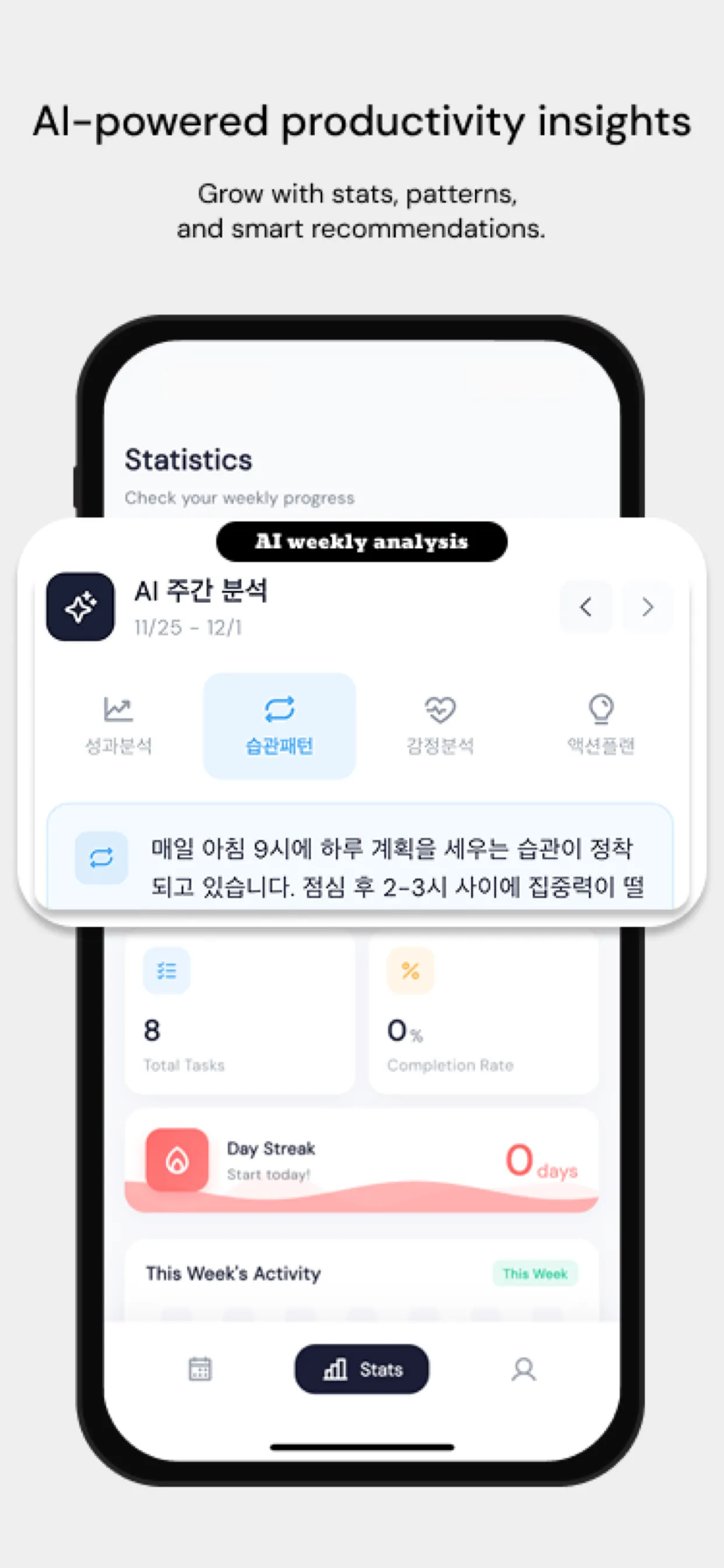
In Chrobox, each block above becomes a task with a start time and a length on that day's timeline, so Monday's deep work, Wednesday's leave time, and Thursday's oven block each send an alert when they start. Mark the one deliverable that must ship before the break as a priority, and run the long Monday and Tuesday blocks with the focus timer, which counts down once for the length of the block. Chrobox also shows the events already in your phone's calendar, such as a flight, so you can plan your blocks around them. All of this is free; blocking distracting apps during focus blocks is a Pro feature.