Scheduling & Routines

時間箱規劃法:打造高效一週的終極指南

Chrobox Team

2025年1月20日

8 分鐘閱讀

時間箱規劃法:打造高效一週的終極指南

Why Weekly Planning Changes Everything

Most people plan their days reactively—responding to emails, attending meetings, and tackling whatever feels most urgent. This approach leads to busy days that don't move the needle on what truly matters. Weekly planning with time-boxing flips this script.

The Weekly Planning Framework

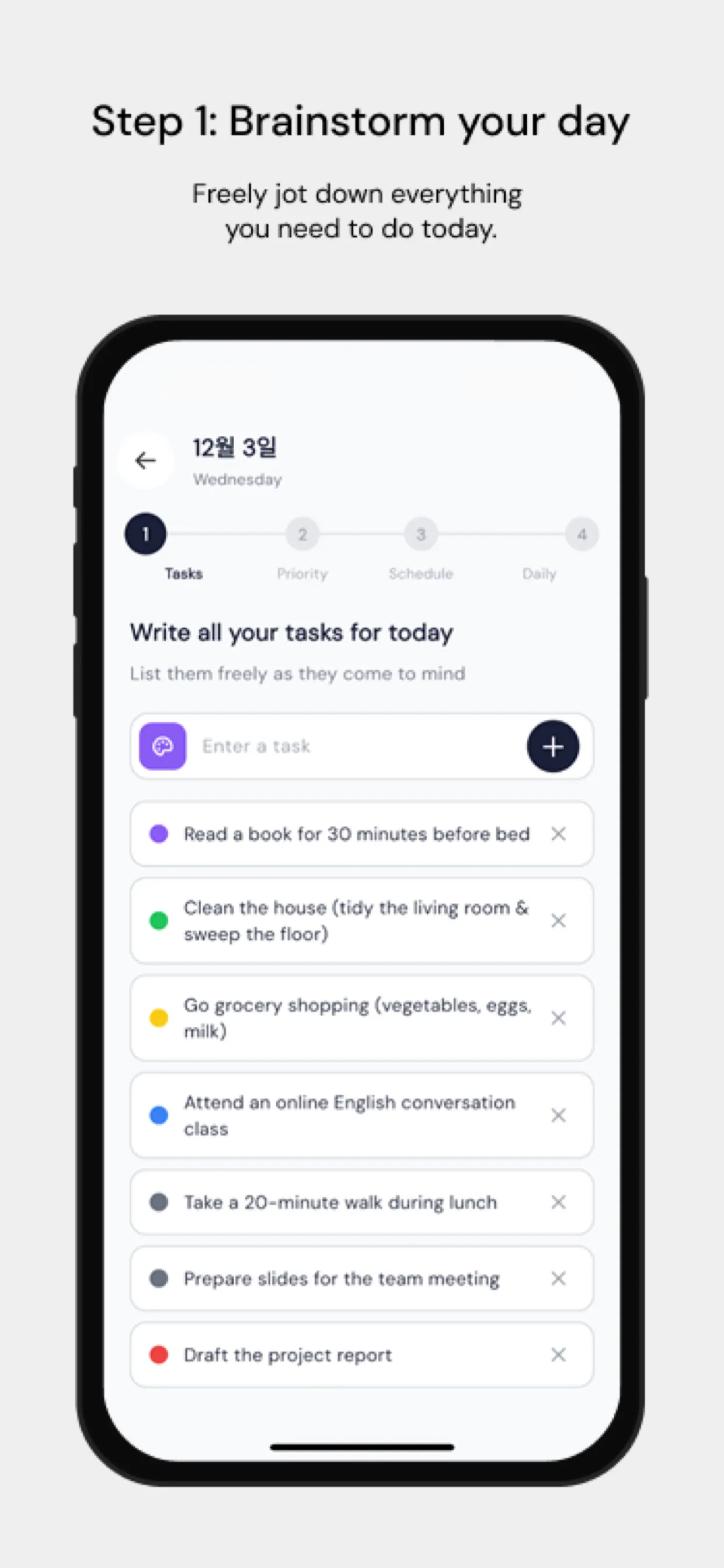
Step 1: The Weekly Review (Sunday Evening, 20 minutes)

Before planning next week, review what happened last week:

  • Which time boxes did you complete as planned?
  • Which tasks consistently ran over time?
  • What unexpected tasks consumed your schedule?
  • What did you not get to that you should prioritize next week?

This honest assessment makes next week's plan more realistic.

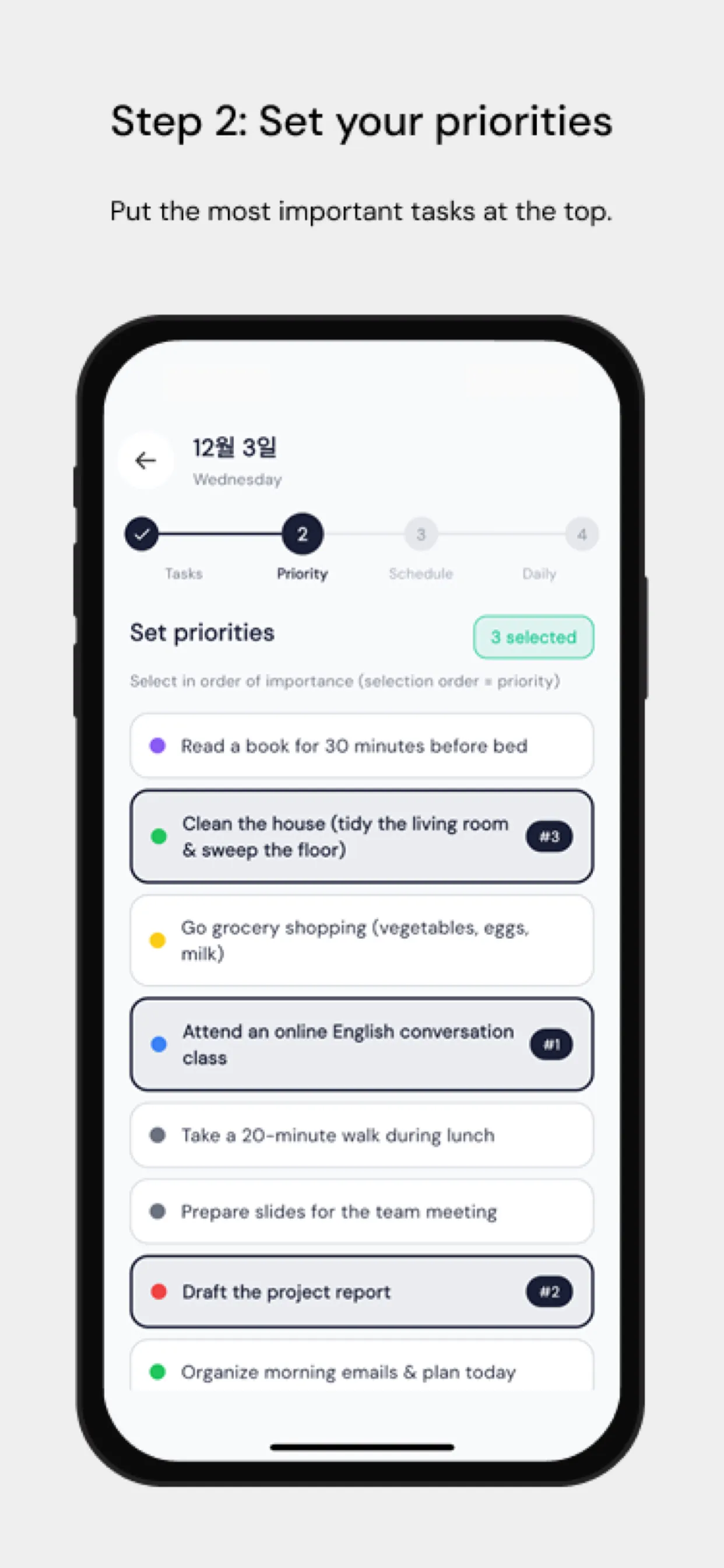
Step 2: Identify Your Weekly Priorities (10 minutes)

Write down your top 3 priorities for the coming week. These are the outcomes that would make the week a success even if everything else goes sideways. Every major time box should connect to at least one priority.

Step 3: Block Your Non-Negotiables First

Before scheduling anything else, add your fixed commitments:

  • Recurring meetings and calls
  • Exercise and health routines
  • Family and personal commitments

These are your anchors. Build around them.

Step 4: Schedule Deep Work Blocks

Your most important, cognitively demanding work belongs in your peak energy hours. For most people, this is mid-morning (9-11 AM). Block 90-minute time boxes for deep work before scheduling anything else in those windows.

Step 5: Fill in Supporting Tasks

After deep work blocks, schedule supporting tasks—email, administrative work, shorter meetings, and routine tasks. These naturally fit in your lower-energy afternoon hours.

Step 6: Build in Buffer Time

Leave at least 20% of your schedule as buffer. Unexpected tasks will arise. Buffer blocks give you flexibility without derailing your whole day.

Using Chrobox for Weekly Planning

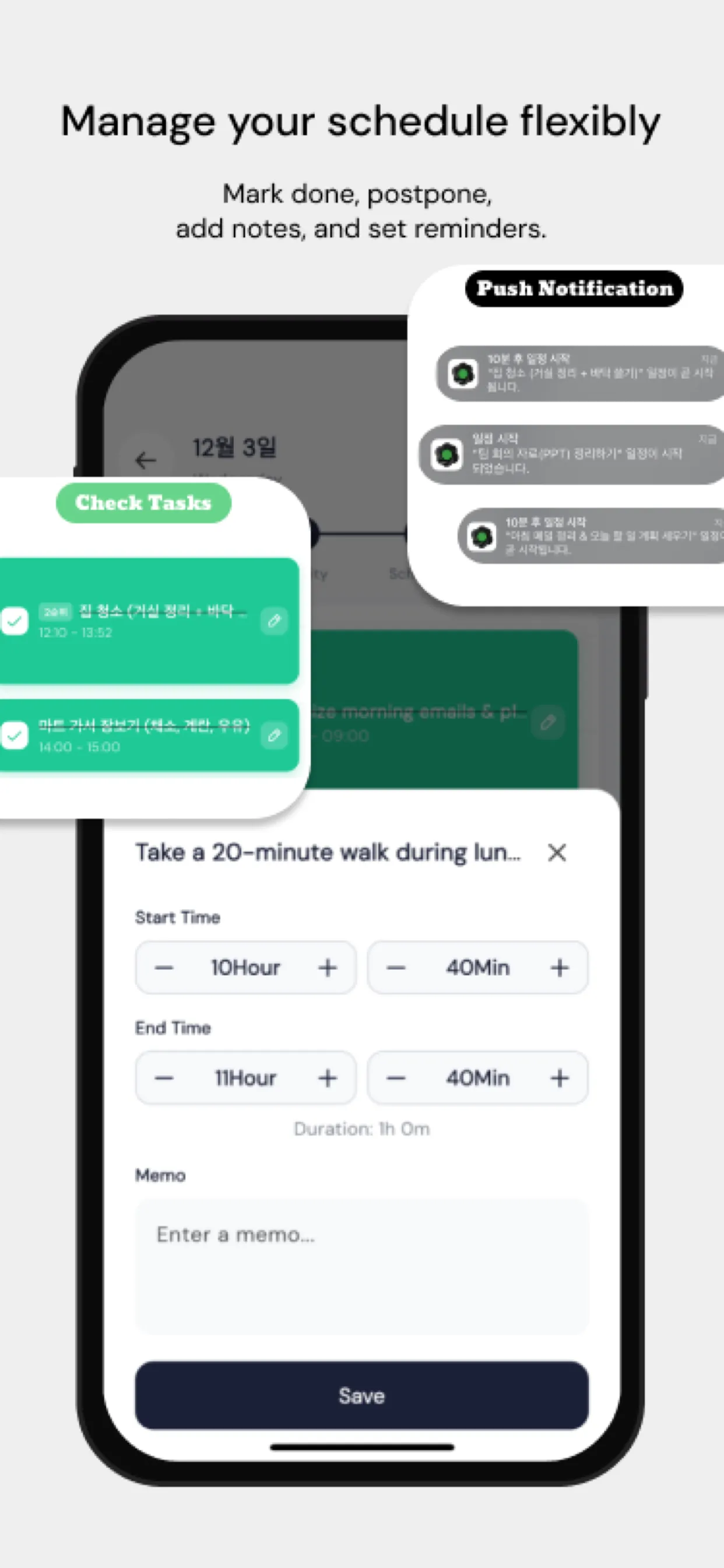
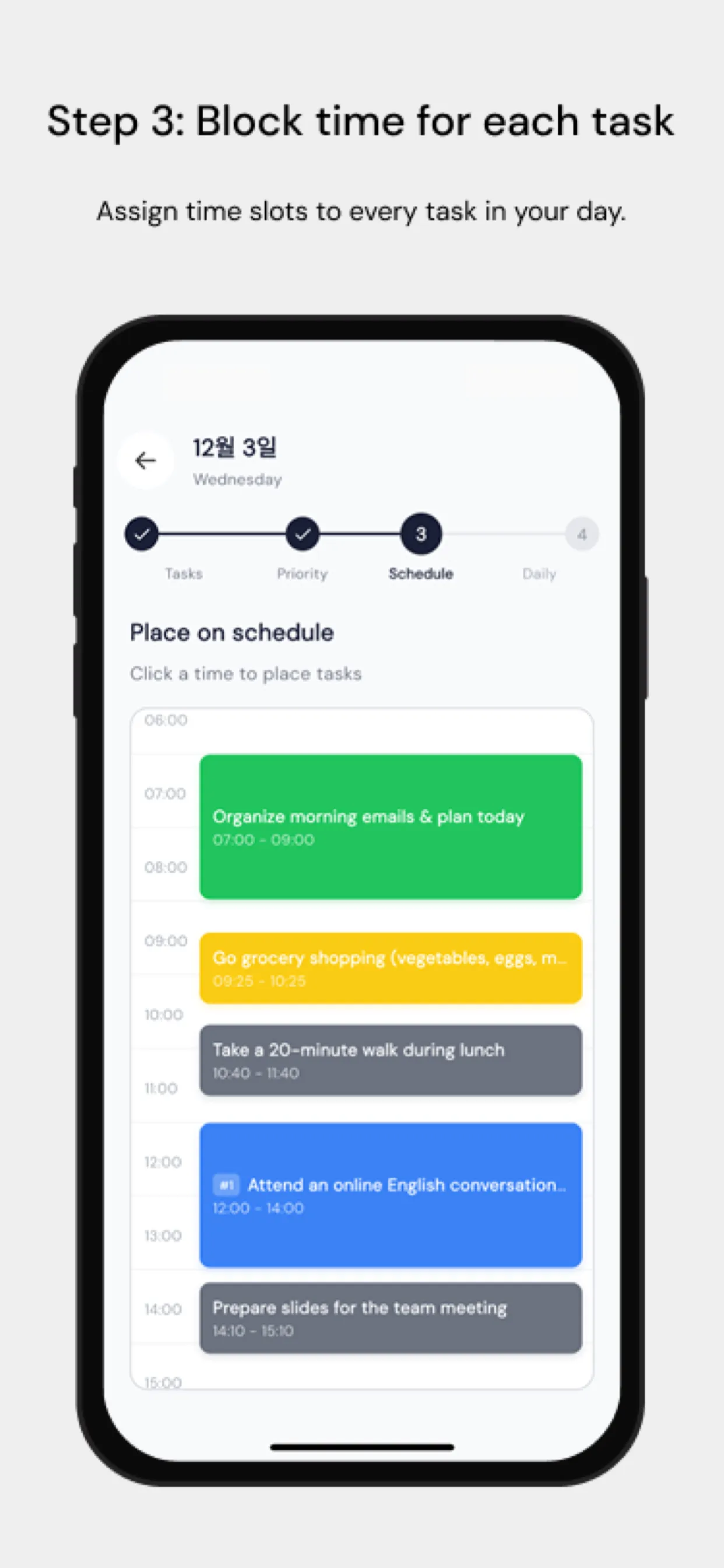
Chrobox makes weekly planning visual and intuitive. The weekly view shows all your time blocks at a glance, making it easy to spot gaps, identify overloaded days, and drag-and-drop blocks when priorities shift.

Common Weekly Planning Mistakes

  1. Over-scheduling – Leave white space. Packed days are fragile days.
  2. Ignoring energy levels – Match task type to your natural energy curve.
  3. No review ritual – Planning without reviewing is guessing.
  4. Treating all tasks equally – Not all tasks deserve the same time box length.

Making It a Habit

The first weekly planning session feels awkward. By the third or fourth week, it becomes the most valuable 45 minutes of your week. Start with just Sunday evening reviews and Monday morning planning. Build from there.

#weekly planning
#time-boxing
#productivity
#planning guide
#work-life balance

常見問題

進行每週規劃需要花多少時間?

專注的時間箱每週規劃大約需要 30 到 60 分鐘。建議利用週日晚上或週一早上回顧上一週,並安排下一週的行程。

我每天應該為幾項任務安排時間箱?

建議每天安排 3 到 5 個主要的任務時間箱。過度排程容易導致精疲力竭。在任務之間留出緩衝時間,以應對突發狀況。

如果我沒有在時間箱內完成任務該怎麼辦?

當時間箱結束時,請評估該任務。如果需要更多時間,請重新安排。時間限制本身就很有價值——它能強迫你排定優先順序,並誠實估算所需時間。

立即使用 Chrobox 開始時間箱規劃

體驗 3 天免費試用,徹底改變您的生產力。

開始免費試用