Scheduling & Routines

時間箱遠端工作排程:提升在家工作效率的實用技巧

Chrobox Team

2025年1月26日

7 分鐘閱讀

時間箱遠端工作排程:提升在家工作效率的實用技巧

The Remote Work Scheduling Challenge

Working from home offers freedom, but that freedom comes with a cost: the blurring of boundaries. Without the physical separation of office and home, work creeps into evenings, weekends, and mental downtime. Time-boxing provides the structure that the office used to impose.

Why Traditional Scheduling Fails Remote Workers

Traditional to-do lists fail remote workers for three reasons:

  1. No time anchors – Tasks without scheduled times float indefinitely
  2. No ending signal – Without a commute home, it's hard to "leave" work
  3. Infinite interruptions – Home environments generate constant context-switching

Time-boxing solves all three by creating a structured, time-bound commitment to each task.

The Remote Worker's Time-Boxing Schedule

Morning Deep Work Block (9:00-10:30 AM)

Protect your first 90 minutes of work for your highest-priority, cognitively demanding task. No email, no Slack, no meetings. This single habit produces more output than anything else.

Mid-Morning: Collaboration Block (10:30 AM-12:00 PM)

Time-box your communications and collaborative work. Respond to messages, join calls, and review others' work. Having a defined window prevents email from bleeding into the whole day.

Lunch Break: True Disconnection (12:00-1:00 PM)

Time-box your lunch break and treat it as non-negotiable. Step away from screens. This break recharges your afternoon focus.

Afternoon: Secondary Deep Work or Administrative Tasks (1:00-3:00 PM)

Most people have lower energy in the early afternoon. Schedule creative but less demanding work here, or administrative tasks that require attention but not peak cognitive load.

Wind-Down Block (3:00-4:00 PM)

Time-box your end-of-day routine: review what you accomplished, update your task list, and plan tomorrow's time boxes. This ritual creates a clear psychological transition from work to personal time.

Managing Interruptions at Home

Communication with Household Members

Clearly communicate your time-boxing schedule to people you live with. When you're in a time box, treat it like a meeting—don't interrupt it.

Digital Interruptions

Use do-not-disturb modes during deep work time boxes. Batch your notification checks into dedicated time boxes rather than responding reactively throughout the day.

Using Chrobox for Remote Work

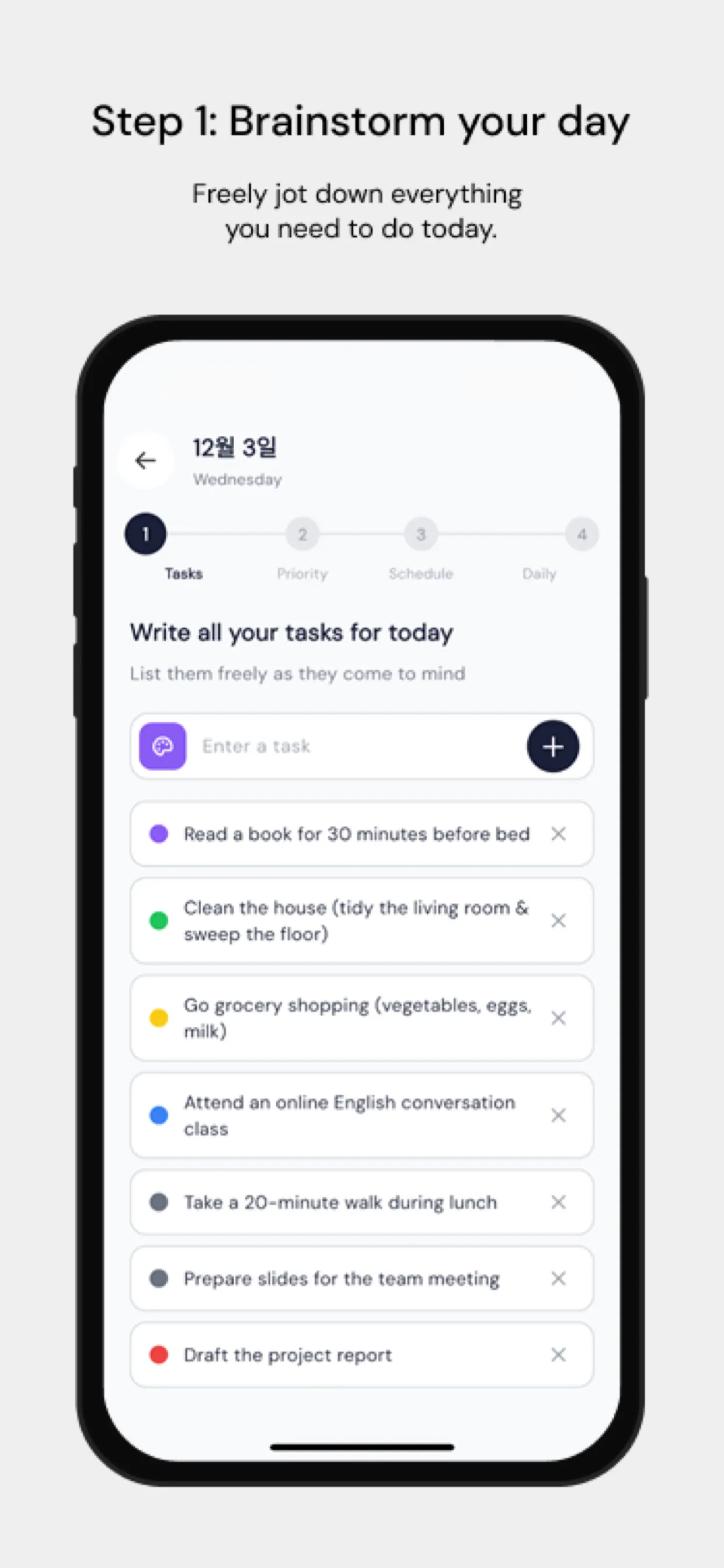
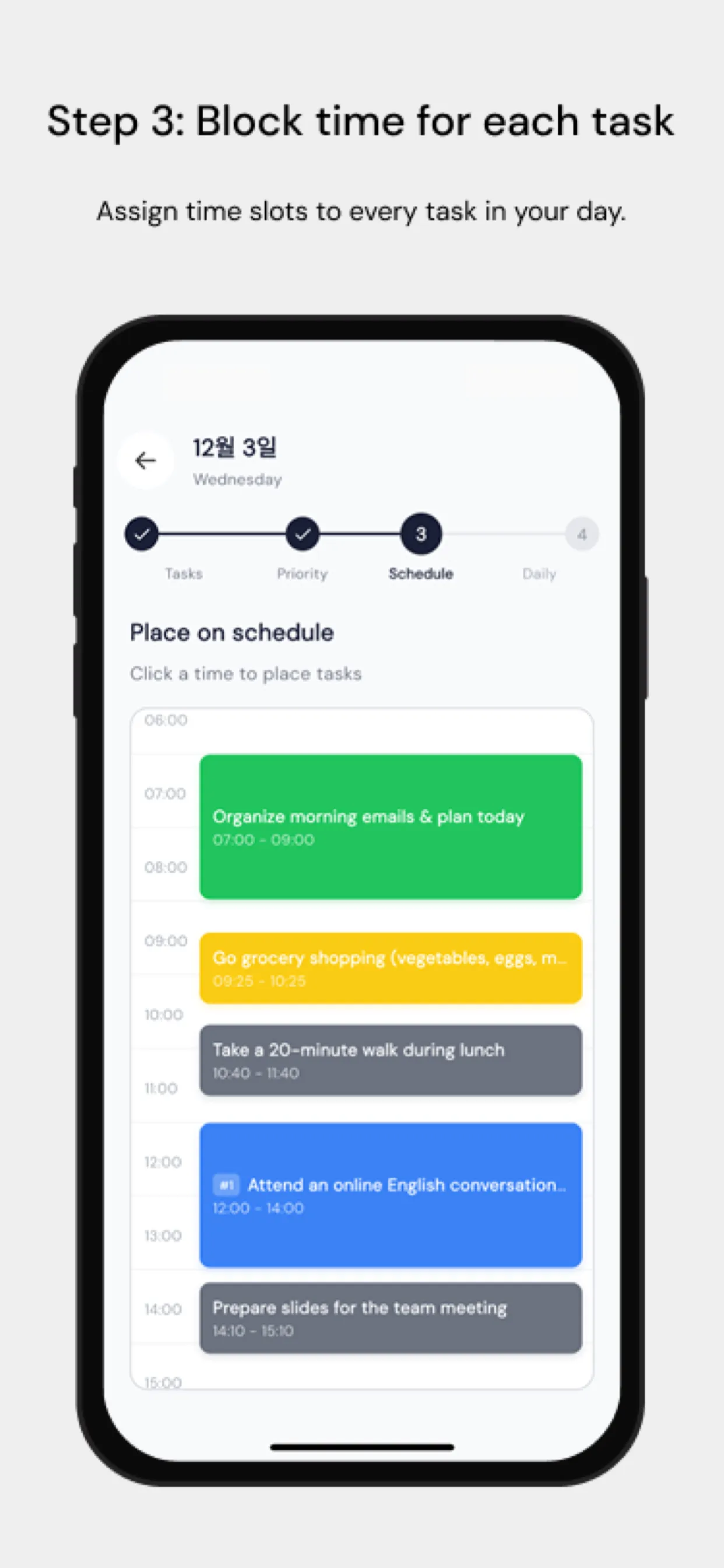
Chrobox is particularly valuable for remote workers because it externalizes your schedule, creating accountability even without a manager or office environment. The app's clear visual blocks make it easy to see when you're on track and when you've drifted.

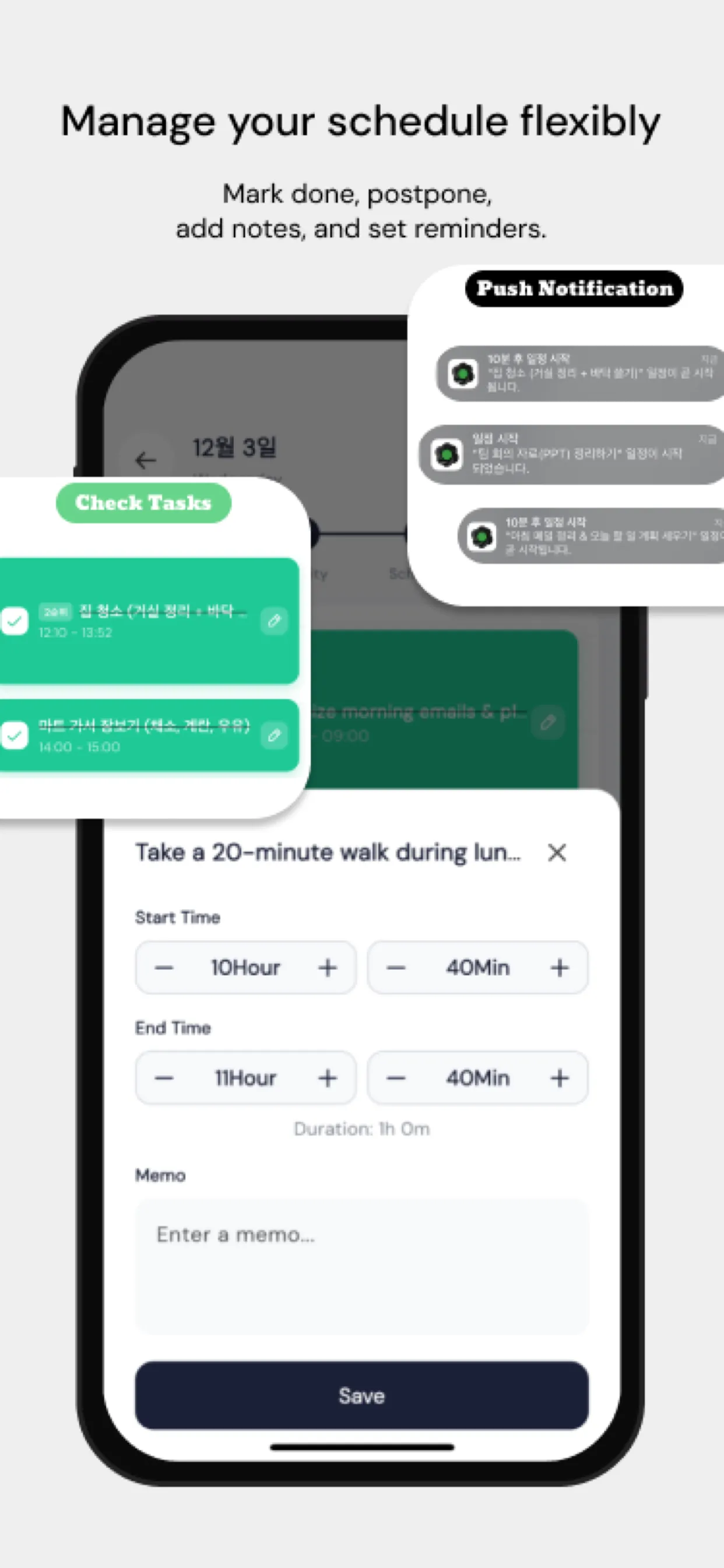
Set Chrobox reminders to signal the start and end of each time box. These auditory cues replace the social cues that offices provide—seeing colleagues pack up, hearing the office quiet down.

The Shutdown Ritual: Your Most Important Time Box

The most powerful time box for remote workers isn't about work—it's the shutdown ritual. At the end of each workday, set a 15-minute time box:

  1. Review completed tasks
  2. Update tomorrow's plan in Chrobox
  3. Close all work applications
  4. Write one sentence summarizing what you accomplished

When the time box ends, your workday is done. This ritual trains your brain to associate the ritual's end with leaving work—providing the psychological boundary that a commute once created.

Measuring Your Remote Work Effectiveness

Track these weekly metrics using Chrobox's analytics:

  • Percentage of time boxes completed as planned
  • Average overrun per time box
  • Time spent in deep work vs. reactive work
  • Consistency of shutdown time

Improving these numbers over 4-6 weeks reveals your productivity patterns and helps you build a remote work schedule that's both productive and sustainable.

#remote work
#WFH
#time-boxing
#productivity
#scheduling

常見問題

如何避免在家工作時分心?

時間箱規劃能建立結構化的承諾,讓您更容易拒絕干擾。當您知道某項任務將在 45 分鐘內結束時,就更容易在這段時間內保持專注。

遠端工作者最理想的日程安排是什麼?

建議這樣規劃您的遠端工作日:早上安排 90 分鐘的高專注深度工作,中午進行協作任務,下午則處理較輕鬆的工作。Chrobox 讓您能輕鬆規劃並追蹤這些時間區塊。

在家工作時,要如何區隔工作與私人時間?

在工作日結束時,為自己規劃一個明確的「下班儀式」時間箱。當這個時間箱結束,就關閉所有工作應用程式,自覺地切換到私人時間。持之以恆便能養成習慣。

立即使用 Chrobox 開始時間箱規劃

體驗 3 天免費試用,徹底改變您的生產力。

開始免費試用