The fastest way to reduce phone addiction is to measure your actual usage first, remove the triggers that make you pick up your phone without deciding to, and then block your worst apps only during specific periods when you are trying to focus. You do not need to delete social media or switch to a flip phone. Most people can cut meaningful screen time in two to three weeks by working through a short, ordered list of changes rather than trying to fix everything at once.
This guide is written for everyday compulsive phone checking, not a clinical condition. If your phone use is seriously affecting your job, relationships, sleep, or mood, please talk to a doctor or therapist. What follows is a practical, non-judgmental plan for the common experience of picking up your phone more than you would like.
Why phone checking is hard to control
Smartphones are not designed to be put down. Notifications, infinite scroll feeds, and variable rewards (you never know if the next refresh has something interesting) are engineered to pull attention back again and again. On top of that, research by Ward and colleagues (2017), published as 'Brain Drain' in the Journal of the Association for Consumer Research, found that the mere presence of your smartphone nearby, even turned off and face down, can reduce the cognitive capacity you have available for other tasks. Your phone does not have to be in use to be a drain on your attention.
This matters because it reframes the problem. You are not lacking willpower. You are fighting a device that was built by very smart people specifically to capture your attention, while also paying an ambient cognitive tax just from having it nearby. The fix is not more willpower, it is changing your environment so that good behavior requires less of it.
Step 1: Measure before you change anything
Before you decide what to fix, look at the numbers. Both major platforms already track this for you:
- iPhone: Settings then Screen Time shows your daily and weekly average screen time, a breakdown by app and category, and your number of pickups and notifications per day.
- Android: Settings then Digital Wellbeing and Parental Controls shows the same core numbers, daily usage, app breakdown, unlocks, and notifications received.
Open it now and just look, without judging yourself. Write down three numbers: total daily screen time, number of pickups, and number of notifications. You will use these again in Step 7 to see if anything actually changed. Most people are surprised by at least one of the three, usually pickups or notifications, since those happen in the background of a day without registering consciously.
Step 2: Identify your trigger apps
Look at the per-app breakdown from Step 1. You are looking for two different things:
- The app that eats the most total time. This is often a video, social, or short-form content app.
- The app you open most often out of habit, even for a few seconds at a time. This is sometimes a messaging app, sometimes a specific social app, and is not always the same as the time leader.
Name your top two or three trigger apps specifically. Vague goals like 'use my phone less' fail because they give you nothing concrete to change. A goal like 'stop opening this specific app between tasks' is something you can actually act on.
Step 3: Turn off non-essential notifications
Go into each trigger app's notification settings and turn off everything that is not a direct message from a real person. Marketing pushes, 'someone liked your post,' recommendation alerts, and re-engagement nudges ('you have new content waiting') are the main mechanism apps use to interrupt you and pull you back in. Keep notifications for things that genuinely need your immediate attention, like calls, texts, and calendar reminders, and turn off nearly everything else. This single step often produces a visible drop in pickups within a few days, because you are no longer being pinged into opening the app in the first place.
Step 4: Add friction to your worst apps
Once notifications are quieter, the remaining problem is habitual, no-notification-needed opening: unlocking your phone and tapping the app icon out of boredom or habit. Add small amounts of friction so this requires a conscious decision instead of an automatic one:
- Move trigger apps off your home screen and out of your dock, into a folder on a secondary screen.
- Turn your phone to grayscale during the hours you most want to cut down (iPhone: Settings, Accessibility, Display & Text Size, Color Filters; on Android it is usually under accessibility settings or Digital Wellbeing's Bedtime mode, depending on the manufacturer). Color is part of what makes feeds compelling, and removing it noticeably reduces the pull.
- Log out of an app so that opening it requires re-entering a password, rather than an instant tap-in.
None of these changes make the app impossible to use. They just add a two or three second pause, which is often enough for the urge to pass or for you to notice you are doing it out of habit rather than intent.
Step 5: Replace the checking slot with a planned activity
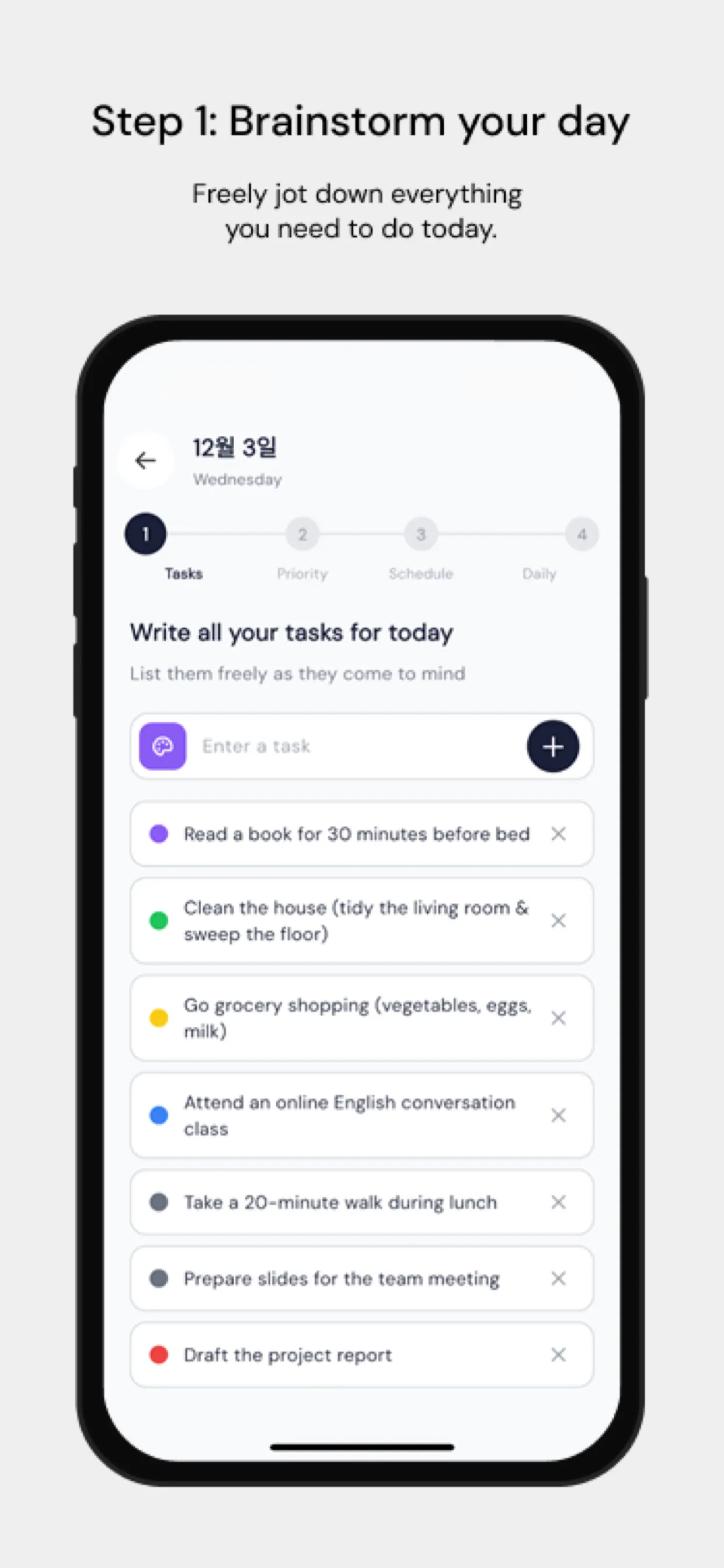
Removing a habit without replacing it tends to fail, because the urge to check still shows up at the same moments, waiting in line, between meetings, right after waking up. Instead of just trying to resist, put something else in that slot on purpose. This is where timeboxing helps: if you plan your day into blocks ahead of time, the moments that used to be filled with idle phone checking get filled with a specific next task instead, so there is less unstructured time for the habit to fill.
Step 6: Block your worst apps during focus periods
For the app that is hardest to resist even after Steps 3 through 5, scope a hard block to specific time windows rather than trying to keep it off all day, which tends to get abandoned the first time you have a legitimate reason to use the app. Both platforms have first-party tools for this:
- iPhone: Screen Time app limits and Downtime, built on Apple's Screen Time API.
- Android: Digital Wellbeing's app timers and Focus mode (menu names vary by manufacturer).
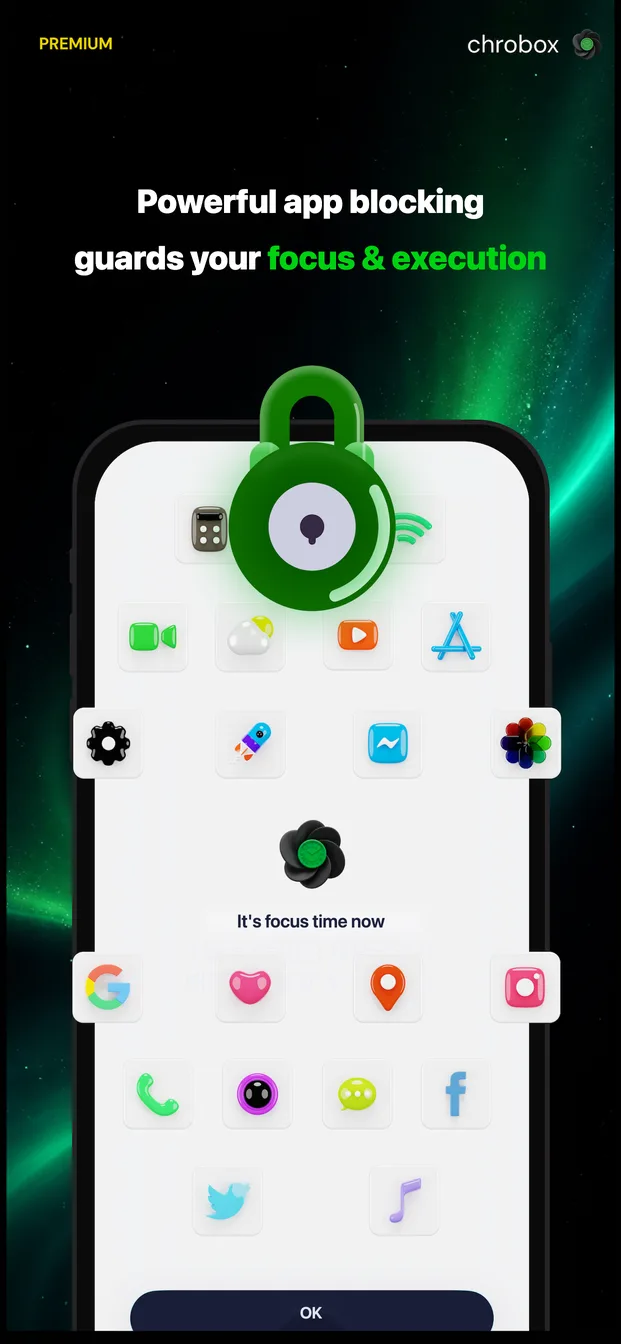
Chrobox also blocks apps, but ties the block to your planned time boxes instead of a flat daily limit: when you attach a block profile to a task or routine, the apps you choose are blocked automatically only for that box's duration, then unblock on their own when the box ends. On iPhone this runs on Apple's Screen Time API (FamilyControls and a custom shield screen); on Android it uses an accessibility service overlay. There is no separate 'block now' button to fight with, the block is scoped to the work period you already planned, which is often easier to stick to than an all-day limit.
Step 7: Review your numbers weekly
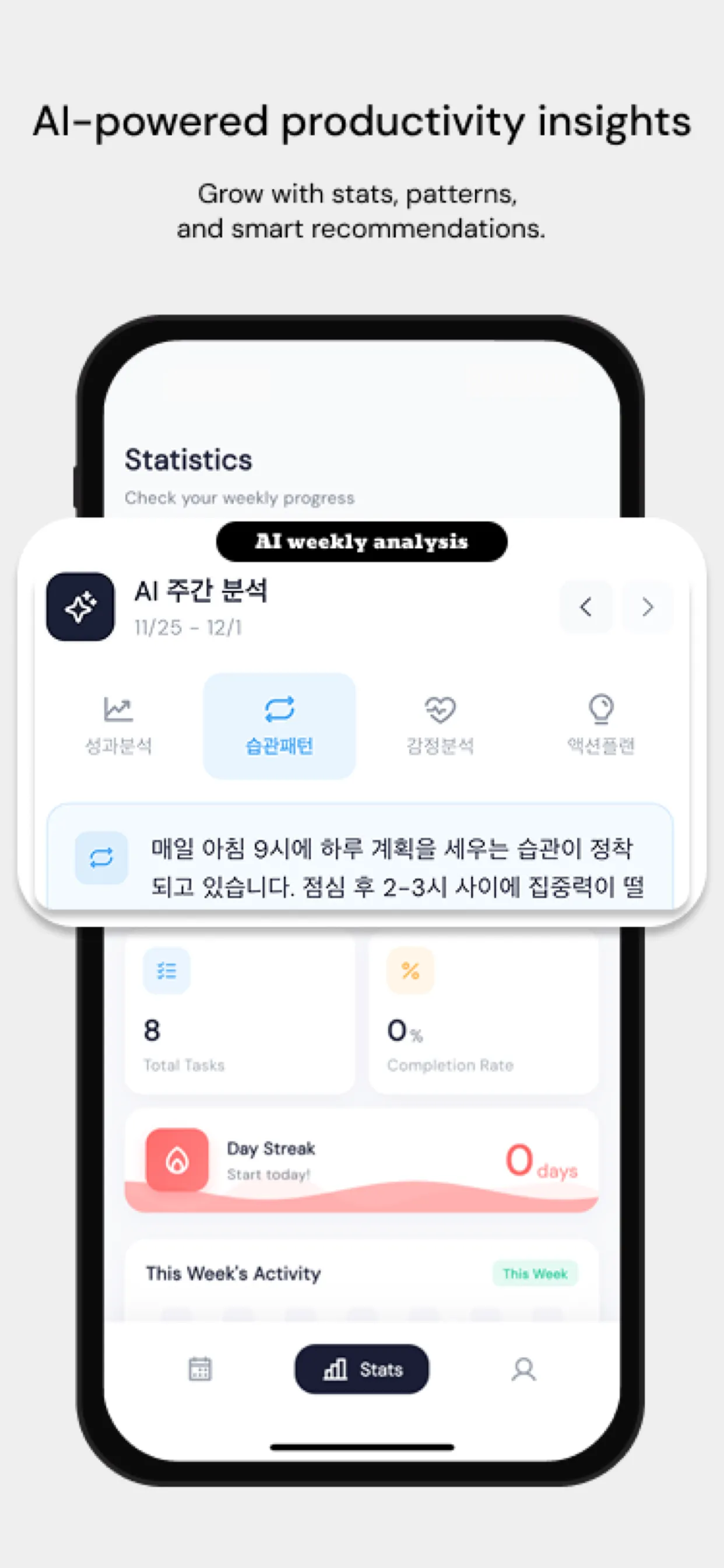
Go back to the same Screen Time or Digital Wellbeing dashboard once a week and compare against the numbers you wrote down in Step 1. Look specifically at pickups and notifications, not just total time, since those two often move first and are a better early signal that the friction and blocking changes are working. If a number is not moving, it usually means one specific app still has notifications on, or is still sitting on your home screen where you see it constantly. Adjust that one thing rather than overhauling the whole plan.
| Step | What to do | Time needed |
|---|---|---|
| 1. Measure | Check Screen Time (iPhone) or Digital Wellbeing (Android) for daily time, pickups, and notifications | 5 minutes |
| 2. Identify triggers | Name your top 2-3 apps by time and by open frequency | 5 minutes |
| 3. Cut notifications | Turn off non-essential alerts in trigger apps | 10 minutes |
| 4. Add friction | Move apps off home screen, enable grayscale, log out of one app | 10 minutes |
| 5. Replace the slot | Plan your day into time boxes so idle moments have a task instead | 10-15 minutes, once a day |
| 6. Block during focus time | Set an app limit or attach a block profile to a focus box | 5 minutes to set up |
| 7. Review weekly | Compare this week's numbers to your baseline | 5 minutes, once a week |
A note on what this guide is not
This is a plan for reducing everyday compulsive checking, not a treatment for a diagnosed condition. Some people find that even after trying friction, blocking, and replacement activities, their phone use is still connected to anxiety, low mood, sleep problems, or a compulsion that feels outside their control. That is a sign to talk to a professional rather than to try harder on your own with an app. Chrobox, and tools like it, can support behavior change for people who want to build better daily habits, but it is not a substitute for medical or mental health care.
Putting it together
None of these seven steps require quitting your phone or your favorite apps entirely. Measuring first tells you where the problem actually is, instead of guessing. Cutting notifications and adding friction remove the automatic triggers. Planning your day into blocks, optionally with an app like Chrobox (which also offers a 3-day free trial on Pro if you want the automatic blocking feature), gives the freed-up time somewhere useful to go instead of just leaving a gap the phone will fill on its own. Reviewing weekly keeps you honest about whether it is actually working, rather than relying on a feeling. Most people notice a real difference within two to three weeks of working through this list in order.