Focus & Productivity

批次處理與時間盒:倍增生產力的終極組合

Chrobox Team

2025年2月13日

6 分鐘閱讀

批次處理與時間盒:倍增生產力的終極組合

The Hidden Cost of Switching Tasks

Every time you switch between different types of tasks, your brain pays a switching cost. Research suggests it can take up to 23 minutes to fully regain focus after an interruption. Multiply that across a typical workday filled with scattered tasks, and you lose hours of productive time.

Task batching is the antidote.

What Is Task Batching?

Task batching means grouping similar tasks together and completing them in one dedicated session. Instead of checking email throughout the day, you check it twice — at 9 AM and 3 PM. Instead of making calls whenever they arise, you batch them all in one 45-minute window.

This approach keeps your brain in a single cognitive mode for extended periods, reducing the overhead of context switching.

What Is Time-Boxing?

Time-boxing assigns a fixed time limit to each task or batch. You work on a task for a set period — say, 30 minutes — and then stop, regardless of whether the task is complete. This combats perfectionism, creates urgency, and ensures no single task expands to fill your entire day.

Why They Work Better Together

Batching reduces friction from switching. Time-boxing prevents overruns. Together they create focused, bounded work sessions that move the needle without draining you.

Example Day:

  • 9:00-9:30 — Email batch (time-boxed)
  • 9:30-11:00 — Deep work batch: writing or coding
  • 11:00-11:15 — Break
  • 11:15-12:00 — Administrative batch: scheduling, invoicing
  • 2:00-3:00 — Meeting batch
  • 3:00-3:15 — Email batch #2

Tips for Getting Started

  1. Audit your tasks — list everything you do in a week and group by type.
  2. Assign time boxes — decide how long each batch should take.
  3. Communicate boundaries — let colleagues know your focused work windows.
  4. Start with two batches — email and deep work. Add more as you improve.

Chrobox as Your Batching Assistant

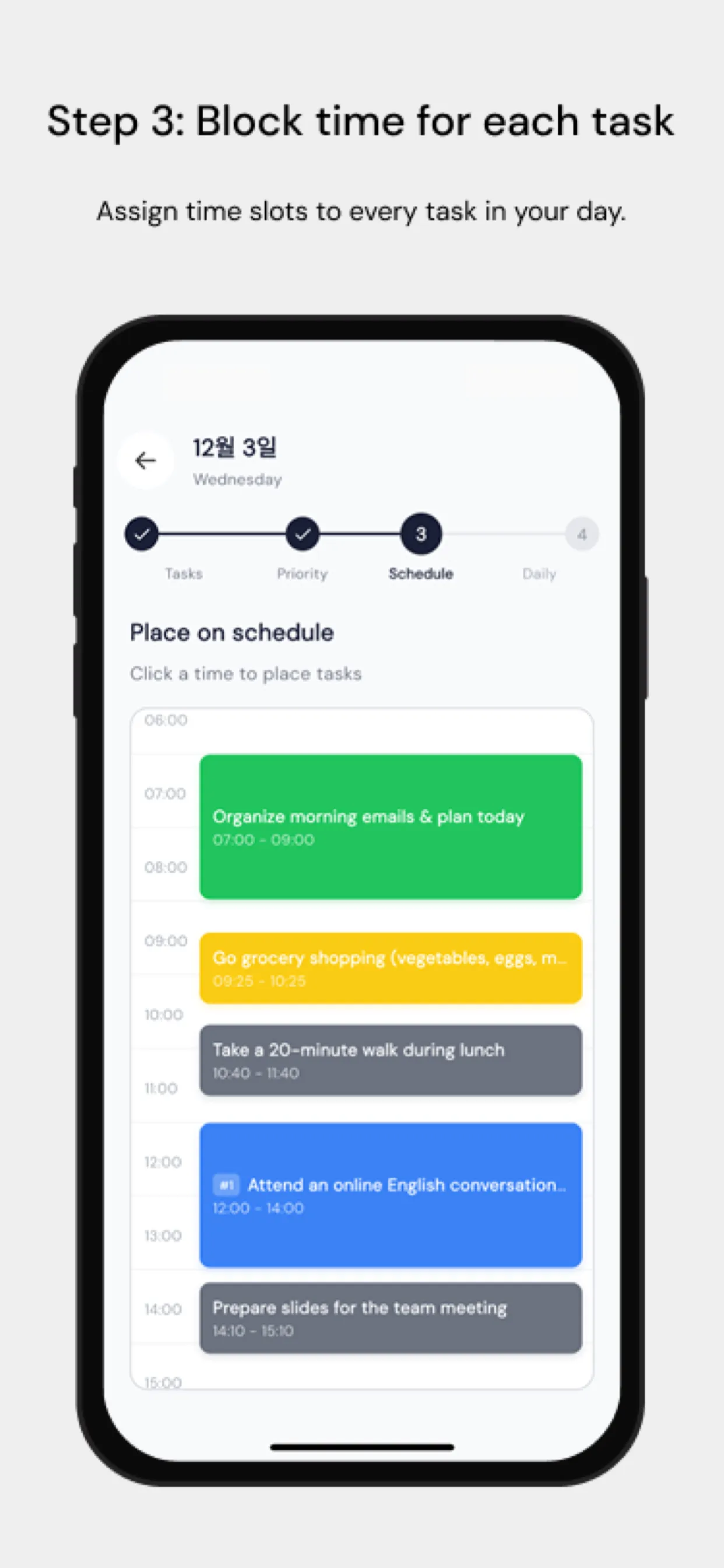
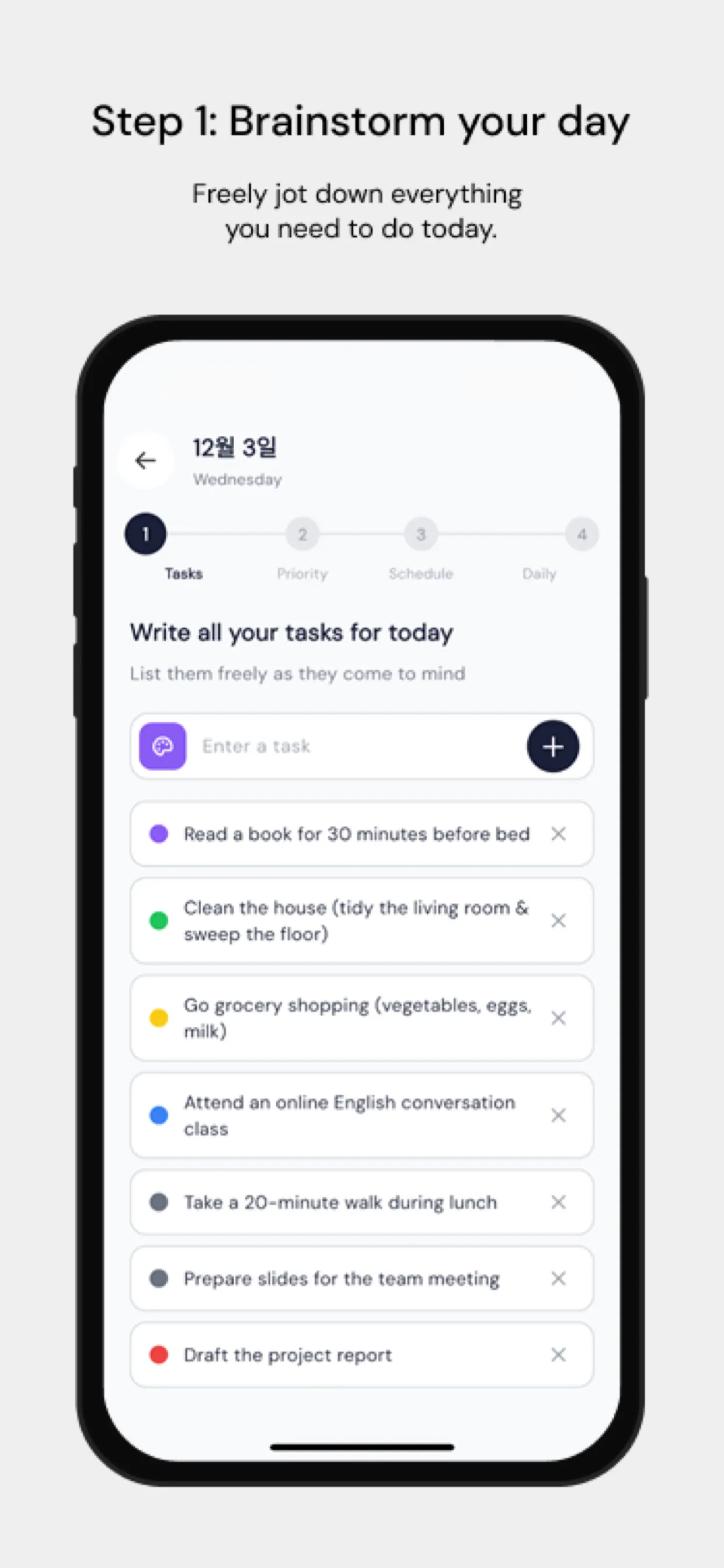
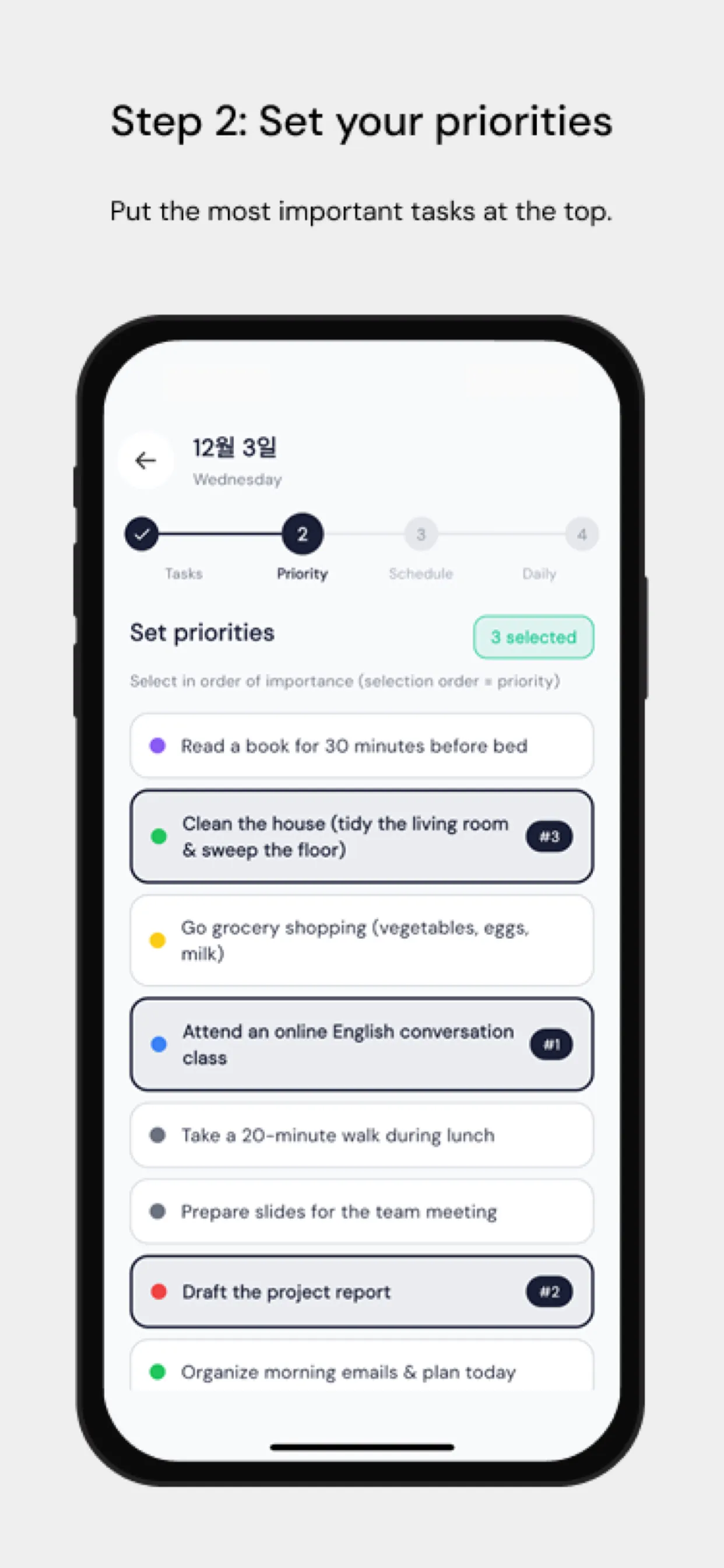
Chrobox's time-blocking feature is built for this. Create recurring time blocks for each task category. Its visual calendar makes it easy to see how your day is structured at a glance, and the cross-platform sync ensures your batched schedule travels with you everywhere.

When unexpected tasks arrive, drag them into the appropriate batch instead of handling them immediately. Your future self will thank you.

The Bottom Line

Task batching and time-boxing are individually powerful. Together they are a productivity multiplier that respects both your focus and your time. Start today — pick your email batch times and stick to them for one week.

#Task Batching
#Time-Boxing
#Productivity
#Focus
#Efficiency

常見問題

什麼是任務批次處理?

任務批次處理是指將相似的任務歸類在一起,並在專屬的時間段內一次完成,藉此減少脈絡切換並提升專注力。

時間盒如何與批次處理互補?

時間盒為每個批次設定了固定的時間限制,能防止流於完美主義或時間超支。兩者結合能創造出有條理且高效的工作衝刺。

一個批次中應該包含多少個任務?

建議每個批次安排 3 到 5 個相似的任務。任務太少會浪費準備時間,太多則容易造成大腦疲勞。請根據任務的複雜度進行調整。

立即使用 Chrobox 開始時間箱規劃

體驗 3 天免費試用,徹底改變您的生產力。

開始免費試用