The fastest way to stop checking your phone while studying is to combine three things: put the phone physically out of reach instead of just face down, block the specific apps that pull you away only during your study sessions, and plan your studying as fixed time boxes rather than open-ended "study time." None of these require willpower in the moment, because the decision is made once, before you sit down, instead of over and over while you study.
Why Just Having Your Phone Nearby Hurts Focus
It is tempting to think that as long as you do not pick up your phone, having it sit face down next to you is harmless. Research suggests otherwise. In a 2017 study often referred to as "Brain Drain," researchers Adrian Ward, Kristen Duke, Ayelet Gneezy, and Maarten Bos found that the mere presence of a person's own smartphone reduced the cognitive capacity they had available for other tasks, even when the phone was off and not in use. The effect showed up simply from the phone being nearby, not from actually checking it.
The practical takeaway is not "turn your phone off" but "put it somewhere that is not simply within arm's reach." A phone in another room, a bag zipped shut, or a drawer across the room all work better than a phone face-down on the same desk, because the goal is distance, not just muting notifications.
Block the Apps That Actually Pull You Away, Only While You Study
Distance alone does not stop the reflex to check a phone that is still nearby, like on a shared desk or a family study table, and it is not realistic for everyone to leave their phone in another room for hours. The second piece is blocking the specific apps that cause the problem, but only during the hours you are actually supposed to be studying.
This matters because a blanket, all-day block is hard to sustain and easy to resent, while a block tied to your actual study session ends on its own once the session is over. You can do this without any extra app:
- On iPhone, use Screen Time Downtime scheduled for your study block, or set an App Limit on the specific apps you struggle with, ideally with a Screen Time passcode someone else holds so you cannot tap Ignore Limit when tempted.
- On Android, most phones include a Digital Wellbeing Focus mode, generally found under Settings, then Digital Wellbeing and parental controls, then Focus mode, where you pick distracting apps to pause during a set time. The exact menu names vary by phone manufacturer, so look for "Digital Wellbeing," "Focus mode," or a similarly named screen-time section in your settings if the wording is different.
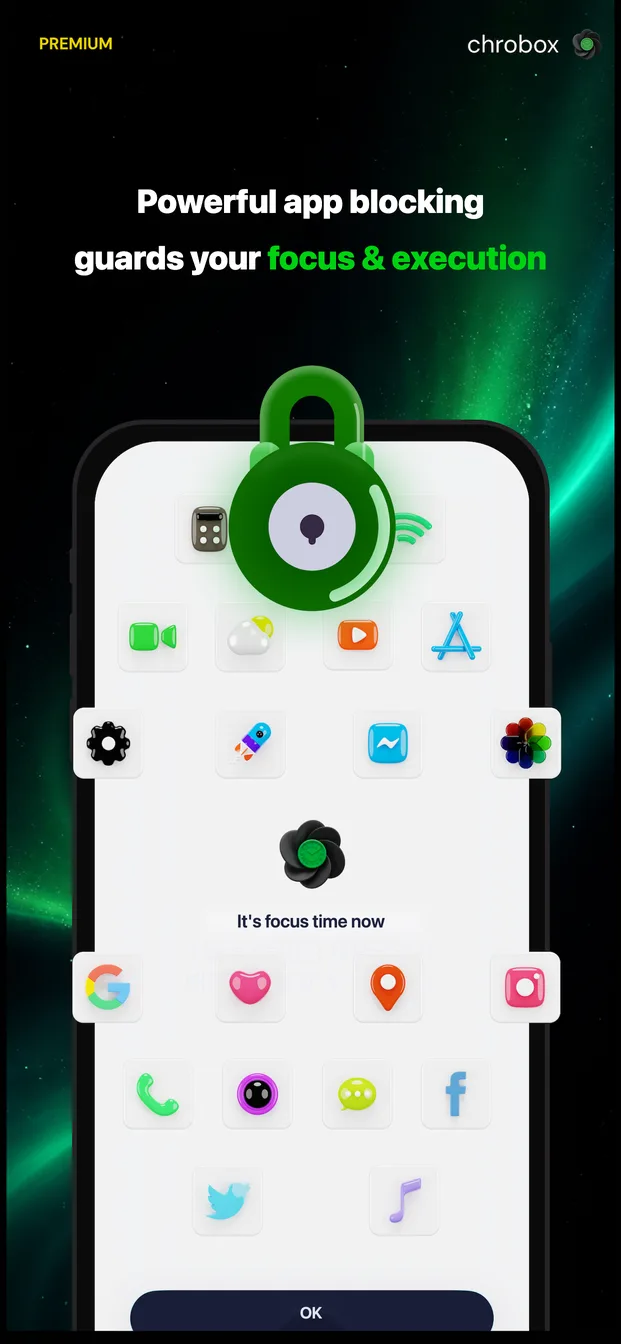
If you plan your day with a timeboxing app like Chrobox, this step can happen automatically: when you attach a block profile to a study task on your timeline, the apps you chose stay blocked for exactly the length of that time box and unblock themselves the moment it ends, so you never have to remember to turn a block on or off.
Plan Studying as Time Boxes, Not Open-Ended Sessions
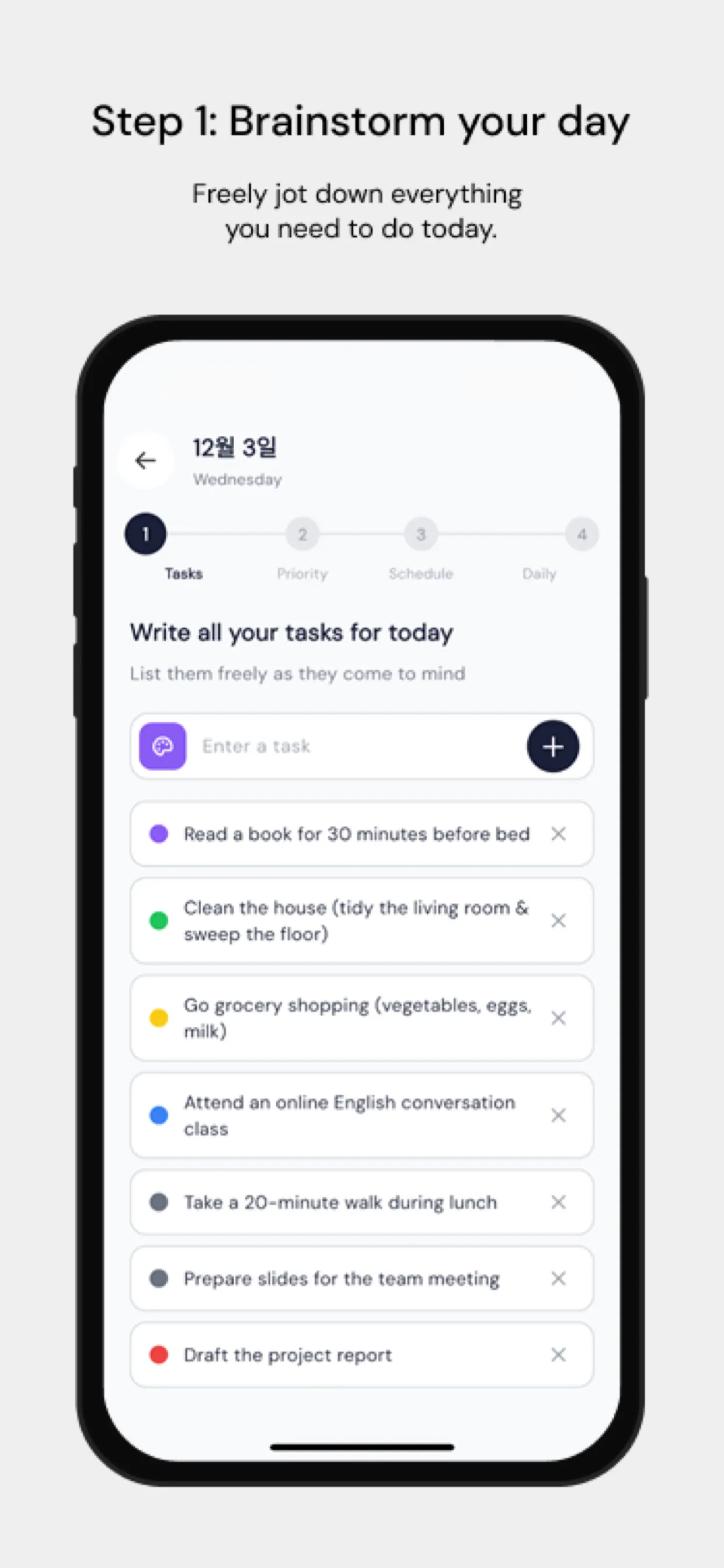
An unstructured plan like "study chemistry tonight" leaves the door open to checking your phone the moment you feel even slightly stuck, because there is no clear unit of work to finish first. Breaking study time into fixed boxes, for example a 50-minute box followed by a 10-minute break, gives you a concrete stopping point that is not your phone. The 50/10 split is simply one reasonable choice, not a fixed rule and not a Pomodoro-style feature baked into any particular app; you can just as easily use 30/5 or 90/15 depending on the subject and how long you can actually hold focus.
Two planning habits make a noticeable difference:
- Put your hardest or most draining subject in the earliest box of your session, while your attention is freshest, rather than saving it for last when you are more likely to reach for your phone instead.
- Write down what "done" looks like for each box before you start it (for example, "finish 10 practice problems" rather than "study math"), since a vague box is much easier to abandon halfway through for a phone check.
Chrobox's own usage data, drawn from 5,077 planned tasks across 250 users between December 2025 and September 2026, is instructive here even though it measures task completion rather than phone checking specifically: tasks placed into a scheduled time box were completed 48.1% of the time, compared to 17.6% for tasks with no time slot at all, and boxes started in the early morning (5:00 to 8:59) were completed 62.3% of the time versus 33.2% for boxes started late at night (21:00 to 23:59). This is observational data from Chrobox's own users, not a controlled experiment, but it lines up with the common experience that vague, late-scheduled study time is where phone checking creeps in the most.
A Sample Study Day for Exam Prep
Here is one way to structure a study day using fixed time boxes, phone distance, and app blocking together, for someone preparing for an exam:
| Time | Box | Phone / app blocking |
|---|---|---|
| 07:30 - 08:20 | Hardest subject, 50 min | Phone in another room; distracting apps blocked |
| 08:20 - 08:30 | Break | Phone allowed, but stay off distracting apps if possible |
| 08:30 - 09:20 | Second subject, 50 min | Phone in another room; distracting apps blocked |
| 09:20 - 09:30 | Break | Phone allowed |
| 09:30 - 10:20 | Practice problems, 50 min | Phone in another room; distracting apps blocked |
| 10:20 - 10:40 | Longer break | Phone fully allowed |
| 10:40 - 11:30 | Review weak areas, 50 min | Phone in another room; distracting apps blocked |
You can build a day like this manually with a paper planner, a phone locked in a drawer, and Screen Time Downtime covering the four study boxes, or set it up in Chrobox, where each study box carries its own app block that turns on and off automatically as you move through the day, and you can start a focus countdown on any box when you sit down.
Closing Thought
None of these three pieces, physical distance, scheduled app blocking, and fixed time boxes, works especially well alone. A phone across the room still gets fetched during a vague, undefined study session; a strict app block on a phone sitting on your desk still leaves you staring at a locked screen instead of your notes; and a perfectly timed box does nothing if your phone is buzzing next to it the whole time. Together, they remove the moment-by-moment decision entirely, which is the part willpower is bad at holding onto for hours at a time.