Productivity for Every Role

時間箱團隊應用指南:倍增協作效率與生產力

Chrobox Team

2025年2月7日

8 分鐘閱讀

時間箱團隊應用指南:倍增協作效率與生產力

Why Teams Struggle with Productivity Differently Than Individuals

Individual productivity is hard. Team productivity is harder. When you add coordination costs, communication overhead, and the challenge of aligning diverse working styles, the complexity multiplies. Time-boxing addresses these team-specific challenges in ways that individual productivity techniques cannot.

The Core Problem: Invisible Time

In most teams, time is invisible. People work, meetings happen, and results appear (or don't) — but nobody has a clear picture of how collective time is actually being spent. This opacity makes it impossible to identify waste, optimize workflows, or set realistic expectations.

Team time-boxing makes time visible. When everyone's blocks are shared and structured, patterns emerge: where are the bottlenecks? Which team members are over-scheduled? Where does rework happen most?

Implementing Team Time-Boxing: A Framework

Phase 1: Align on principles (Week 1) Before tools or schedules, agree on team norms: What counts as an interruption? What communication requires immediate response versus a same-day response? When is it appropriate to book over someone's focus time? Documenting these agreements prevents conflict later.

Phase 2: Establish shared structure (Week 2) Create a team time-boxing template: morning sync (15 min), deep work blocks (2-3 per day, minimum 90 min each), collaboration windows (specific hours when meetings can be scheduled), and end-of-day wrap-up (15 min). Protect deep work blocks from meeting scheduling.

Phase 3: Use outcome-based time boxes (Week 3+) Shift from task-based to outcome-based assignments. Instead of "work on the marketing campaign," assign "complete first draft of Q2 campaign brief by Thursday 5 PM." This changes accountability dynamics and makes handoffs cleaner.

Phase 4: Review and refine (Monthly) Hold a monthly retrospective specifically on time structure. Review: Are deep work blocks being honored? Are meeting hours staying within their windows? Is rework decreasing? Adjust the team template based on data.

Time-Boxing in Agile Teams

Agile teams already use time-boxing at the sprint level (2-week boxes). The opportunity is to extend this discipline to the daily level. Daily stand-ups should themselves be time-boxed to 15 minutes. Sprint ceremonies (planning, review, retrospective) benefit from timed agendas within their already time-boxed formats.

Managing Different Work Styles

Teams contain both morning people and evening people, both deep-work specialists and collaborative generalists. A good team time-boxing system accommodates this by defining shared availability windows (e.g., 10 AM-12 PM and 2-4 PM for collaboration) while leaving remaining time for individual autonomy.

Cross-Platform Coordination with Chrobox

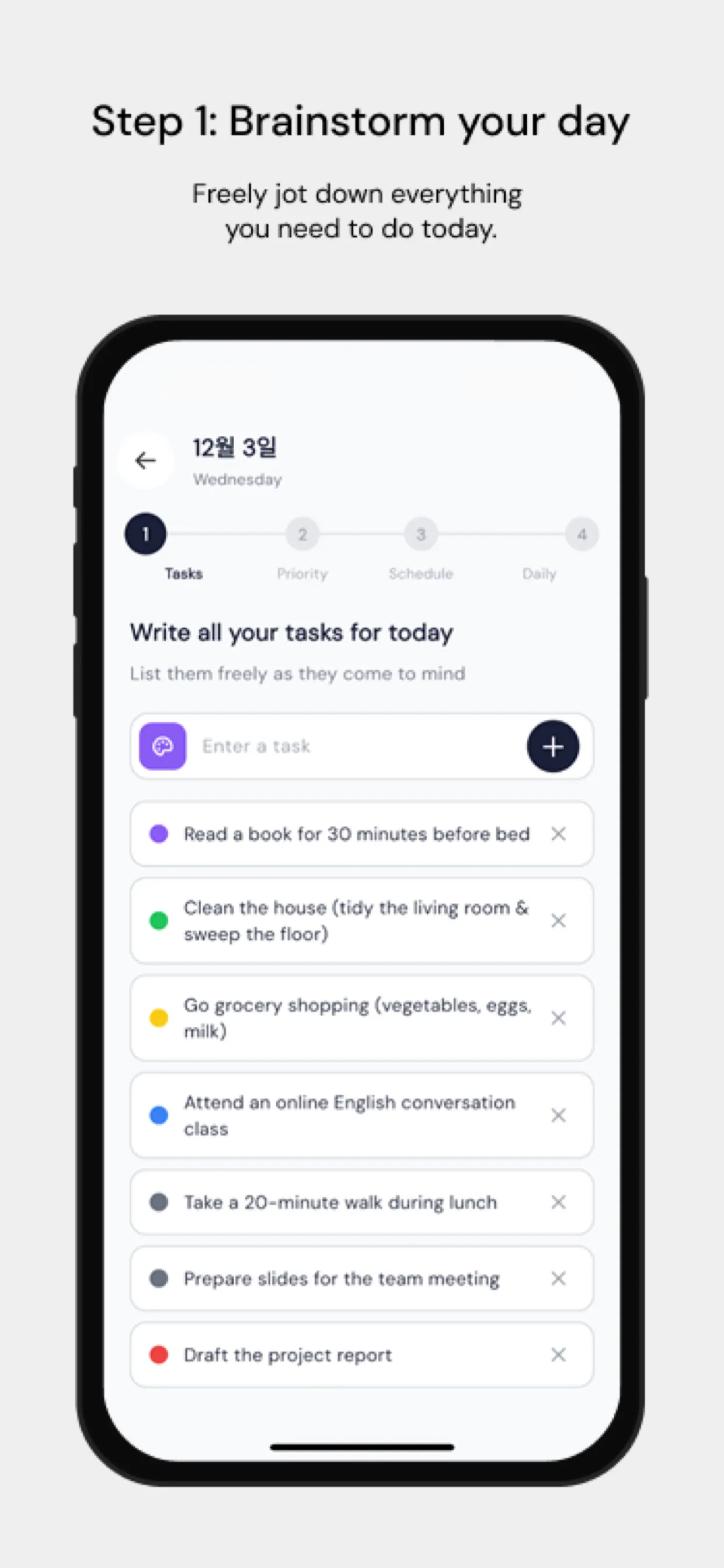
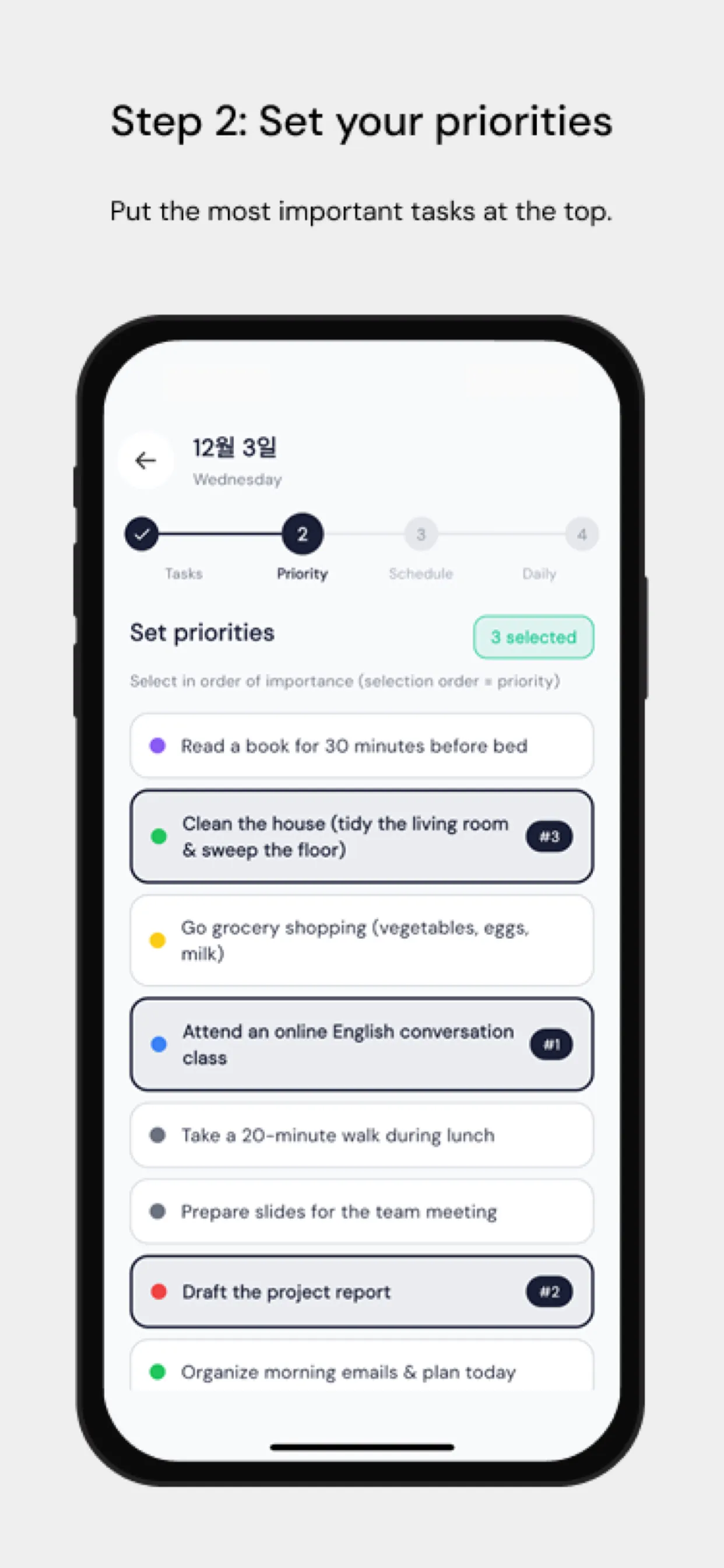
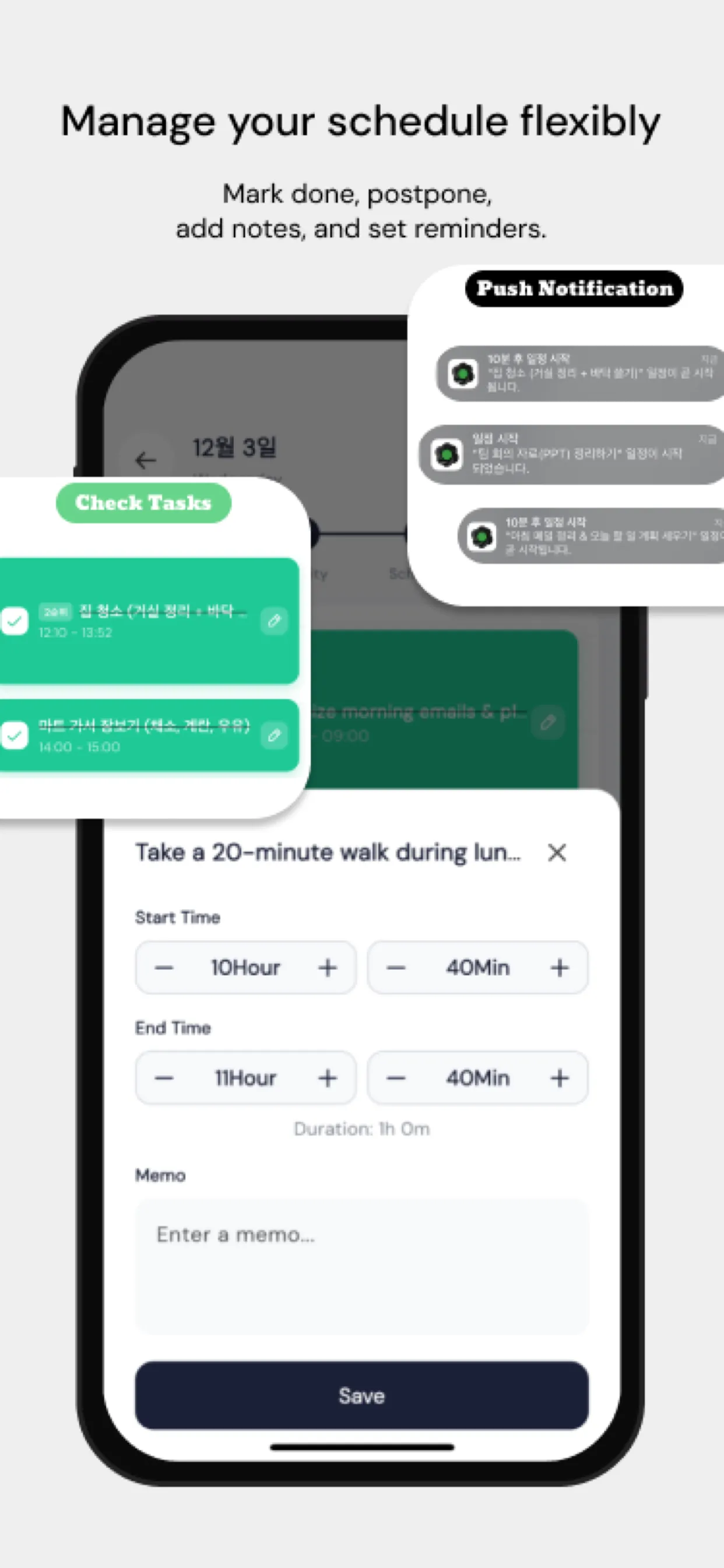
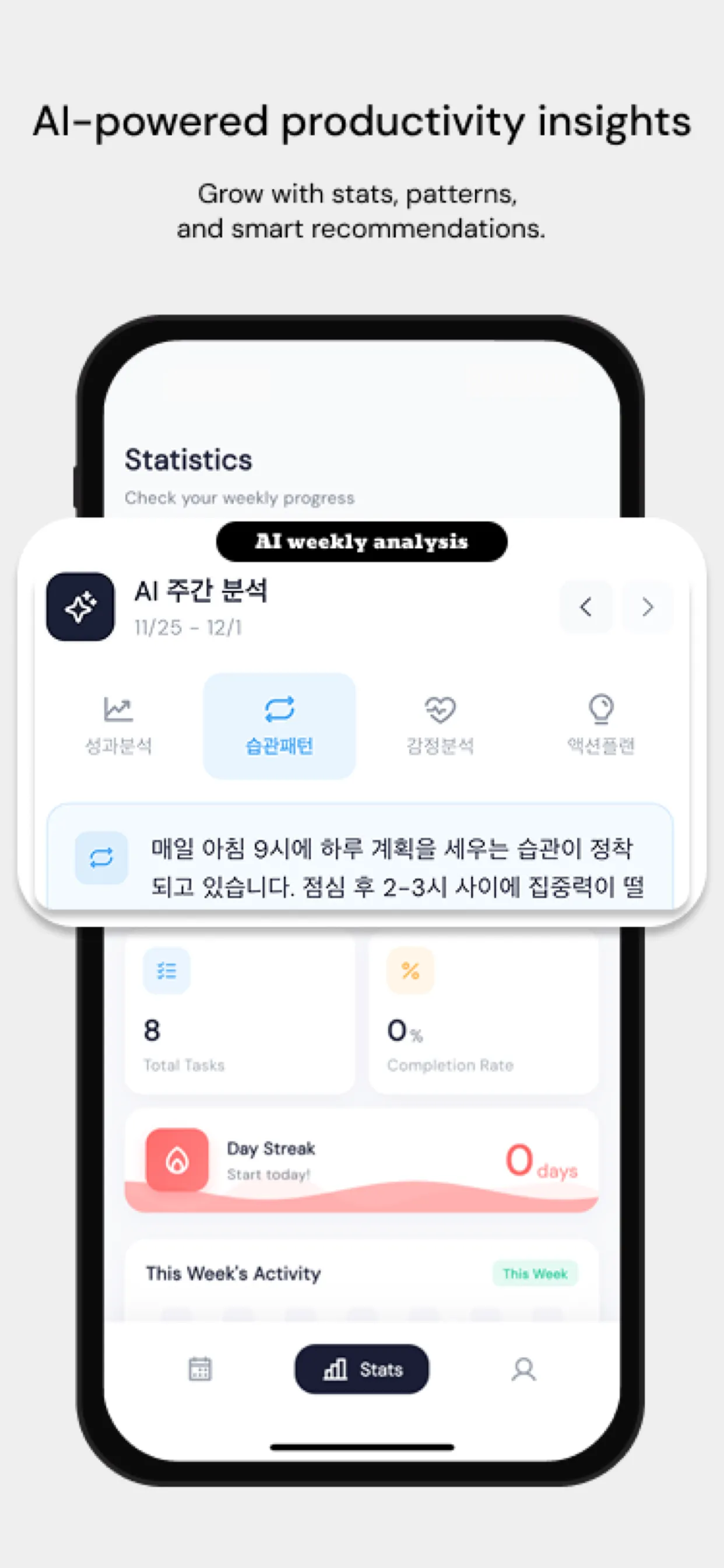
One of the biggest friction points in team time-boxing is tool fragmentation — some team members use iOS, others macOS, some work remotely. Chrobox's cross-platform sync ensures that time structures are consistent regardless of device or location. When a team block is set, everyone sees it. When a time box is completed, the data is available for team-level reporting.

Measuring Team Time-Boxing Success

Track these metrics after implementing team time-boxing:

  • Meeting time per week (target: reduce by 20% within 60 days)
  • Deep work hours per person per week (target: increase by 30%)
  • Rework rate (target: decrease by 15%)
  • Team satisfaction score (monthly pulse survey)

Time-boxing for teams is not about control — it is about creating the conditions for individual excellence to combine into collective excellence.

#teams
#time-boxing
#collaboration
#productivity
#management
#agile

常見問題

團隊時間箱與個人時間箱有何不同?

個人時間箱著重於管理個人專注力;團隊時間箱則在於管理集體的注意力和協調配合。其核心差異在於:團隊時間箱必須考量成員之間的任務依賴關係、在工作交接(一人產出為另一人投入)時需要明確的對接流程,且需要共享可視性,讓每個人都清楚何時能收到交付成果。

管理者該如何推行團隊時間箱,同時避免微觀管理?

關鍵在於針對「產出」規劃時間箱,而非「活動」。與其要求「花 2 小時寫報告」,不如規定「在中午前完成第 1 到 3 節的初稿」。這能給予團隊成員充分的時間自主權,同時建立清晰、共享的檢核點。您只需在檢核點評估產出成果,而非干涉具體的執行過程。

哪些工具最適合用於團隊時間箱?

最理想的配置是結合「共享行事曆」(用於呈現時間區塊)、「專案管理工具」(用於指派任務),以及像 Chrobox 這類專為個人執行設計的時間箱 App。Chrobox 的跨平台同步功能可確保所有團隊成員——無論是使用 iOS、macOS 還是遠端工作——都能無縫共享相同的時間架構。

立即使用 Chrobox 開始時間箱規劃

體驗 3 天免費試用,徹底改變您的生產力。

開始免費試用