The Hidden Cost of Switching Tasks
Every time you switch between different types of tasks, your brain pays a switching cost. Research suggests it can take up to 23 minutes to fully regain focus after an interruption. Multiply that across a typical workday filled with scattered tasks, and you lose hours of productive time.
Task batching is the antidote.
What Is Task Batching?
Task batching means grouping similar tasks together and completing them in one dedicated session. Instead of checking email throughout the day, you check it twice — at 9 AM and 3 PM. Instead of making calls whenever they arise, you batch them all in one 45-minute window.
This approach keeps your brain in a single cognitive mode for extended periods, reducing the overhead of context switching.
What Is Time-Boxing?
Time-boxing assigns a fixed time limit to each task or batch. You work on a task for a set period — say, 30 minutes — and then stop, regardless of whether the task is complete. This combats perfectionism, creates urgency, and ensures no single task expands to fill your entire day.
Why They Work Better Together
Batching reduces friction from switching. Time-boxing prevents overruns. Together they create focused, bounded work sessions that move the needle without draining you.
Example Day:
- 9:00-9:30 — Email batch (time-boxed)
- 9:30-11:00 — Deep work batch: writing or coding
- 11:00-11:15 — Break
- 11:15-12:00 — Administrative batch: scheduling, invoicing
- 2:00-3:00 — Meeting batch
- 3:00-3:15 — Email batch #2
Tips for Getting Started
- Audit your tasks — list everything you do in a week and group by type.
- Assign time boxes — decide how long each batch should take.
- Communicate boundaries — let colleagues know your focused work windows.
- Start with two batches — email and deep work. Add more as you improve.
Batch size and block length: what Chrobox data shows
In Chrobox app data covering 5,077 planned tasks from 250 people, completion was steady for time boxes up to 90 minutes (between 48.6% and 53.6%) and fell to 45.0% for 91–120 minutes and 44.0% beyond 120 minutes.
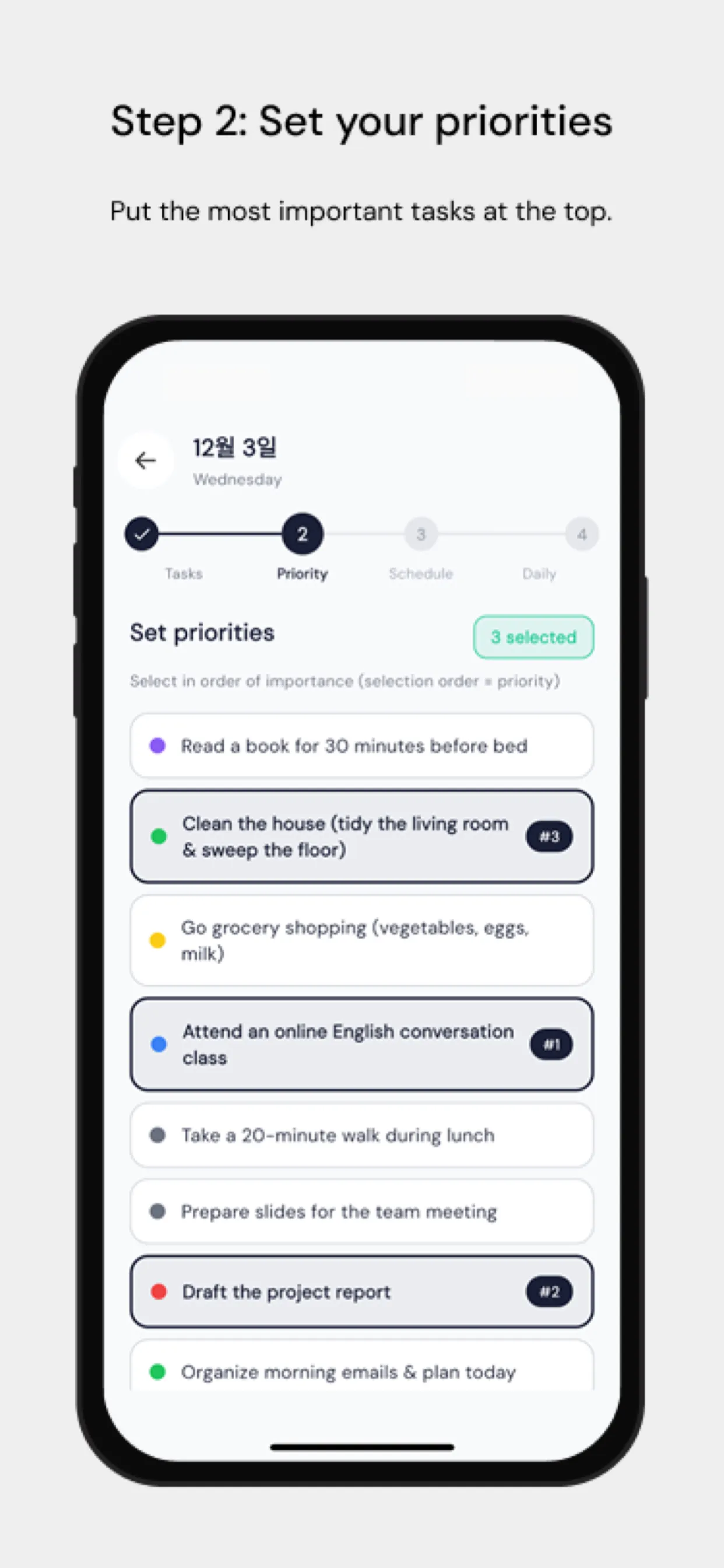
For batching, that suggests capping a batch at about 90 minutes and starting a new block for whatever is left. Marking the batch as a priority also helped in the data: priority tasks were completed 44.5% of the time, against 28.9% for the rest.
This is observational data, not an experiment, so treat it as a guide rather than a rule.
Source: Does Timeboxing Work? Completion Data from 5,077 Planned Tasks — Chrobox app data, December 2025 to September 2026.
Chrobox as Your Batching Assistant
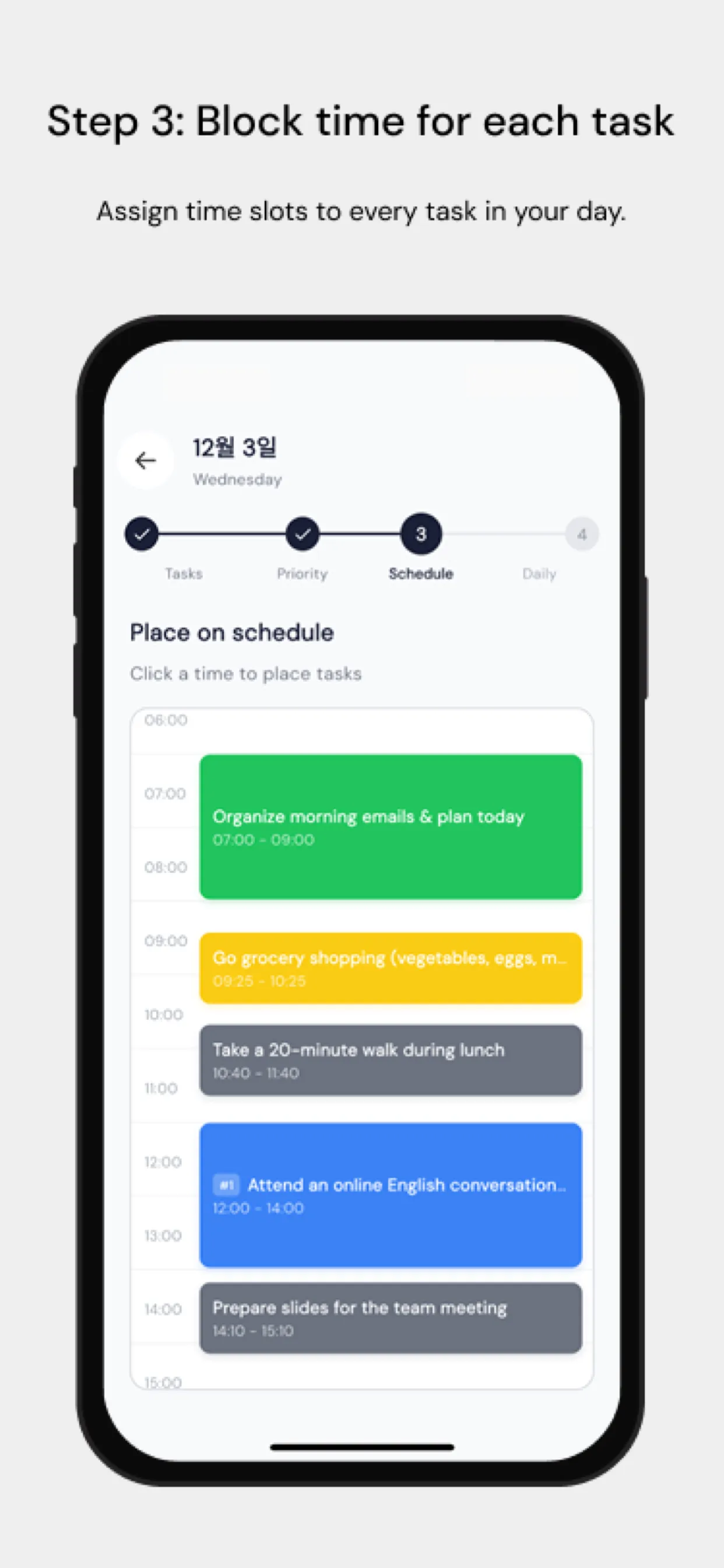
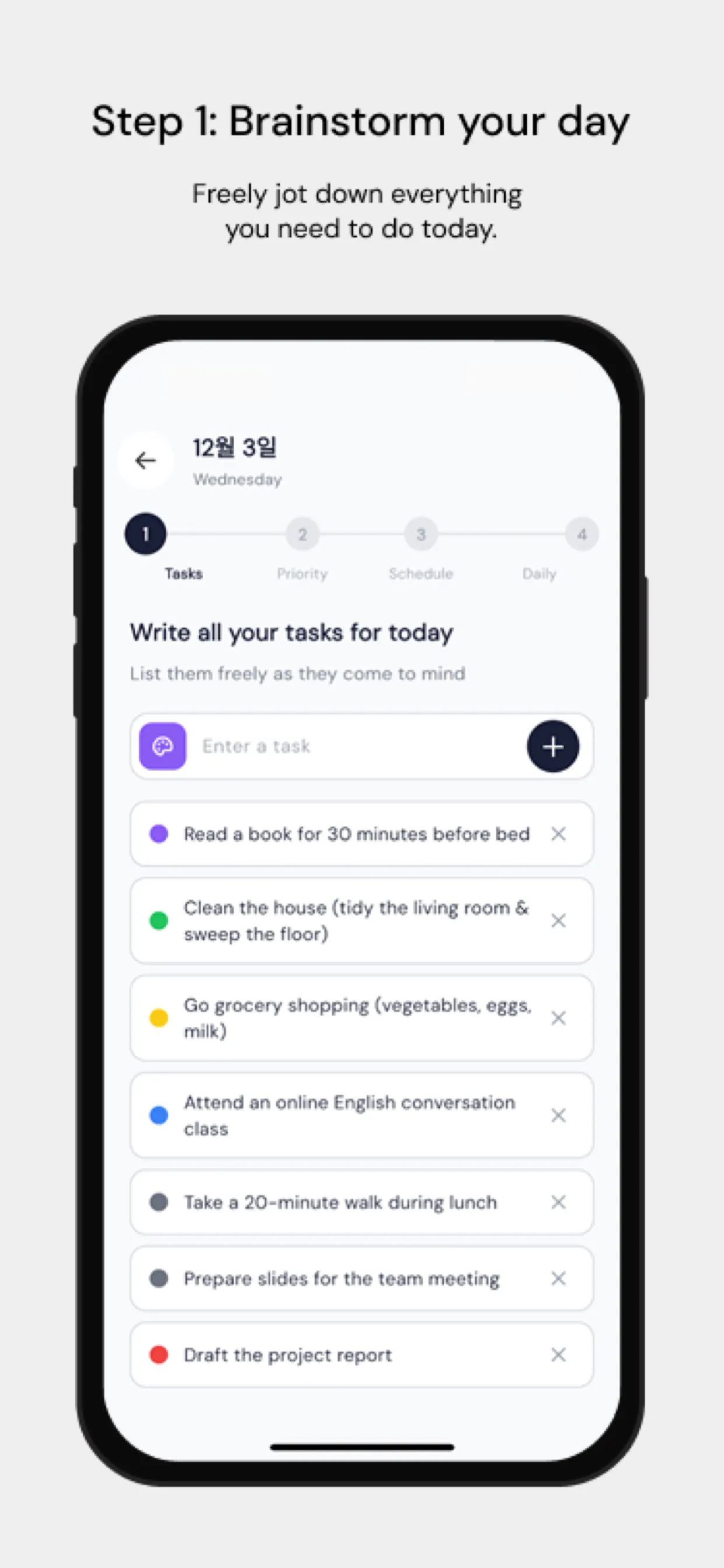
Chrobox's time-blocking feature is built for this. Create recurring time blocks for each task category. Its visual calendar makes it easy to see how your day is structured at a glance, and the cross-platform sync ensures your batched schedule travels with you everywhere.
When unexpected tasks arrive, drag them into the appropriate batch instead of handling them immediately. Your future self will thank you.
The Bottom Line
Task batching and time-boxing are individually powerful. Together they are a productivity multiplier that respects both your focus and your time. Start today — pick your email batch times and stick to them for one week.