Die versteckten Kosten unproduktiver Meetings
Der durchschnittliche Wissensarbeiter besucht 62 Meetings pro Monat, doch Studien zeigen, dass über 35 % der Meetingzeit als unproduktiv gelten. Das summiert sich auf etwa 31 vergeudete Stunden jeden Monat — fast eine ganze Arbeitswoche. Timeboxing ist die wirksamste Einzelmaßnahme, um diese Zeit zurückzugewinnen.
Woran Meetings scheitern
Die meisten Meetings scheitern aus vorhersehbaren Gründen: keine klare Agenda, keine Zeitlimits, die falschen Leute im Raum und keine Verantwortlichkeit für Ergebnisse. Timeboxing packt die ersten beiden Probleme direkt an und schafft die Voraussetzungen, die anderen beiden zu lösen.
Ohne Zeitbegrenzung dehnen sich Gespräche über den gesamten verfügbaren Raum aus — das Parkinsonsche Gesetz in Aktion. Eine feste Endzeit erzwingt Priorisierung und hält Diskussionen auf Kurs.
So timeboxt du deine Meetings
1. Lege die Meetingdauer fest, bevor du die Einladung verschickst. Standard-Kalenderslots dauern 30 oder 60 Minuten, aber dein Meeting braucht vielleicht nur 20. Entscheide bewusst.
2. Erstelle eine Agenda mit Zeitangaben. Verteile die Gesamtzeit des Meetings vor Beginn auf die Agendapunkte. Bei einem 30-minütigen Meeting mit drei Themen bekommt jedes 10 Minuten — und kommuniziere das vorab an die Teilnehmenden.
3. Bestimme eine Zeitwächterin oder einen Zeitwächter. Eine Person ist dafür zuständig, die Zeit pro Agendapunkt im Blick zu behalten und 2 Minuten vor Ablauf jedes Slots eine Warnung zu geben.
4. Nutze einen gemeinsamen, sichtbaren Timer. Wenn alle die Uhr herunterzählen sehen, reguliert sich die Gruppe besser selbst, als es ein Moderator allein je schaffen könnte.
5. Definiere das Ergebnis jedes Agendapunkts. Kennzeichne vor dem Meeting jeden Punkt als: Entscheidung, Informationsaustausch oder Diskussion. Das setzt die Erwartungen der Teilnehmenden und beschleunigt die Klärung.
Die 48-Stunden-Regel für asynchrone Nachbereitung
Wenn Agendapunkte überziehen oder neue Fragen aufwerfen, widerstehe der Versuchung, das Meeting zu verlängern. Leite ungeklärte Punkte stattdessen in asynchrone Kanäle (E-Mail, Slack, Projektmanagement-Tools) mit einer Antwortfrist von 48 Stunden. So respektierst du die Zeit aller und stellst zugleich sicher, dass nichts durchs Raster fällt.
Mit Chrobox Meetings vorbereiten
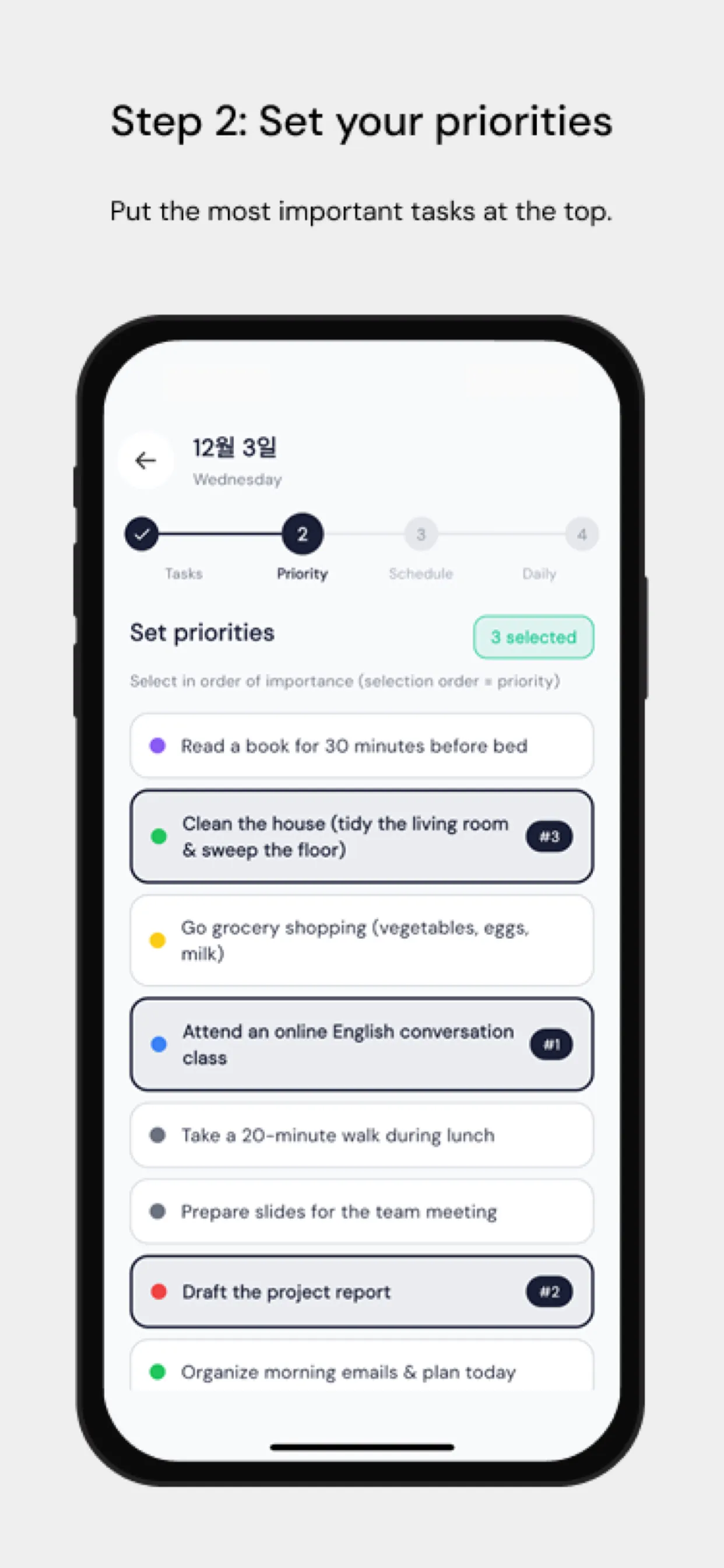
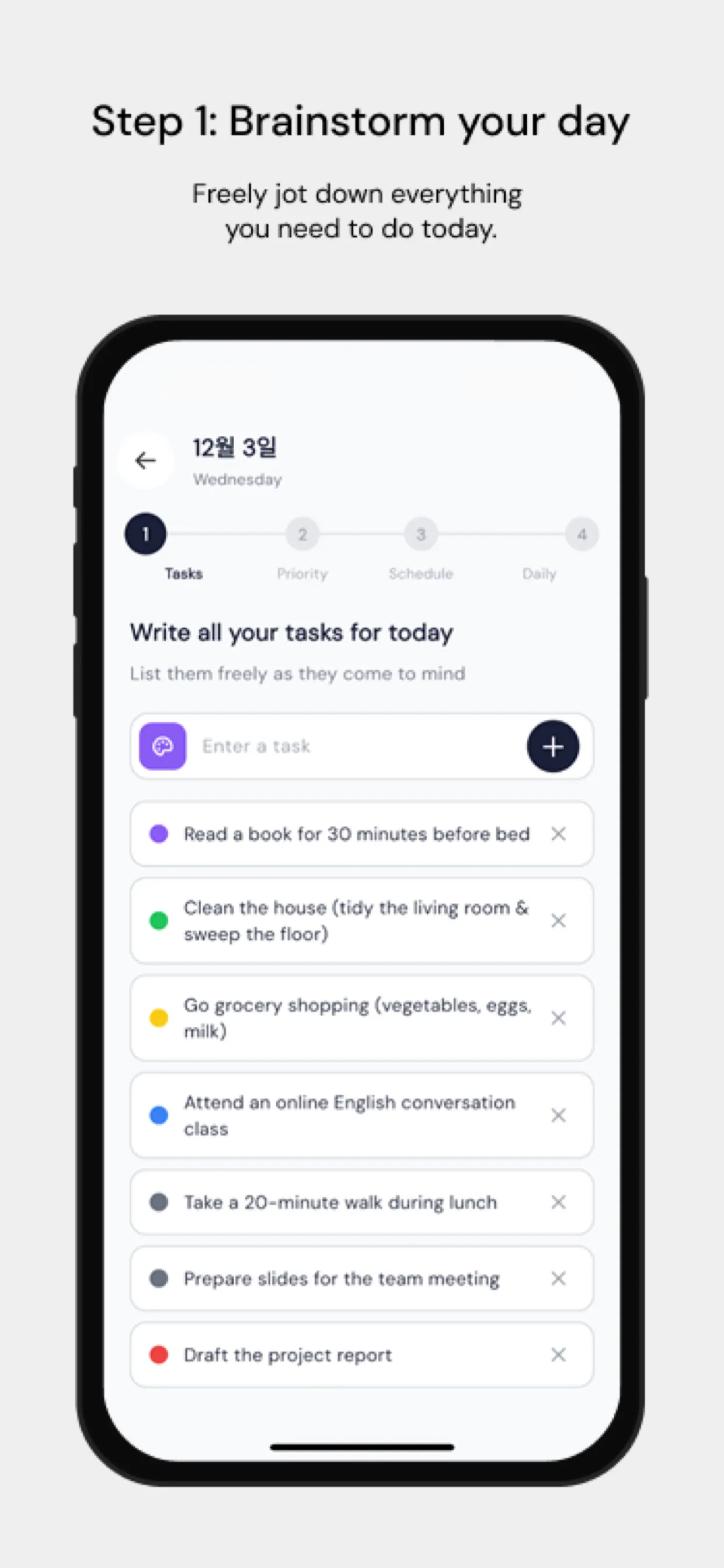
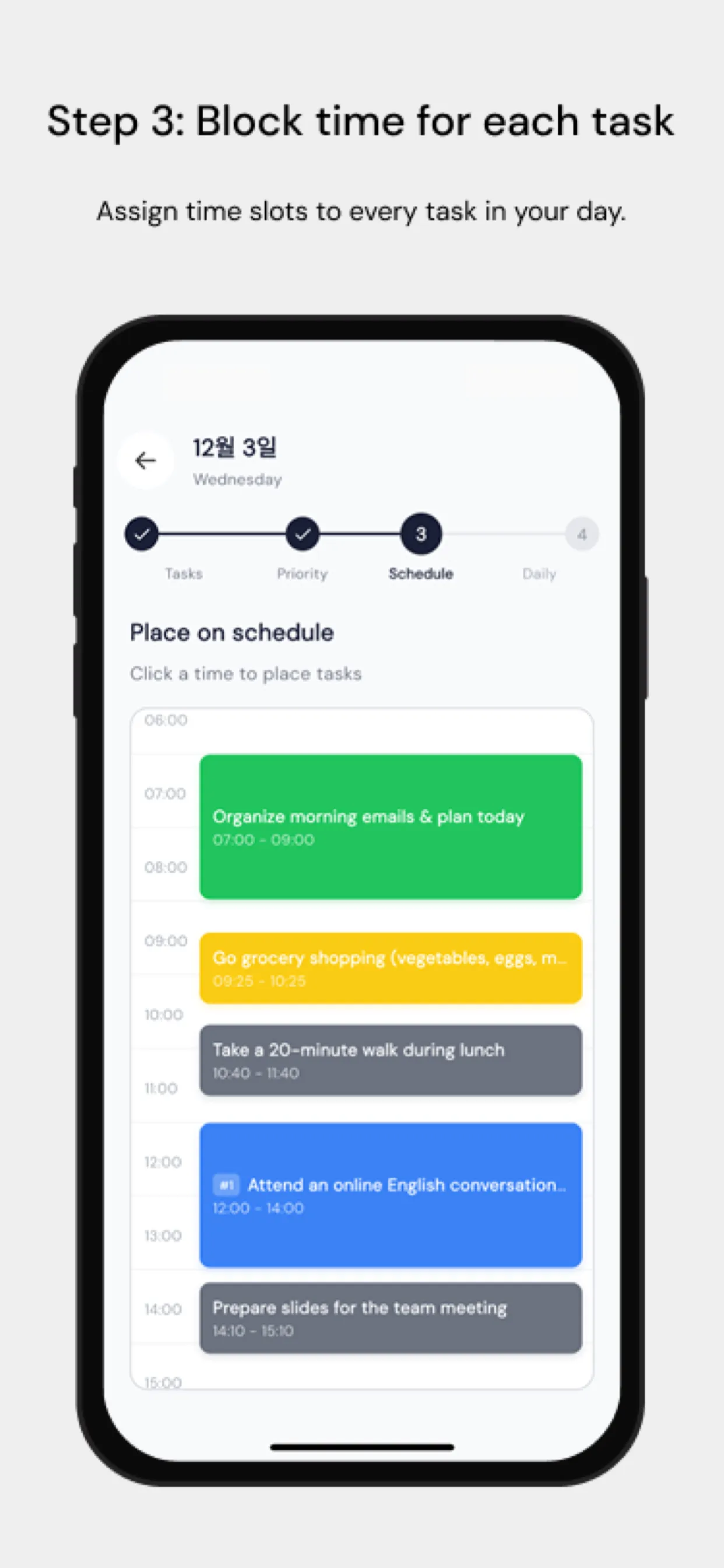
Nutze Chrobox vor jedem Meeting, um deine Vorbereitung zu timeboxen: 15 Minuten, um Unterlagen durchzugehen, 5 Minuten, um deine Gesprächspunkte aufzuschreiben. Timeboxe nach dem Meeting sofort deine Folgeaufgaben — Studien zeigen, dass die Erledigungsquote von Aufgaben um 40 % sinkt, wenn die Nachbereitung um mehr als eine Stunde verzögert wird.
Der Summeneffekt besserer Meetings
Teams, die strukturiertes Timeboxing in Meetings einführen, berichten typischerweise von:
- 25–40 % kürzeren Meetings
- höherer Entscheidungsqualität durch erzwungene Priorisierung
- weniger Frust und besserer Stimmung
- mehr Kalenderraum für tiefe, konzentrierte Arbeit
Beginne mit deinem nächsten wiederkehrenden Meeting. Führe eine Agenda mit Zeitangaben ein, bestimme eine Zeitwächterin oder einen Zeitwächter und miss nach vier Wochen den Unterschied.